 NASJI
NASJIDownload Nasjicad, the free CAD.
A full 2D CAD that opens and saves real DWG and DXF — for Windows, macOS and Linux, about 86 MB, with nothing to activate. Or skip the download entirely: the same program runs in your browser and installs from the address bar.
Nasjicad is the CAD software published by UPREPS LTD under the NASJI brand. This is its official download page. Manual CAD tools are free; optional AI features require an account and a paid plan or credits.
Install as an app: In Chrome or Edge, click the install icon at the right end of the address bar, or the Install app pill inside Nasjicad. It then opens in its own window, from the Start menu or the Dock, and works with no connection.
Free, no account. The desktop program is version 1.0.41 — the browser version is always current.
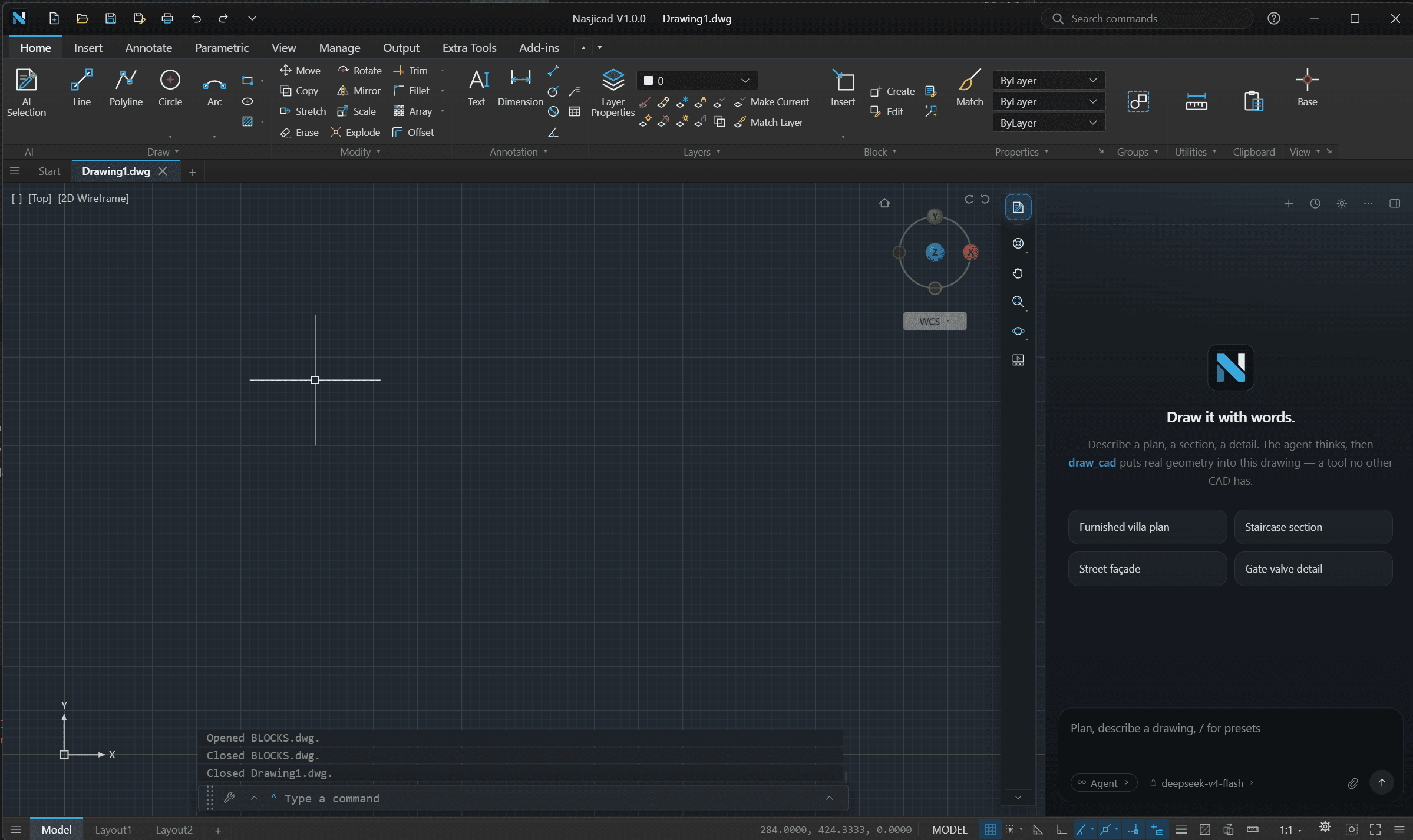
The NASJI CAD desktop application with a mechanical drawing open.
Or nothing to download at all
A few megabytes of script and a canvas, kept in the browser after the first visit. No installer, no administrator, no “protected your PC” screen.
Works with no connection
Once installed, the drawing tools run from the device itself. Only the agent, sign-in and file conversion need the network — and they say so when it is off.
Always the current build
A new version is picked up on the next visit, in the background. Nothing to re-download, nothing to run over the old one.
Desktop app (Windows / macOS / Linux)
The same CAD as a program on your disk: it registers .dwg and .dxf, shows a drawing’s picture as its thumbnail in Explorer, and takes the biggest files in its stride. Version 1.0.41, free and unlimited — only the agent signs in.
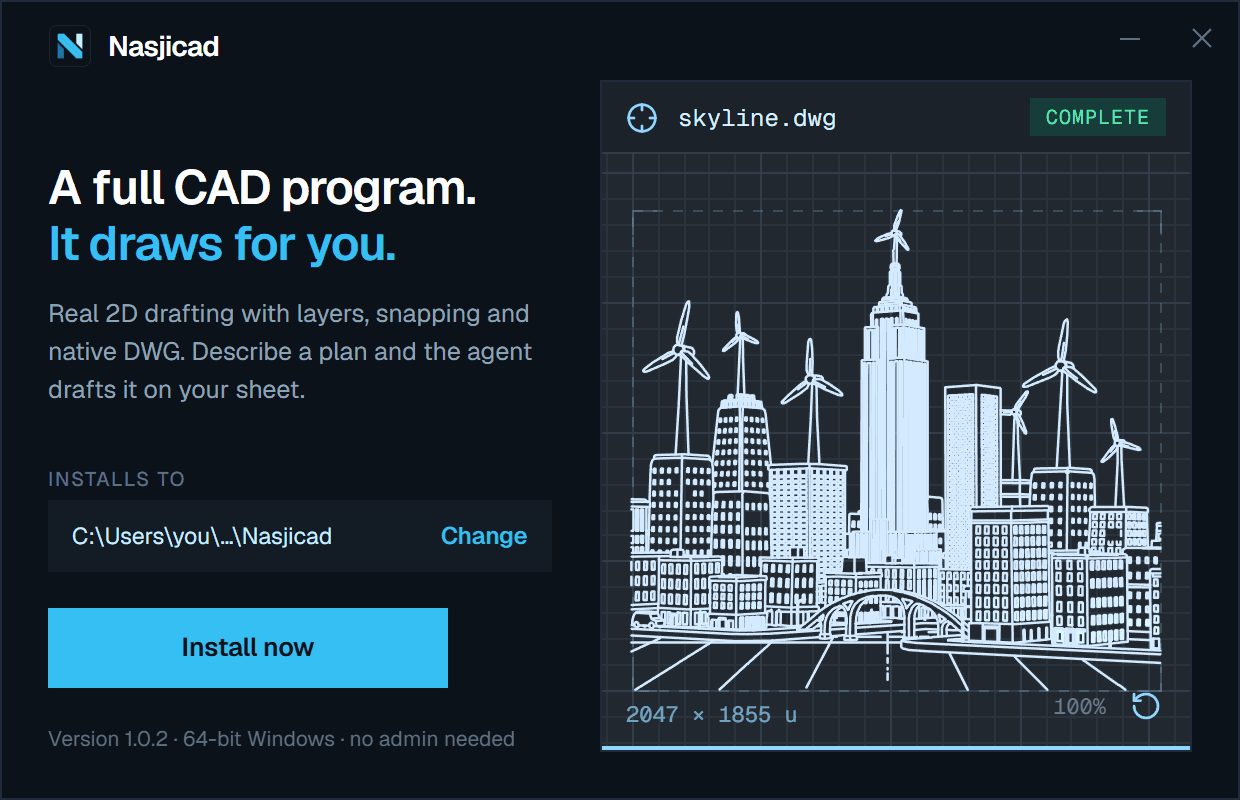
The Windows installer: one page, one button, and it draws while you decide.
Windows
Windows 10 or 11, 64-bit.
- Installs for your user alone — no administrator rights, no prompt for a password. It goes to your local programs folder unless you choose another on the first page.
- Code-signed, with the publisher’s verified name on the installer. A new signature earns Windows’ trust through clean installs, so for a while the “protected your PC” screen may still appear: choose More info, then Run anyway. The browser version never shows it.
- It registers itself for .dwg and .dxf, with its own icon on the files, so a double-click opens the drawing. Where another program already holds the type, the first launch offers to make Nasjicad the default in one click.
- Every drawing it saves carries a picture of itself, and Explorer shows that picture as the file’s thumbnail instead of an icon.
- It lands on the Start menu and the desktop. Remove it from Settings ▸ Apps like any other program.
Nasjicad-1.0.41-win-x64.exe · 85.7 MB
SHA-256 8bd62fb33a7048dc4a4a8005a55bc8584a89138e59303566233072638bb6add4
Linux · x86-64 / amd64
Download for Linux / Ubuntu
64-bit x86 Linux. The .deb package is intended for Ubuntu 22.04/24.04 and compatible Debian-based desktops. ARM devices are not supported by these packages.
Manual drafting is free and needs no account. AI work needs internet access; ordinary local editing works offline.
Linux installation guideNasjicad-1.0.41-linux-amd64.deb · 88.7 MB
SHA-256 c72283f9bd88ce1d0940f653406d2020b2a3832e3adc31591ac0bf3b522f5f5a
Nasjicad-1.0.41-linux-x86_64.AppImage · 112.3 MB
SHA-256 5df3592e554c3db59888648774e89f5c37781e3e43b4f51b75860f203cfafd25
macOS
macOS 13 or later, Apple silicon or Intel. Two builds: pick the chip your Mac has — the Apple menu ▸ About This Mac says which.
- Open the disk image and drag Nasjicad onto the Applications folder.
- Signed with a Developer ID and notarized by Apple, so it opens like any other app — no warning, no right-click.
- It claims .dwg and .dxf as their editor, so a double-click in Finder opens the drawing in Nasjicad.
Nasjicad-1.0.41-mac-arm64.dmg · 93.1 MB
SHA-256 d4bae54fe06f0d283776d7f284546263eb556ae3f4fb843b85ccbc3a6d04b0cb
Nasjicad-1.0.41-mac-x64.dmg · 99.2 MB
SHA-256 4b9a24619aa57a9e6bdd3955782f954e83f7a3a0ca92237cd9920df0c6efb6b8
Once it is on your device
Drawing needs nothing
No account, no connection. Your drawings are files, in DWG or DXF, and open in any CAD that reads them — from the browser they download; from the desktop app they save where you say.
The agent signs in
When you want it to draft for you, the app shows a short code and you confirm it here on the site. It then draws on your NASJI balance — no provider key is ever stored on your machine.
New versions
The browser version updates itself on the next visit. For the desktop app, a new build is a new file on this page: install it over the old one; your drawings and settings stay where they are.
To check a downloaded installer, compare its SHA-256 with the one printed above: certutil -hashfile <file> SHA256 on Windows, shasum -a 256 <file> on a Mac.