 NASJI
NASJIFree forever · No sign-up · No watermark

GIF to DWG Converter
Got a diagram trapped in an old .gif? Upload it and download a DWG of editable polylines — free, no sign-up, no watermark.
Drop images here, or click to choose
Conversion starts immediately. Up to 100 MB per file. You can also paste a screenshot
Need walls, not just lines? In Nasjicad you set the real scale free, and Trace Pro turns the plan into clean walls, doors and windows on layers. The preview is free.
Open in Nasji, let AI clean it upHow to convert GIF to DWG
Upload your GIF file
Drop your .gif on the converter, click to browse, or paste a screenshot with Ctrl+V.
We trace the lines
GIF's indexed palette is already close to binary, so thresholding barely has to guess — edges land where the original pixels put them.
Download a real DWG
You get a native 2018-format DWG with editable LWPOLYLINE geometry on its own A-SKETCH layer — editable geometry, ready to draft on, not a picture to trace again.
What you get: lines, not pictures
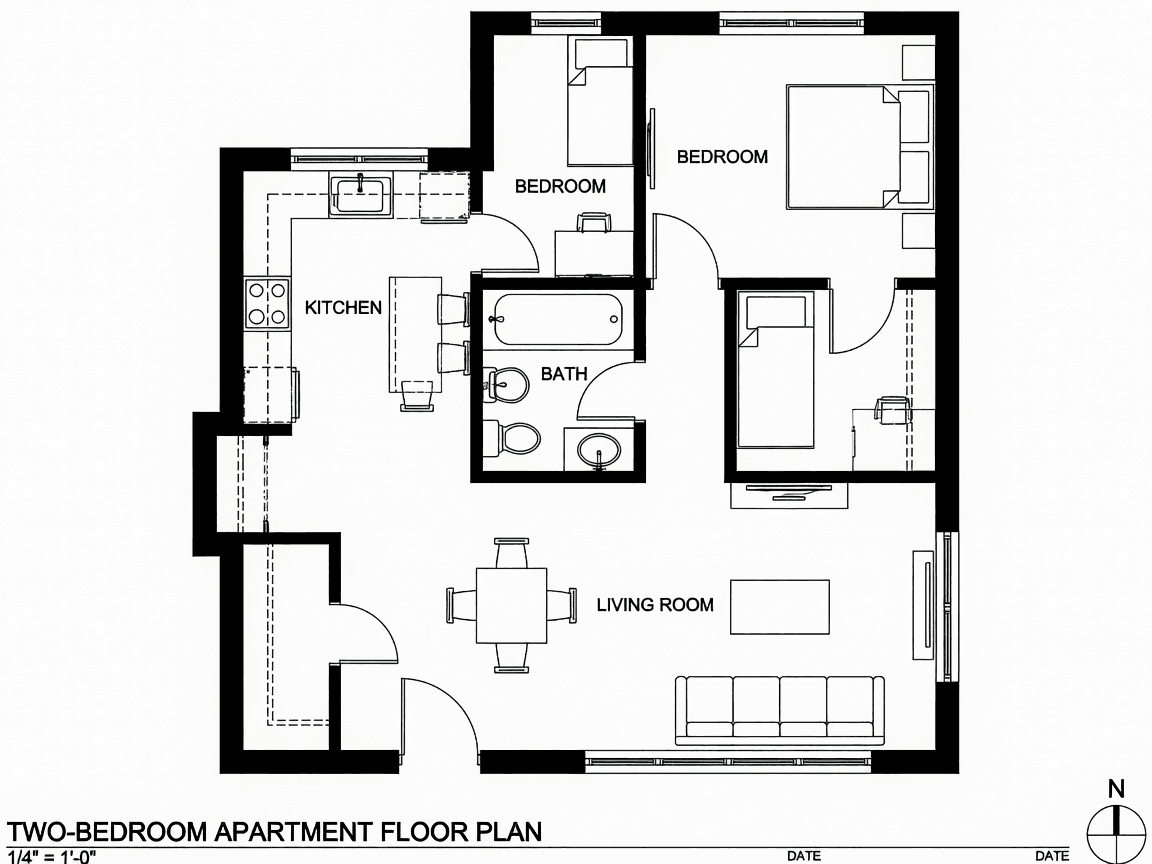
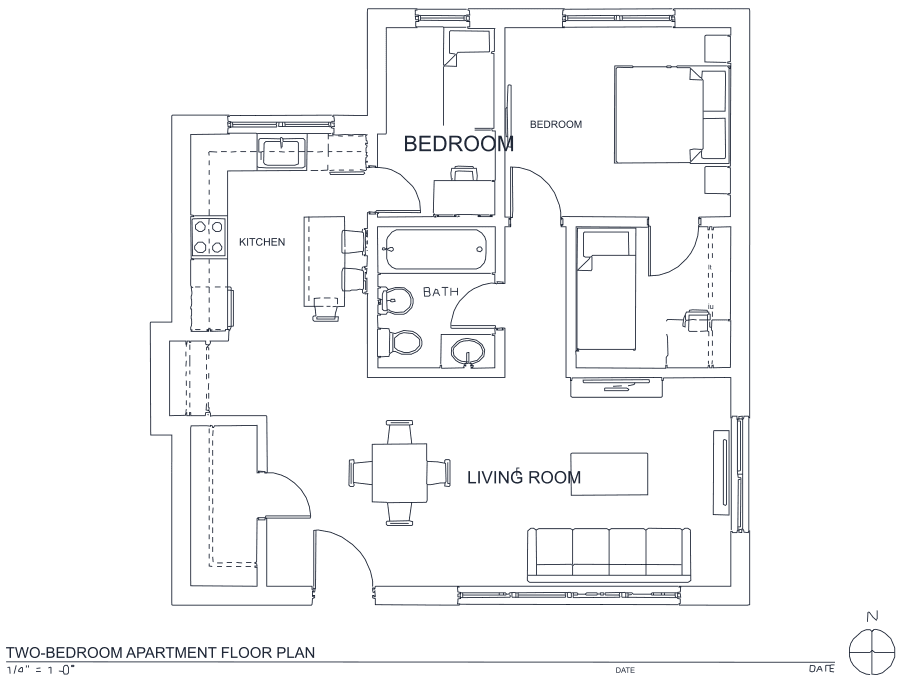
A floor plan with solid walls, furniture and text — and the CAD geometry this converter produces from it. Walls keep both faces, every thin line is a single editable polyline, and labels become real editable text.
About GIF to DWG conversion
GIF is a survivor. It is where two decades of technical documentation, forum attachments, manual scans and clip-art details still live, and a surprising amount of it is exactly the kind of content that vectorizes beautifully: flat black-on-white line diagrams with no gradients and no anti-aliasing to speak of. GIF's 256-colour indexed palette, usually seen as a limitation, is an advantage here — the image is nearly binary already, so the threshold has almost nothing to guess at and edges land precisely where the original pixels put them.
The real constraint is age, not format. Files from this era tend to be small — 400 or 600 pixels wide — and 600 pixels of detail is 600 pixels of detail no matter how good the tracer is. Fine hatching and small dimension text may simply not be resolvable. If the GIF is animated, only the first frame is converted; export the frame you actually want as PNG if the drawing appears later in the sequence.
Frequently asked questions
Convert from a script or an AI agent
The same conversion is one HTTP call — no key, no account, no rate limit. The full machine-readable spec lives at /llms.txt.
curl -X POST https://nasji.com/api/convert \
  -F "[email protected]" \
  -F "target=dwg" \
  -o drawing.dwg