 NASJI
NASJIFree forever · No sign-up · No watermark

GIF to DXF Converter
Upload a .gif diagram or piece of clip art and download it as a DXF of editable polylines for CAD, laser or CNC. Free, no account.
Drop images here, or click to choose
Conversion starts immediately. Up to 100 MB per file. You can also paste a screenshot
Need walls, not just lines? In Nasjicad you set the real scale free, and Trace Pro turns the plan into clean walls, doors and windows on layers. The preview is free.
Open in Nasji, let AI clean it upHow to convert GIF to DXF
Upload your GIF file
Drop your .gif on the converter, click to browse, or paste a screenshot with Ctrl+V.
We trace the lines
GIF's indexed palette is nearly binary already, so the threshold has almost nothing to decide and edges land on the original pixel boundaries.
Download a real DXF
You get an R2000 ASCII DXF with editable LWPOLYLINE geometry — the open CAD exchange format — editable geometry, ready to draft on, not a picture to trace again.
What you get: lines, not pictures
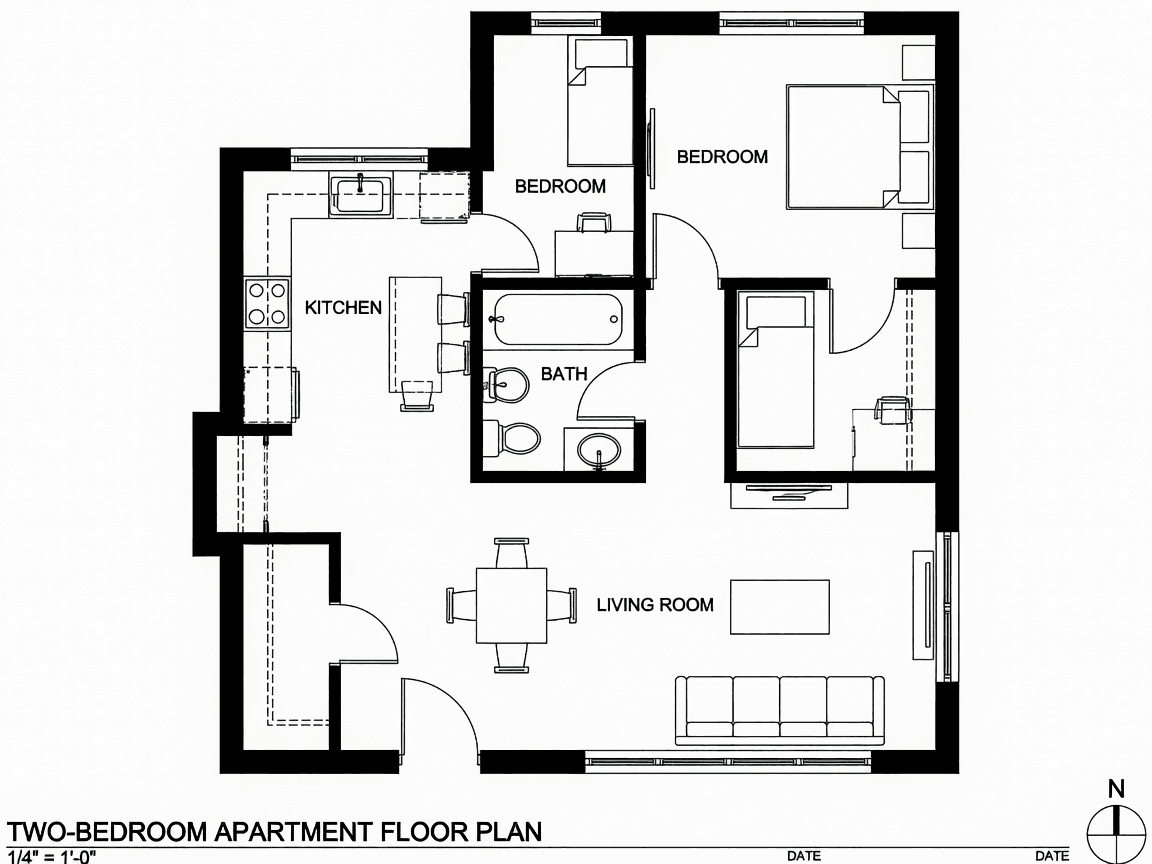
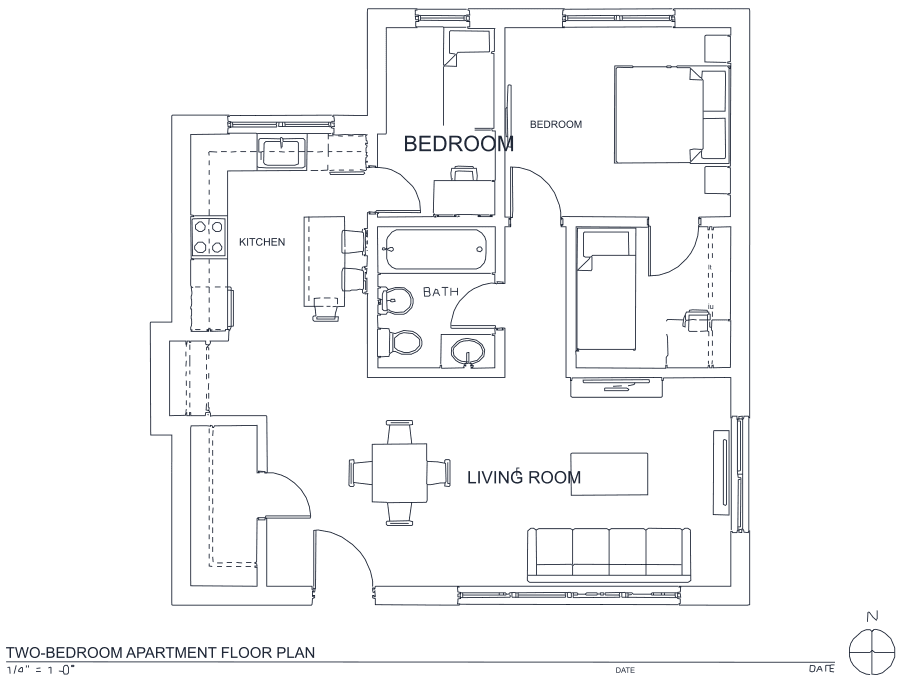
A floor plan with solid walls, furniture and text — and the CAD geometry this converter produces from it. Walls keep both faces, every thin line is a single editable polyline, and labels become real editable text.
About GIF to DXF conversion
GIF turns up in CAD workflows for two reasons, and they pull in opposite directions. The first is archaeology: old manuals, forum posts and documentation sites are full of flat black-on-white line diagrams saved as GIF, and those are near-ideal tracing input — lossless, no anti-aliasing to speak of, no compression artifacts to strip. The indexed palette that made GIF look dated is genuinely helpful here, because the image is close to binary before the threshold ever runs.
The second reason is craft: GIF clip art is a common source for laser and vinyl projects, where the shapes are solid rather than linear. Those trace as closed outlines along both real edges, which is exactly what a cutter needs. What limits both cases is the era's resolution. Files 400 to 600 pixels wide were normal, and 500 pixels cannot express fine hatching or small dimension text no matter what happens downstream. Animated GIFs convert their first frame only.
Frequently asked questions
Convert from a script or an AI agent
The same conversion is one HTTP call — no key, no account, no rate limit. The full machine-readable spec lives at /llms.txt.
curl -X POST https://nasji.com/api/convert \
  -F "[email protected]" \
  -F "target=dxf" \
  -o drawing.dxf