 NASJI
NASJIFree forever · No sign-up · No watermark

TIFF to DXF Converter
Drop a .tiff or .tif scan below and download a DXF of editable polylines for CAD, laser cutting or plasma. Free, unlimited, no account.
Drop images here, or click to choose
Conversion starts immediately. Up to 100 MB per file. You can also paste a screenshot
Need walls, not just lines? In Nasjicad you set the real scale free, and Trace Pro turns the plan into clean walls, doors and windows on layers. The preview is free.
Open in Nasji, let AI clean it upHow to convert TIFF to DXF
Upload your TIFF file
Drop your .tiff on the converter, click to browse, or paste a screenshot with Ctrl+V.
We trace the lines
Bilevel Group 4 scans need no threshold guess at all, so cleanup concentrates on removing scanner speckle before the linework is walked.
Download a real DXF
You get an R2000 ASCII DXF with editable LWPOLYLINE geometry — the open CAD exchange format — editable geometry, ready to draft on, not a picture to trace again.
What you get: lines, not pictures
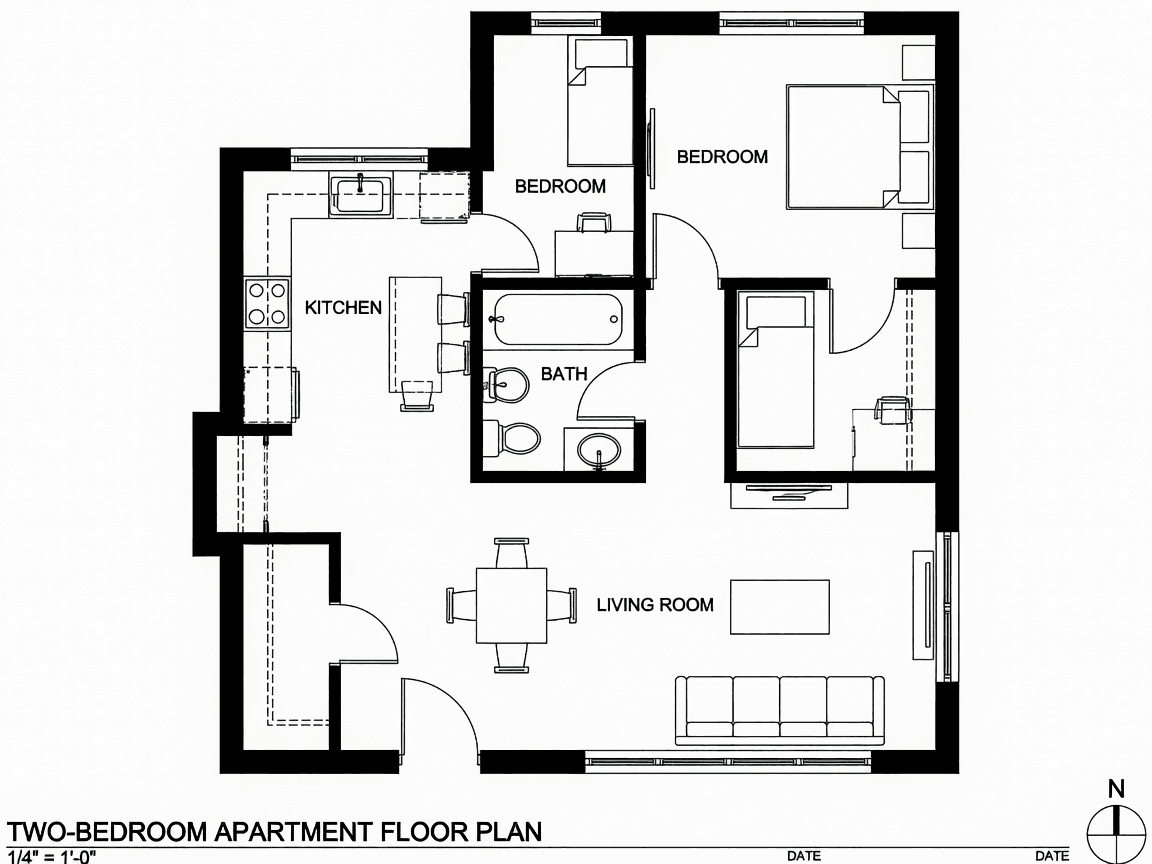
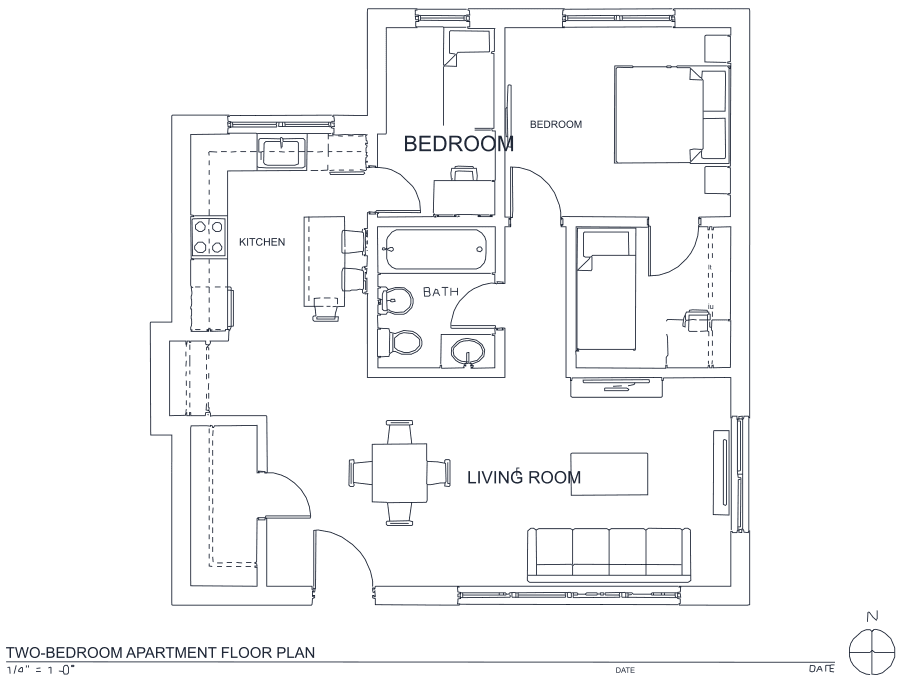
A floor plan with solid walls, furniture and text — and the CAD geometry this converter produces from it. Walls keep both faces, every thin line is a single editable polyline, and labels become real editable text.
About TIFF to DXF conversion
TIFF is what scanners emit when someone is being careful. Wide-format blueprint scanners, records offices and document management systems all standardised on it, typically with CCITT Group 4 compression — lossless, bilevel and remarkably small for line work. That combination is close to the ideal input for producing cut paths: the image is already pure black and white, so there is no threshold decision to get wrong and the cleanup pass can concentrate on removing scanner speckle rather than negotiating with grey tones.
The practical caveats are container-shaped rather than image-shaped. Both .tif and .tiff are the same format and are accepted identically. More importantly, TIFF can hold many pages in one file and drawing archives use that constantly, so a scanned sheet set arrives as a single upload — of which only the first page is converted. Split it first; conversions are free and unlimited, so a twelve-sheet set costs nothing but twelve uploads. Output is R2000 ASCII DXF, which old plasma and laser controllers read as readily as current CAD.
Frequently asked questions
Convert from a script or an AI agent
The same conversion is one HTTP call — no key, no account, no rate limit. The full machine-readable spec lives at /llms.txt.
curl -X POST https://nasji.com/api/convert \
  -F "[email protected]" \
  -F "target=dxf" \
  -o drawing.dxf