 NASJI
NASJIFree forever · No sign-up · No watermark

SVG to DXF Converter
Upload an .svg design and download a DXF of plain polylines your laser, router or vinyl cutter will actually accept. Free, no sign-up, no watermark.
Drop images here, or click to choose
Conversion starts immediately. Up to 100 MB per file. You can also paste a screenshot
How to convert SVG to DXF
Upload your SVG file
Drop your .svg on the converter, click to browse, or paste a screenshot with Ctrl+V.
We trace the lines
The SVG is rendered at 300 DPI so hairline strokes survive, then re-vectorized into plain polylines with no gradients, masks or font dependencies left.
Download a real DXF
You get an R2000 ASCII DXF with editable LWPOLYLINE geometry — the open CAD exchange format — editable geometry, ready to draft on, not a picture to trace again.
What you get: lines, not pictures
A floor plan with solid walls, furniture and text — and the CAD geometry this converter produces from it. Walls keep both faces, every thin line is a single editable polyline, and labels become real editable text.
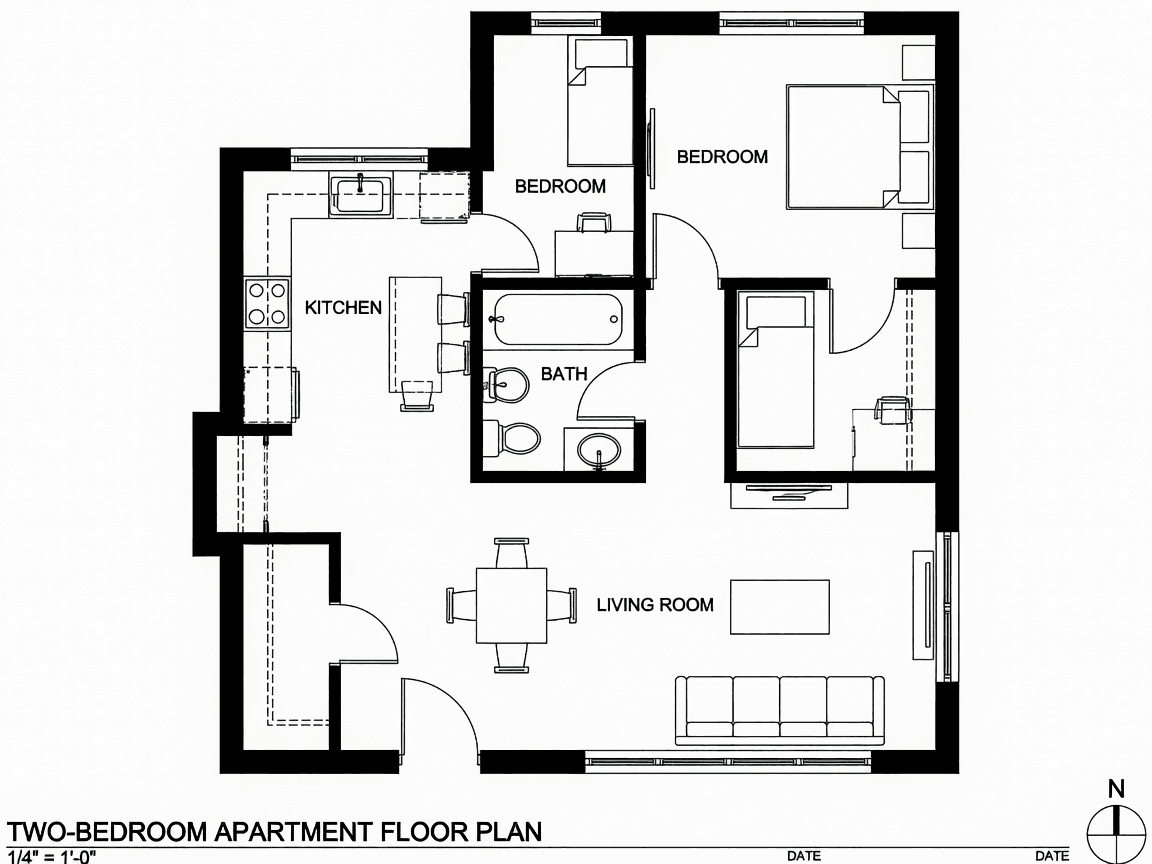
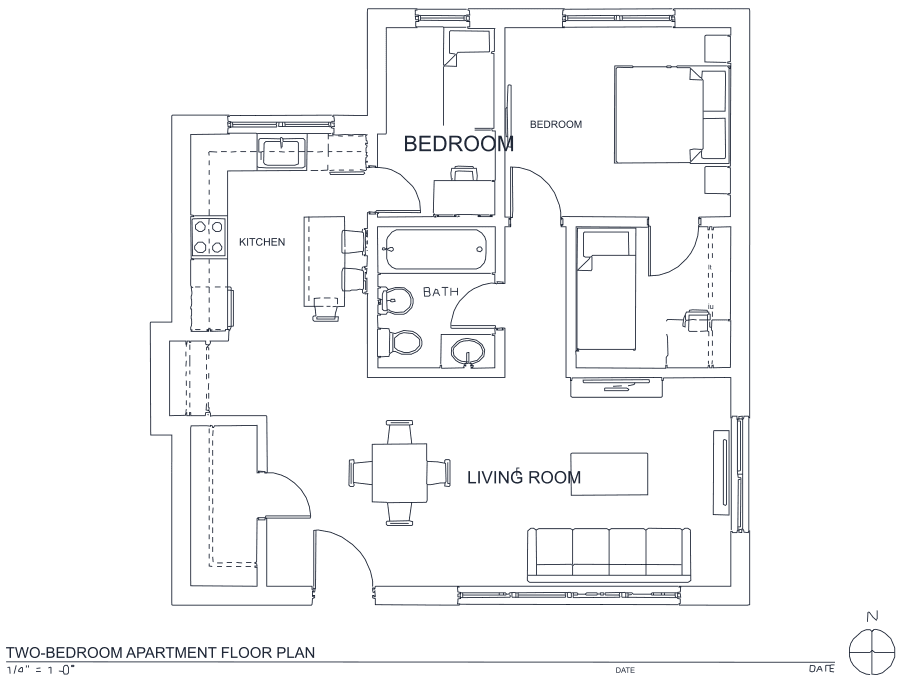
About SVG to DXF conversion
SVG to DXF is the busiest crossing between the design world and the fabrication world. Laser patterns, vinyl designs, logos and icons are authored in Illustrator, Inkscape or Figma and exported as SVG; LightBurn, VCarve, plasma controllers and CAD packages want DXF. Both are vector formats, which makes the conversion sound trivial and is precisely why so many attempts at it disappoint — the two formats overlap far less than they appear to.
SVG carries gradients, clip paths, masks, filters, opacity, patterns, nested transforms and text bound to fonts that may not exist elsewhere. DXF has none of it. A node-for-node translator must decide what to do with every unmappable feature, and Inkscape's DXF export is famous for producing files with parts missing or paths mangled. Rendering the SVG at 300 DPI and re-vectorizing trades node-perfect fidelity for a guarantee: whatever the source contained, what comes out is plain R2000 ASCII DXF polylines that open and cut correctly. Strokes become centerlines and filled shapes become closed outlines with both edges — the distinction that decides whether your laser makes one pass or two.
Frequently asked questions
Convert from a script or an AI agent
The same conversion is one HTTP call — no key, no account, no rate limit. The full machine-readable spec lives at /llms.txt.
curl -X POST https://nasji.com/api/convert \
  -F "[email protected]" \
  -F "target=dxf" \
  -o drawing.dxf