 NASJI
NASJIGuide · 5 minute read

Nasjicad — How to Open a DWG File
Someone sent you a .dwg and you do not have CAD software. Here is how to open it in the next minute — in your browser with nothing to install, on a phone, or with a free desktop program — and what to do when it refuses to open.
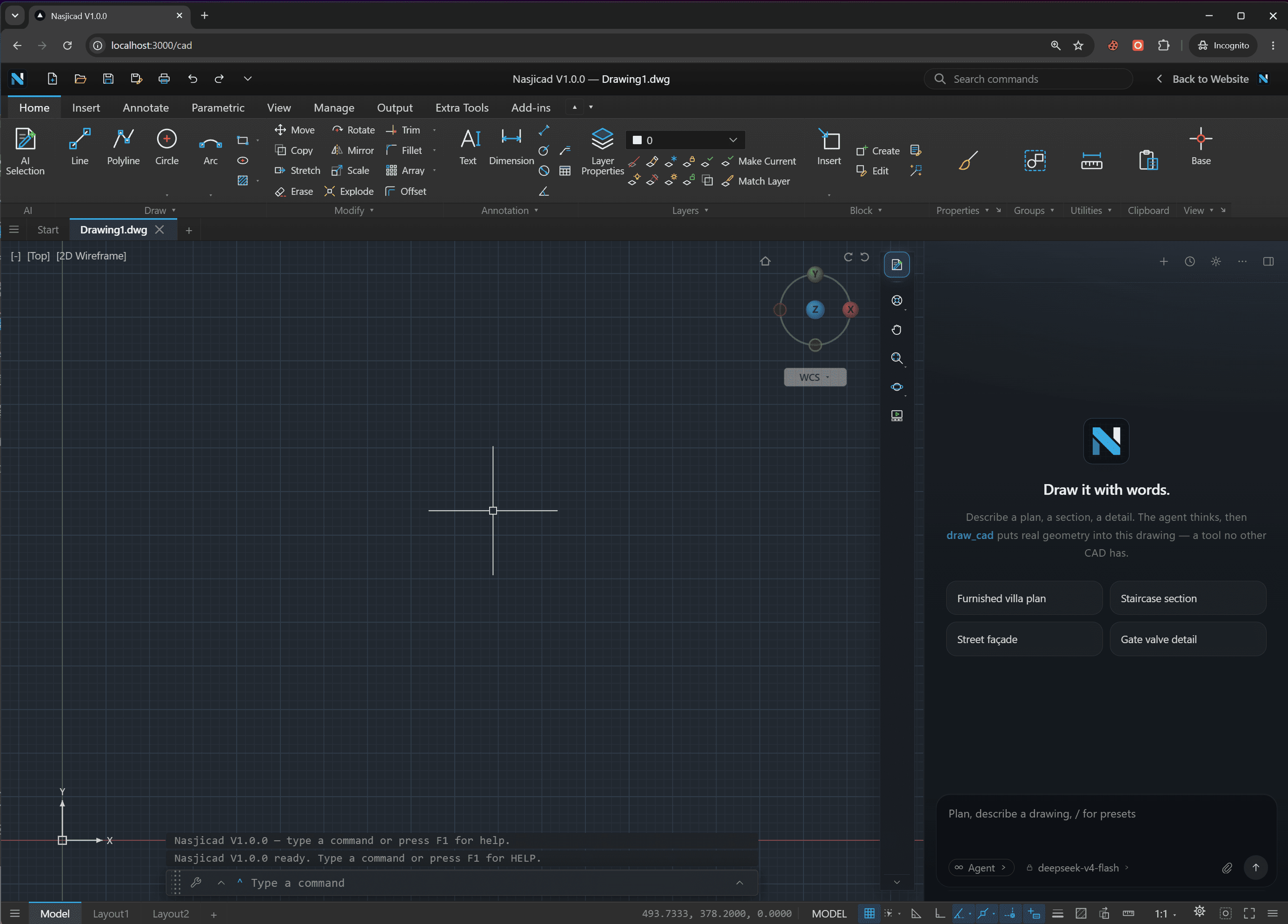
What opening it here looks like
The DWG opens in a real CAD, on whatever you are holding
Drop it on this page
Or pick it from Files, Drive or an e-mail attachment. It is decoded on your device: nothing is uploaded, no account is asked for.
Every layer and dimension, as drawn
Zoom to a detail, turn the furniture layer off, read a dimension in the file's own units, print the sheet to PDF.
Edit if you need to
It is the full Nasjicad with your file open. Move a wall, fix a label, save as DWG or DXF — or just look and close the tab.
The fastest way: open it in your browser
Go to the DWG viewer
Any browser on any device. Nothing to download, no account to create.
Choose or drop the .dwg
The file is kept in your browser's storage and opened by the CAD in the same tab — it is not uploaded.
Read, measure, print or edit
Zoom to a detail, measure a run, hide layers, plot to PDF, or change something and save it as DWG or DXF.
How to open a DWG file on each device
In a browser — any computer, no install
Open the free DWG viewer, drop the file. It opens on your machine in about a second, decoded by the browser tab itself. Windows, Mac, Linux, ChromeOS — anything with Chrome, Edge, Safari or Firefox. Because it is a full CAD, you can measure, print and edit, not just look. This is the answer for a one-off file, a locked-down work laptop, or a Chromebook.
Open the DWG viewerOn Windows — a free desktop CAD
For files you will open every day, offline work, or drawings over 100 MB, install the NASJI desktop app. It is the same program as the browser version, associates itself with .dwg so double-clicking a file opens it, and works without a connection. No account; a few clicks to install.
Download for WindowsOn a Mac
The browser viewer works in Safari as it does anywhere else, and the desktop app has a native macOS build for Apple silicon and Intel. Either way there is no subscription and no viewer-only limitation: measuring, layers, printing and saving are all there.
Download for macOSOn an iPhone, iPad or Android phone
Open the viewer page in Safari or Chrome, tap Open a file, and pick the DWG from Files, Drive, Dropbox or the e-mail it arrived in. The CAD switches to touch mode — one finger pans, two fingers zoom, and a loupe shows where a pick will land. Add the page to your home screen and it opens like an app.
Open on this phoneWhat a DWG file is, in one paragraph
A .dwg file is a CAD drawing in the native binary format used by most drafting software since 1982 — lines, arcs, text, dimensions and hatches, organised on layers and in blocks, with the settings that say how it should look and print. It is versioned: the first six bytes name the release that wrote it, from AC1009 (R12, 1992) to AC1032 (2018, still current). A program opens its own version and older, never newer. The full story is in the DWG format guide.
When the DWG will not open
“File is not a valid DWG” or “drawing file is too new”
The file was saved by a newer release than your program. Open it in the browser viewer, which reads every version, then Save As an older DWG or a DXF. The DWG to DXF converter does the same in one step without opening the drawing.
It opens, but it is empty
Zoom Extents first — the saved view may be on empty space. If still nothing: the drawing may live in a paper-space layout rather than model space, or the whole thing may be a single block that was never inserted. The viewer shows the entity count, which tells you whether the file has content at all.
It opens with missing parts or question marks
External references (xrefs) point to other files that were not sent with it; ask for them or for a bound copy. Missing fonts show as substituted text. Missing images show as a frame. None of these mean the file is broken.
It is enormous and slow
An 80 MB DWG is usually a 5 MB drawing plus unpurged blocks, images or add-on data. Open it — the browser viewer handles up to 100 MB, the desktop app more — purge, and save. It will be a fraction of the size.
If you only need to look, not open
Convert it. DWG to PDF gives a vector PDF on a sheet size of your choice; DWG to PNG and DWG to JPG give an image at the resolution you pick. All free, no account. The recipient gets a file that opens anywhere; you keep the DWG for whoever needs to work on it.
Open a DWG now
Opening DWG files — frequently asked questions
Open your DWG file now.
Free, no account, nothing uploaded. Windows, Mac, iPhone, iPad and Android.