 NASJI
NASJIFree forever · No licence · No watermark · Commercial use allowed
Nasjicad — Free CAD software that opens real DWG files
A full 2D CAD program — layers, snaps, blocks, dimensions, plotting and the command line you already know — that costs nothing and opens the DWG files everyone sends you. Use it in your browser right now, or install it on Windows or macOS.
No account to open a file. No card. Nothing uploaded.
The agent drafting a two-bedroom plan from one sentence — uncut.
Everything a paid CAD gives you, without the invoice
Free CAD software usually means a drawing toy: no real layers, no snaps, a file format nobody else can open. This is the other kind.
Layers, linetypes, colours
A real layer table with freeze, lock, colour and linetype per layer — the way every drawing office expects a file to be organised.
Object snaps and tracking
Endpoint, midpoint, centre, intersection, perpendicular, tangent, nearest. Polar and object tracking, ortho, a grid you can actually use.
Blocks and attributes
Insert, explode, redefine. Nested blocks and attribute text render and edit; 326 free blocks come with the site.
Dimensions and annotation
Linear, aligned, angular, radius, diameter, leaders and multiline text, on real dimension styles that follow the drawing's units.
Native DWG and DXF
Opens every DWG release from R12 to 2018 and saves DWG 2018 or DXF. The file you send a client opens in their program as if it came from it.
Plot to PDF, print to scale
Sheet sizes A4 to A0 and Letter, a chosen scale, colour or black lines, straight from the browser or the desktop app.
The command line you know
L, PL, C, A, TR, EX, O, M, CO, MI, DI, LA, Z — the aliases drafters type without looking. Nothing to relearn.
It draws from a description
Describe a plan, section or detail and the Nasjicad agent creates editable geometry. AI requires an account and a paid plan or credits; manual CAD is free.
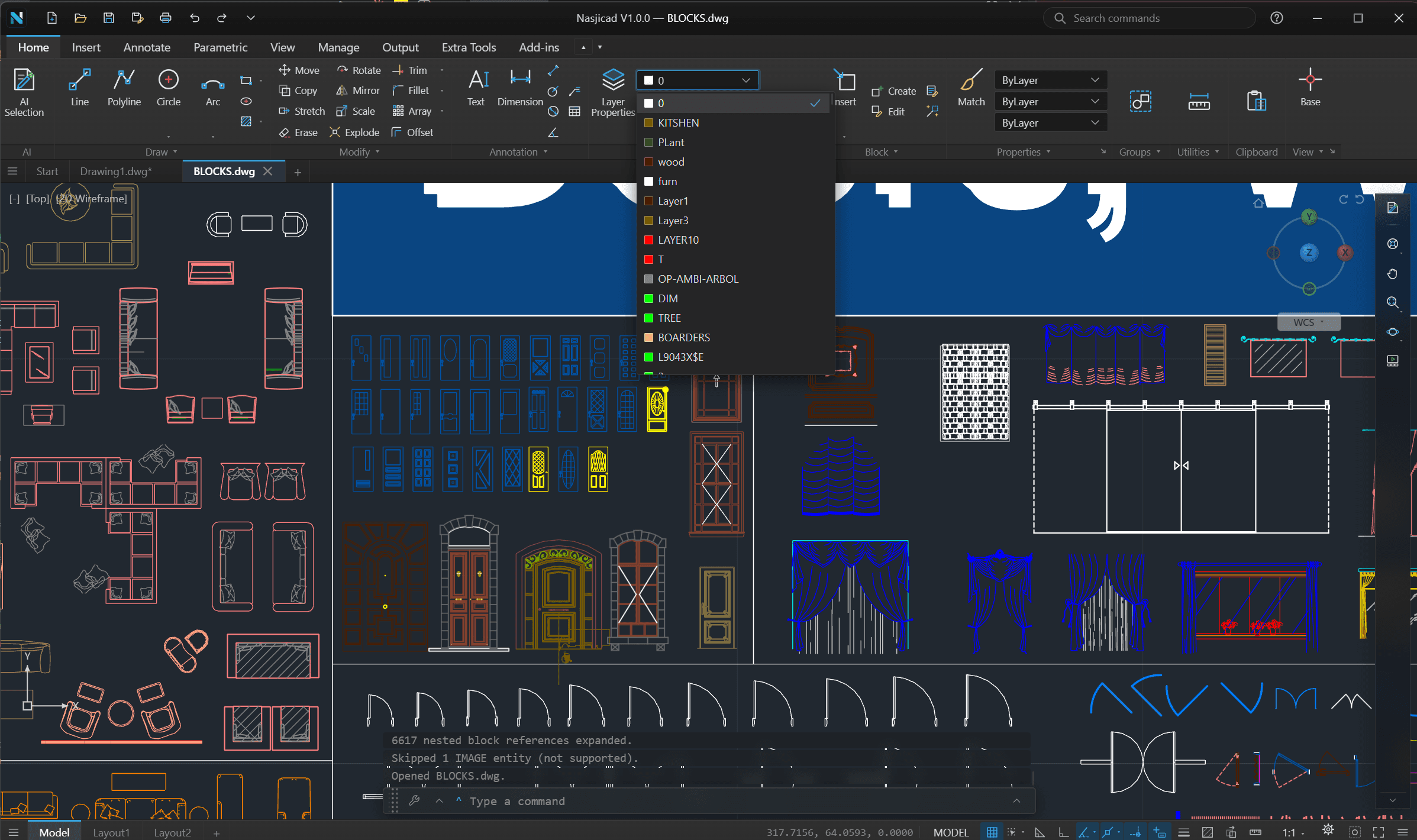
A real CAD, not a drawing toy
Real geometry on real layers
The drawing is the file
Lines, polylines, arcs, circles, hatches, dimensions and text — ordinary entities on a real layer table, saved as a real DWG.
Grips, snaps, tracking
Pick an endpoint, drag a grip, snap to an intersection. It behaves the way a drafter's hands expect.
Made for plans and details
Floor plans, sections, elevations, site plans, schematics, laser and CNC files. 2D, done properly.
Two ways to run it. Both complete.
The same program in both — not a crippled web preview of a paid desktop app.
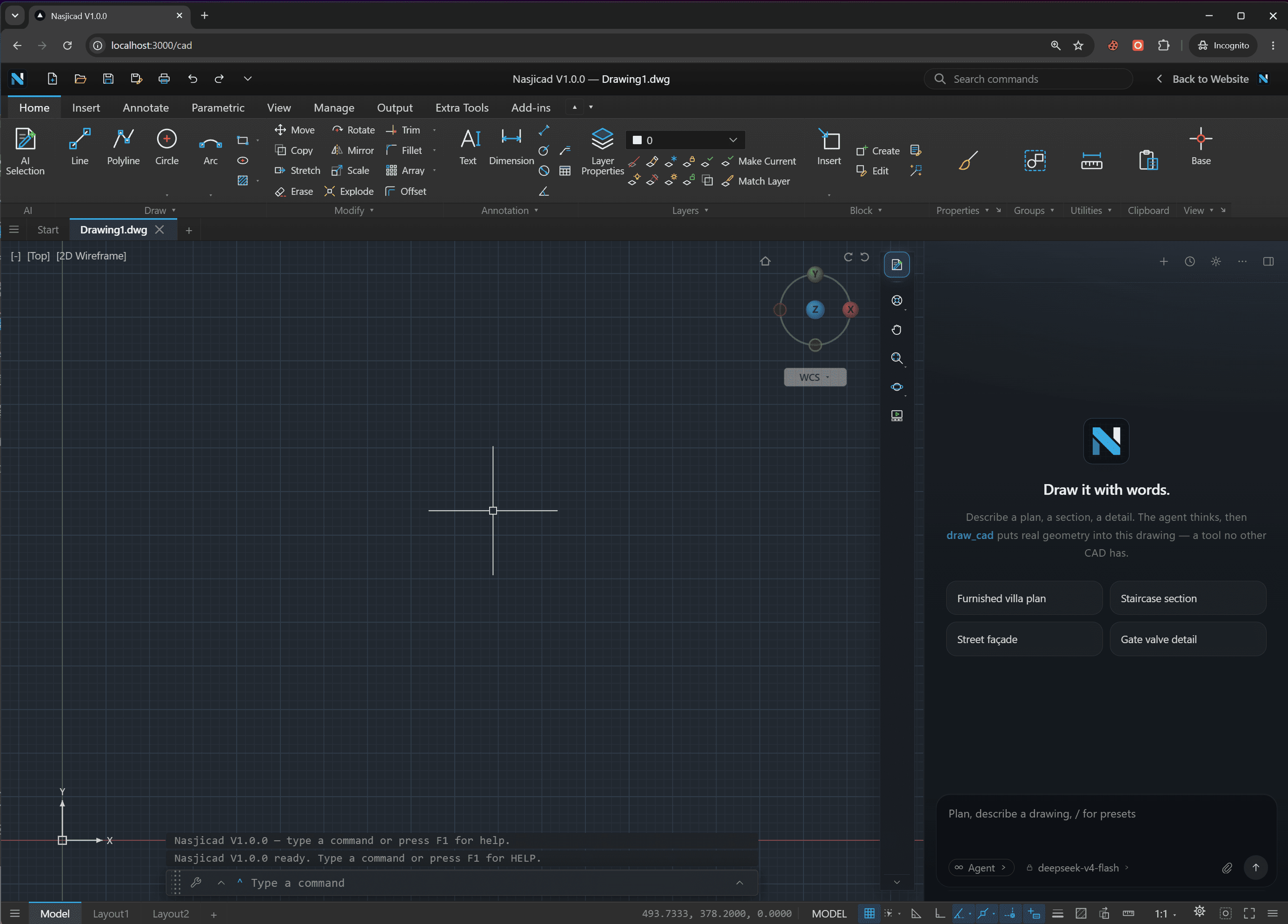
In the browser
Nothing to install and nothing to sign into. Open the tab and the sheet is waiting — on any machine, including one you do not own. Install it from the address bar and it works offline.
Open the web app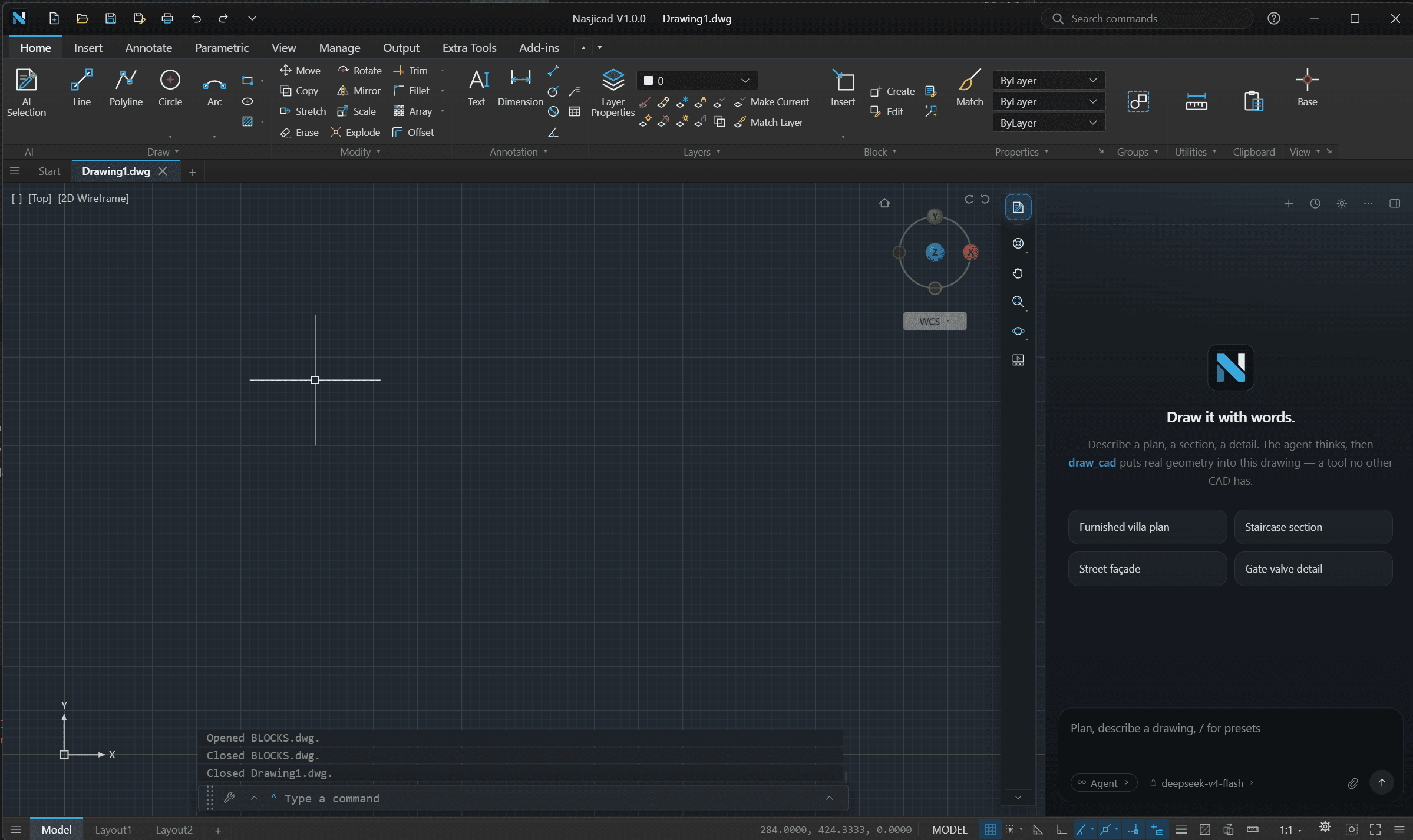
On your desktop
Registers .dwg and .dxf, opens files from Explorer or Finder, takes the biggest drawings in its stride. Windows 10 or 11, 64-bit · macOS 13 or later, Apple silicon or Intel.
Download for Windows or macOSThe safe alternative to a cracked copy
If you got here looking for a way to run the industry-standard CAD without paying for it: here is what that usually costs, and what this costs instead.
| The industry standard | A cracked copy | Nasjicad | |
|---|---|---|---|
| Price | Thousands a year, per seat | Free, until it costs you | Free, for personal and commercial use |
| Licence | Subscription, tied to a login | None — and illegal to run | None needed. No key, no activation |
| DWG and DXF | Native | Native | Native, R12 to 2018 in, 2018 out |
| Updates | With the subscription | Never, including security fixes | Automatic — the browser build is always current |
| Safety | Signed installer | Installers routinely carry malware | Clean installer with its SHA-256 published, or nothing to install at all |
| Runs on | Windows, macOS | Whatever the crack was built for | Any browser, Windows, macOS, phones and tablets |
| Draws from a description | No | No | Yes — optional paid AI |
A cracked installer is the most common way a drawing office picks up malware, and a cracked copy never gets a security fix. Nasjicad is free the legal way: nothing to activate, nothing to hide, and the installer’s checksum is printed on the download page so you can check what you got. Or skip the download entirely and use it in the browser.
The part no other CAD has
Say what you want drawn
A sentence in, geometry out
“Draw a 12 by 9 metre two-bedroom apartment” becomes walls, doors, furniture and labels on your sheet — ordinary entities you then edit like anything else.
Optional paid AI
Nasjicad manual CAD tools are free for personal and commercial use. Optional AI assistance requires an account and a paid plan or credits. See the pricing page for current plans and terms.
The CAD stays free either way
Never use the agent and nothing changes: the program is still the full CAD, still free.
Cold start in a browser, no cuts.
From a new tab to a drawn line, uncut
Opens in a second
A few megabytes of script and a canvas. No installer wizard, no administrator prompt, no licence server to reach.
Your files stay yours
A drawing you open never leaves your device: it is decoded in your browser. Nothing is stored, shared or versioned on a server.
Same commands, same habits
Type L, TR, O, DLI at the command line. Snaps, ortho, layers and the ribbon are where a drafter expects them.
Free CAD software — questions people ask
Open it and draw a line.
That is the whole onboarding. Nothing to sign, nothing to install unless you want to, nothing to cancel later.