NASJI

Industrial CAD blocks

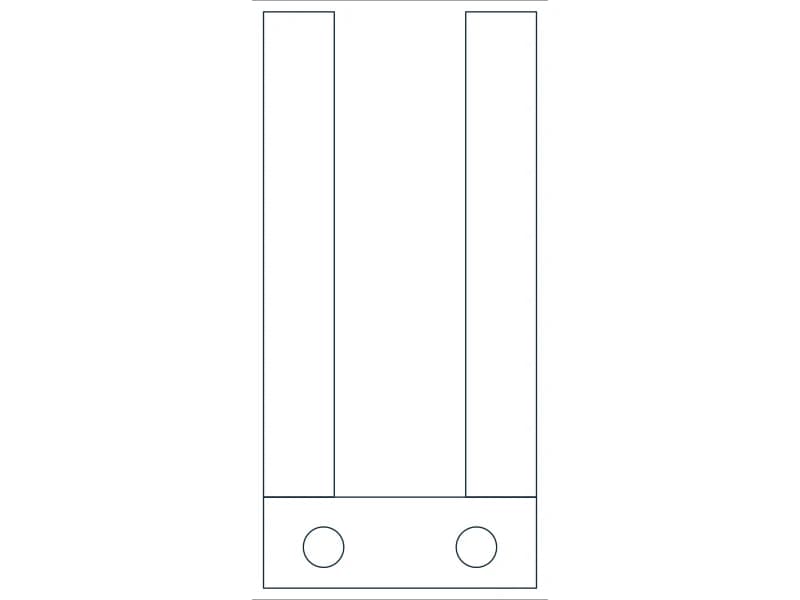
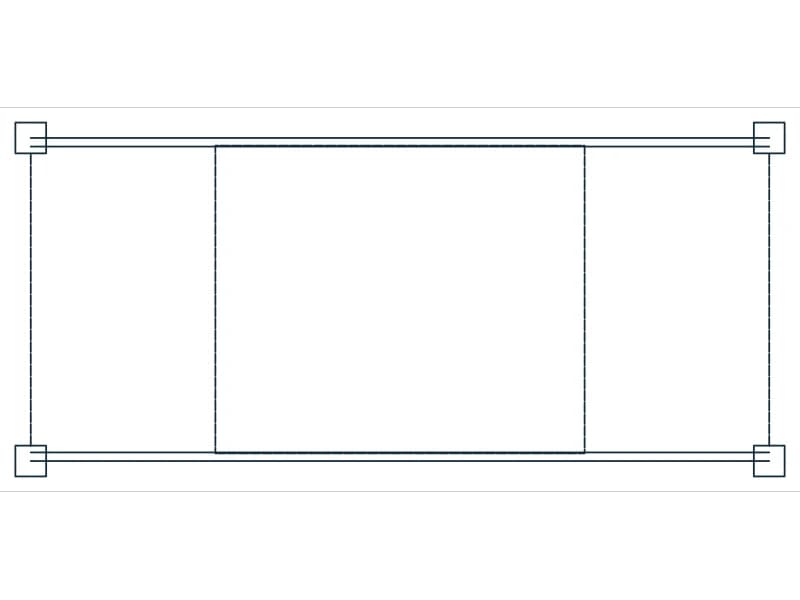
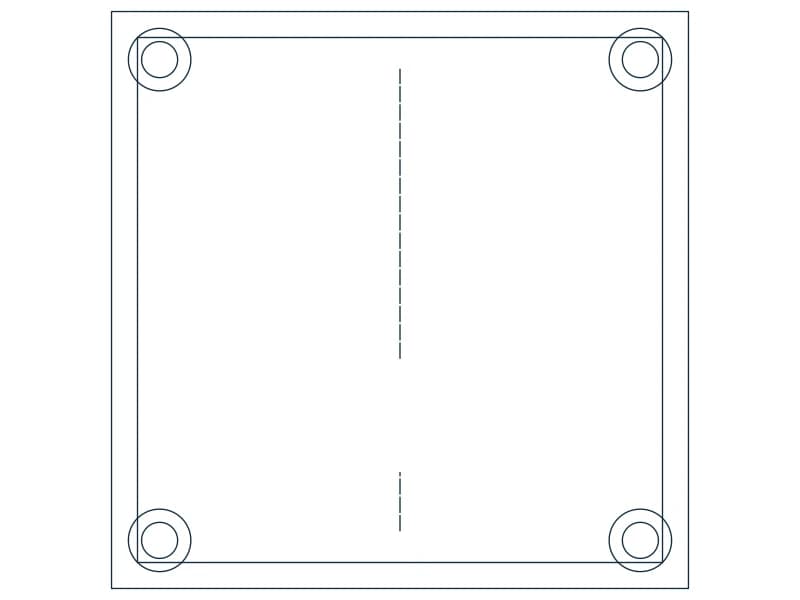
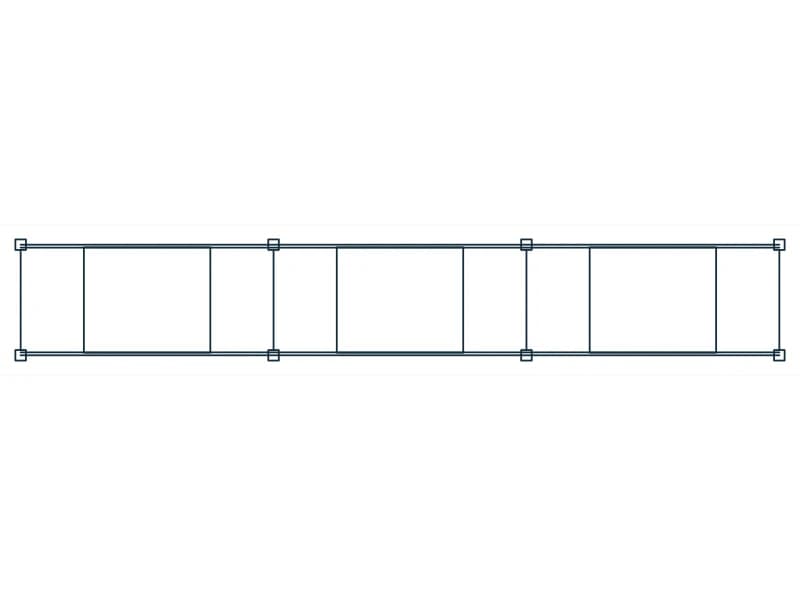
32 industrial CAD blocks, each a native DWG you can download as it is or as DXF, and open in NASJI's free browser CAD with one click. The collection covers table and more.

Every block is plain 2D geometry on named layers — lines, arcs, polylines and text — so it inserts cleanly into any drawing and can be exploded and edited.

32 blocks · every one as DWG and DXF · free, no sign-up

Blocks
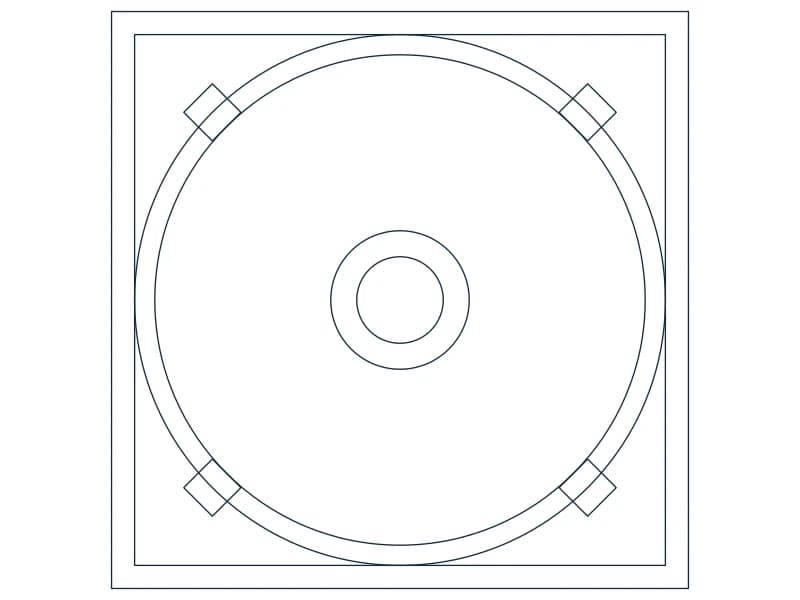
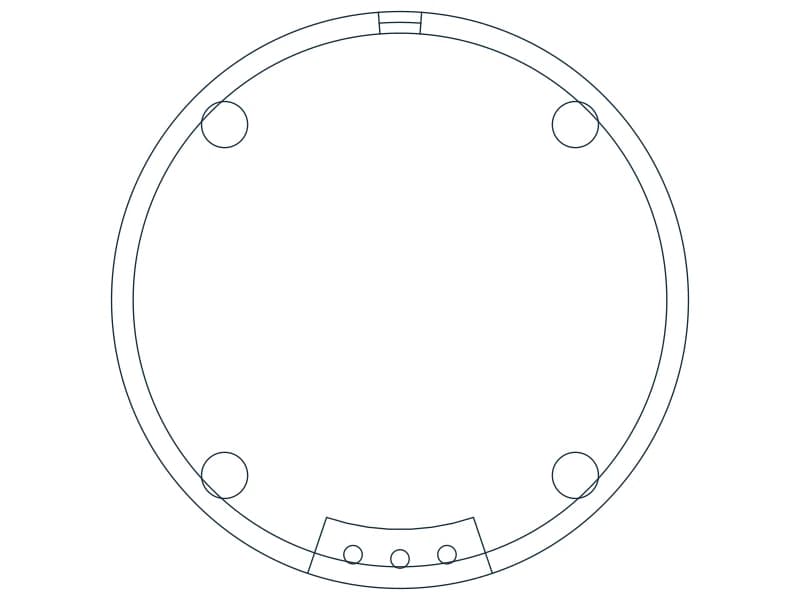
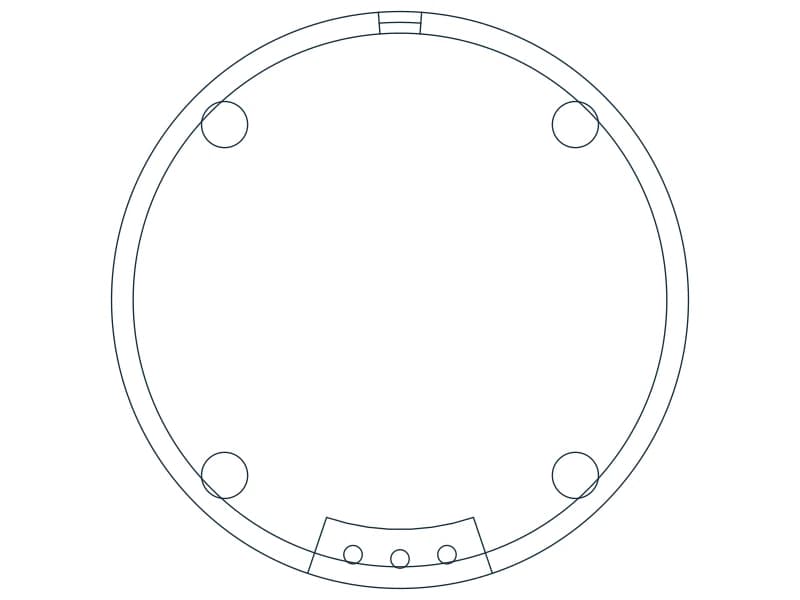
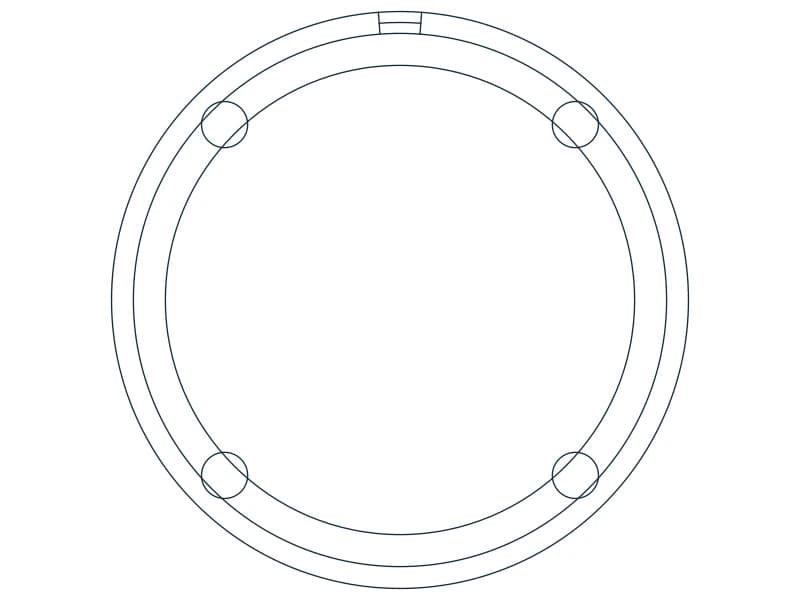
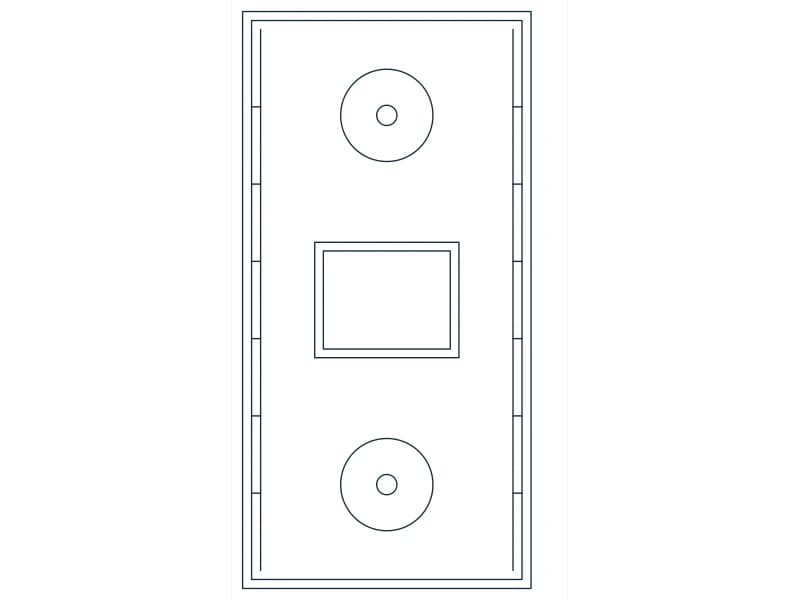
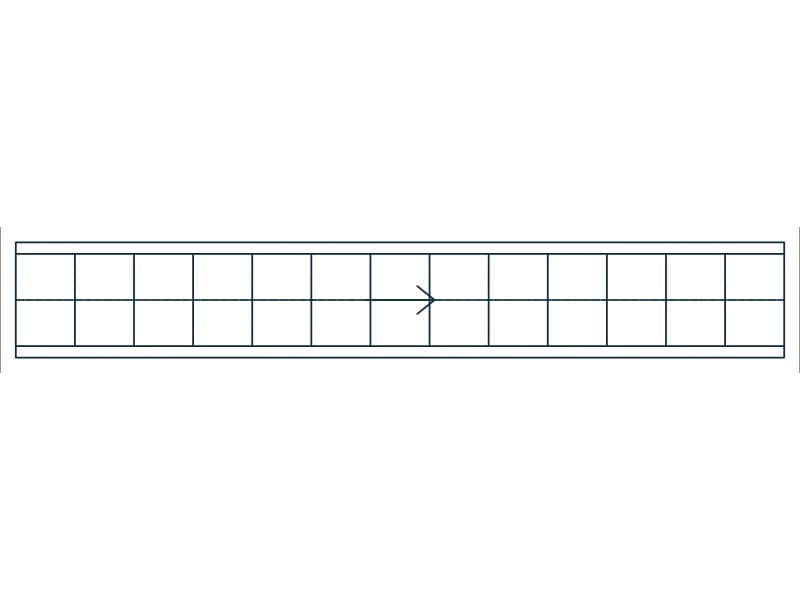
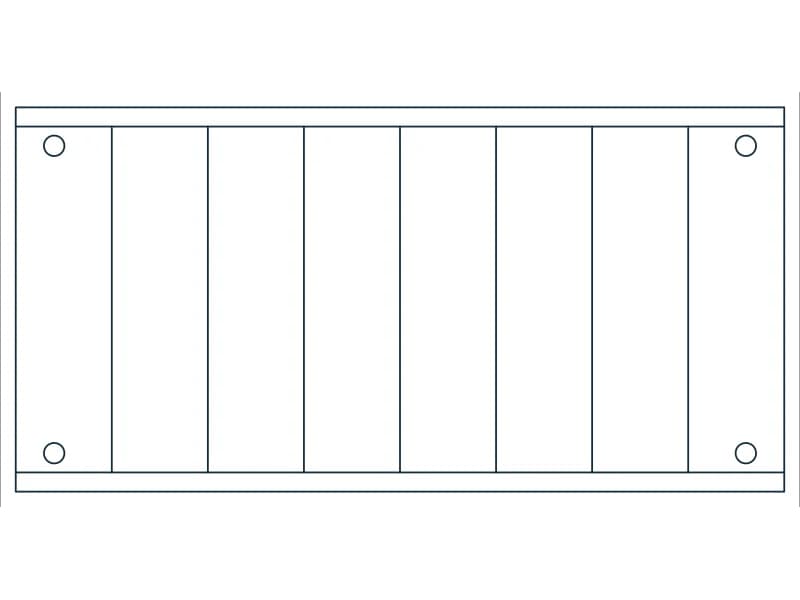
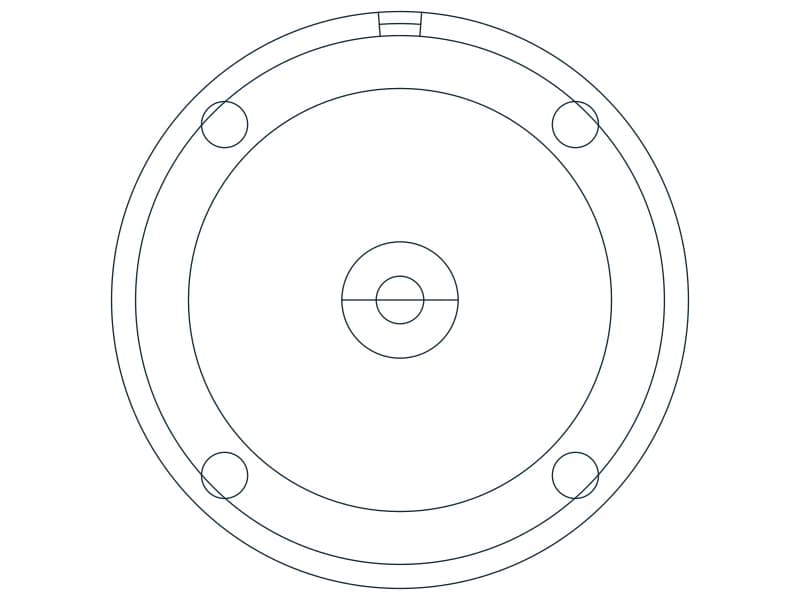
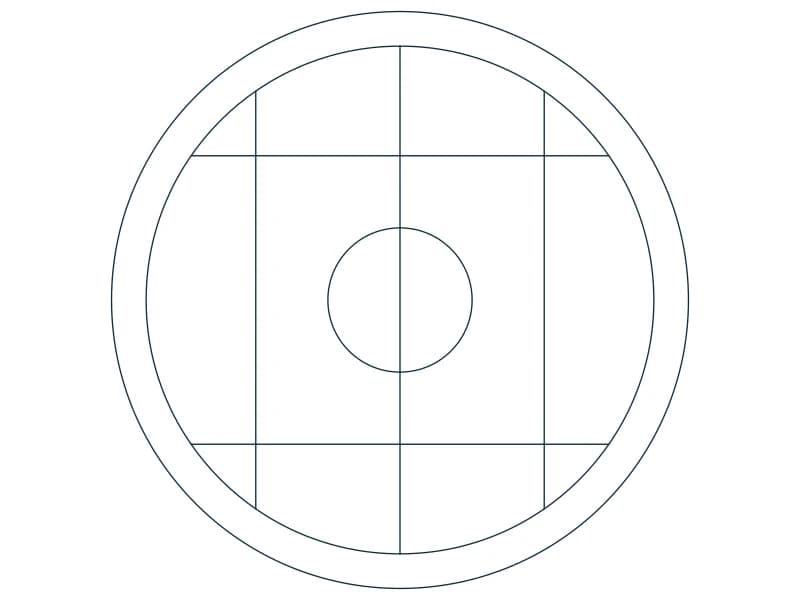
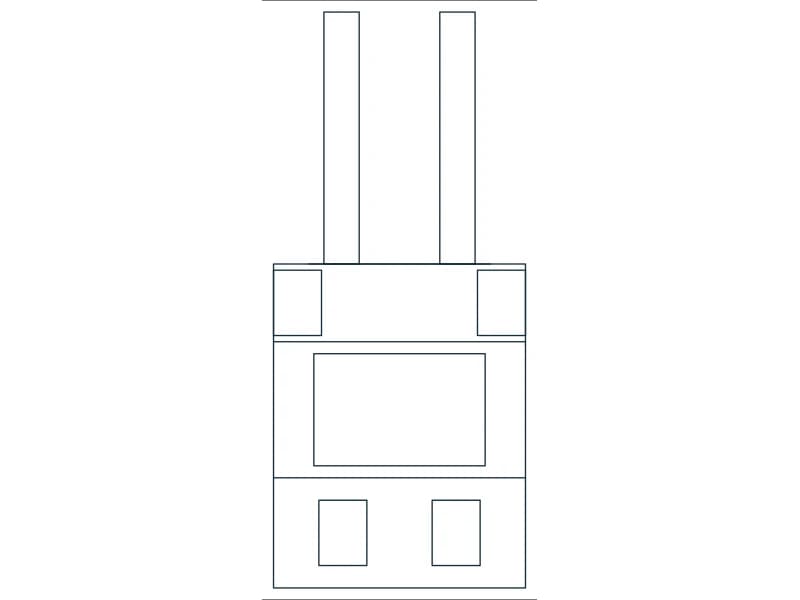
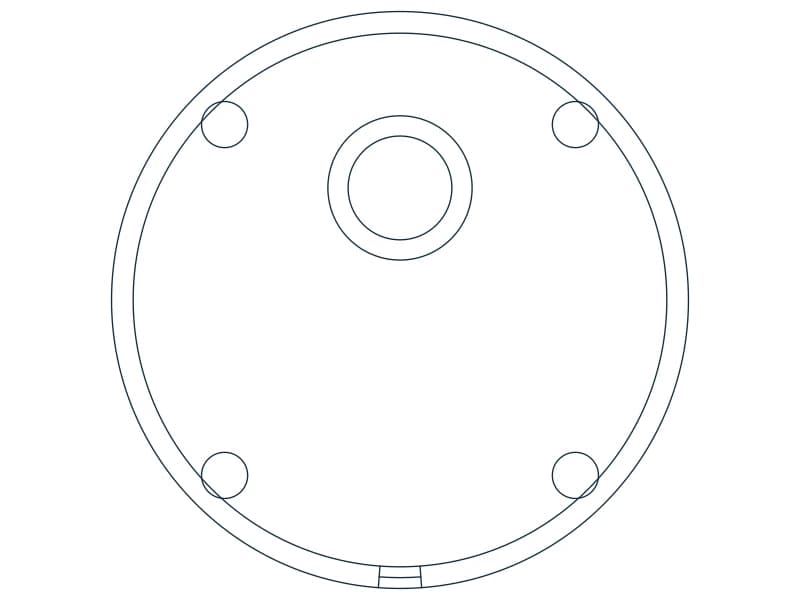
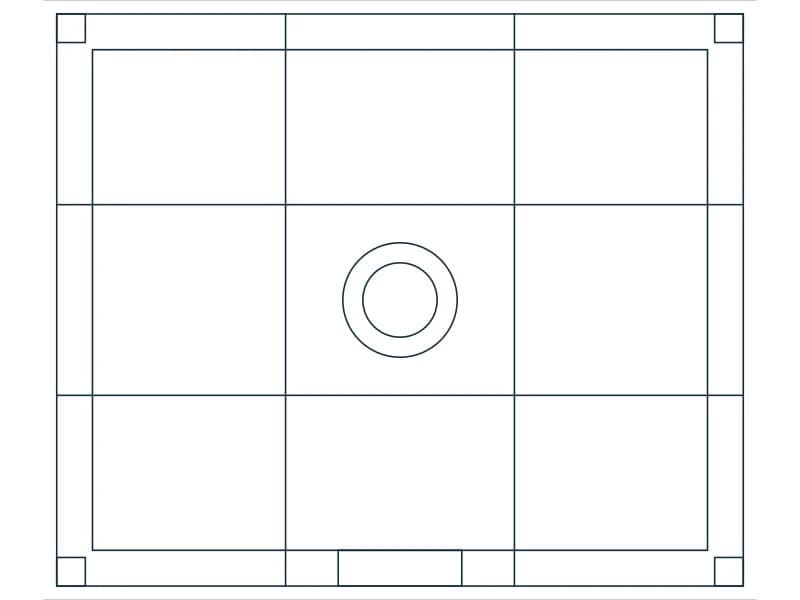
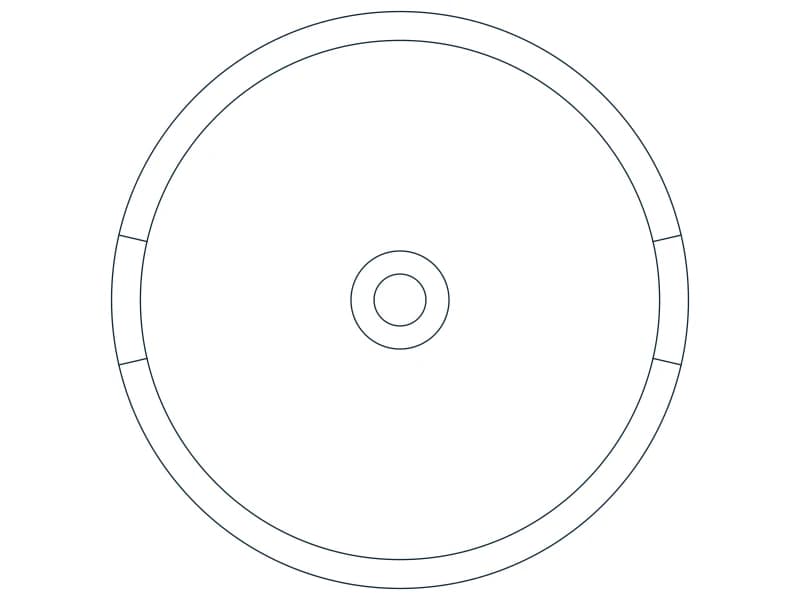
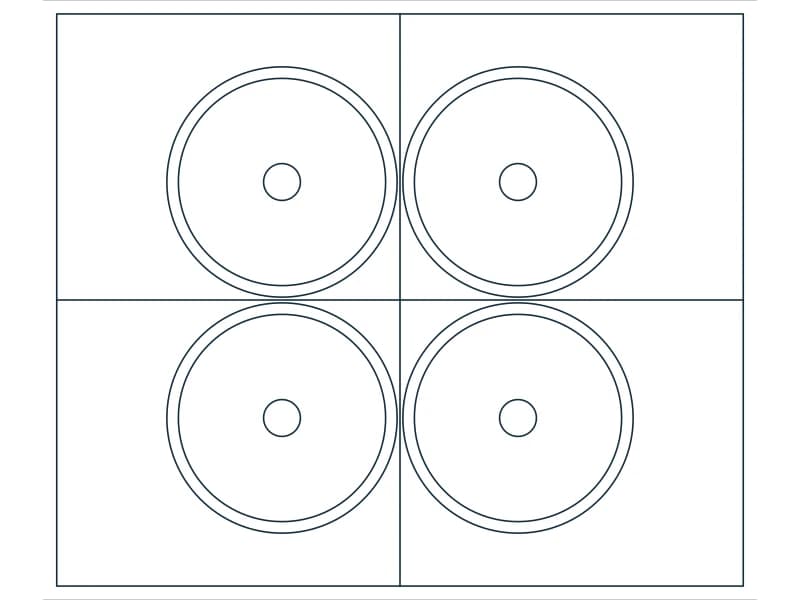
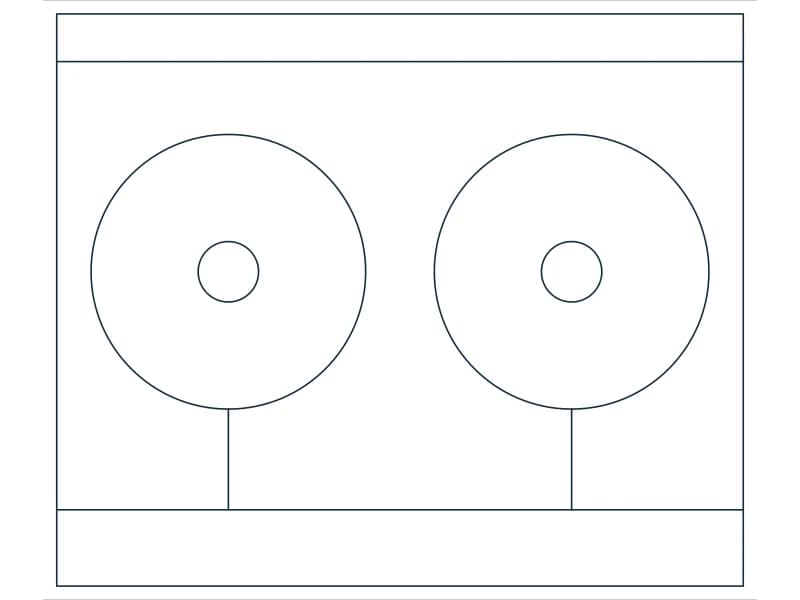
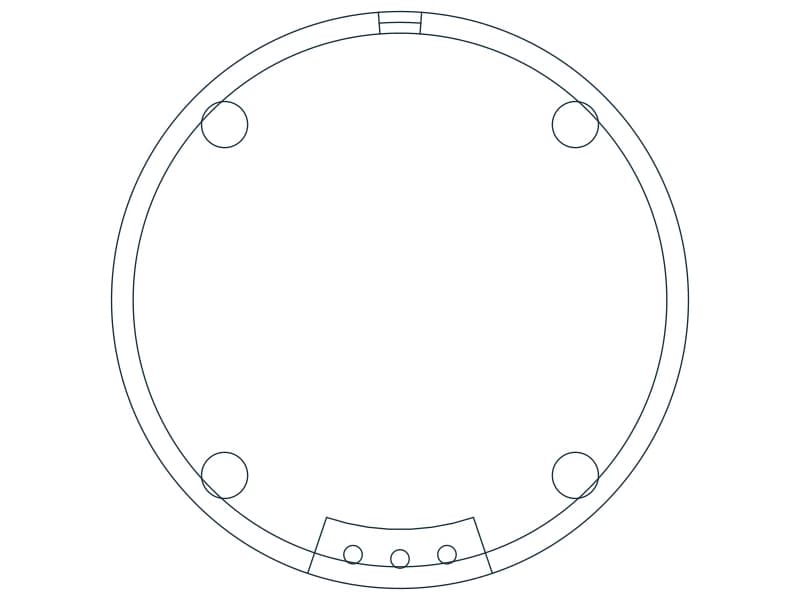
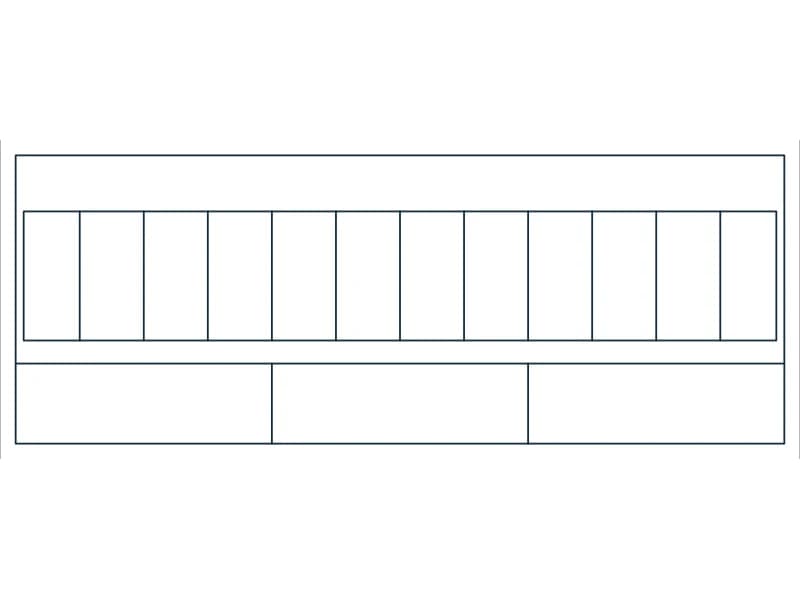
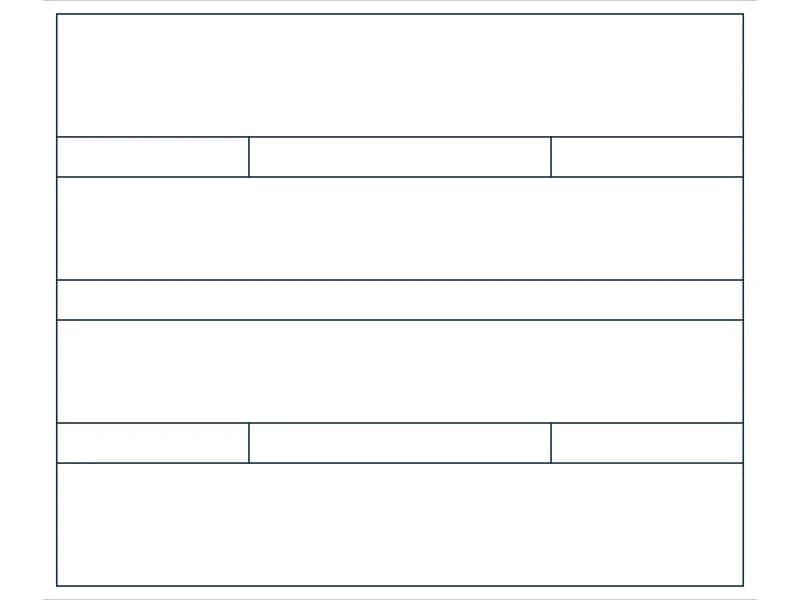
Boiler CAD block — line drawing preview of the DWG file

Boiler

1 block reference and 1 text label on 4 layers

9 KB · 2 entities

Questions

Are these industrial CAD blocks free?

Yes — every block on this page is free to download and use in personal and commercial projects, with no account and no attribution.

Which CAD programs open them?

The DWG files are native 2018-format drawings and open in any CAD that reads DWG. The DXF versions open in practically everything else: LibreCAD, QCAD, FreeCAD, SolidWorks, and laser, CNC and vinyl-cutter software.

Can I edit a block after inserting it?

Yes. Insert it as a block to keep it as one object, or explode it and edit the lines, arcs and text directly. Layers come across with the file.