 NASJI
NASJI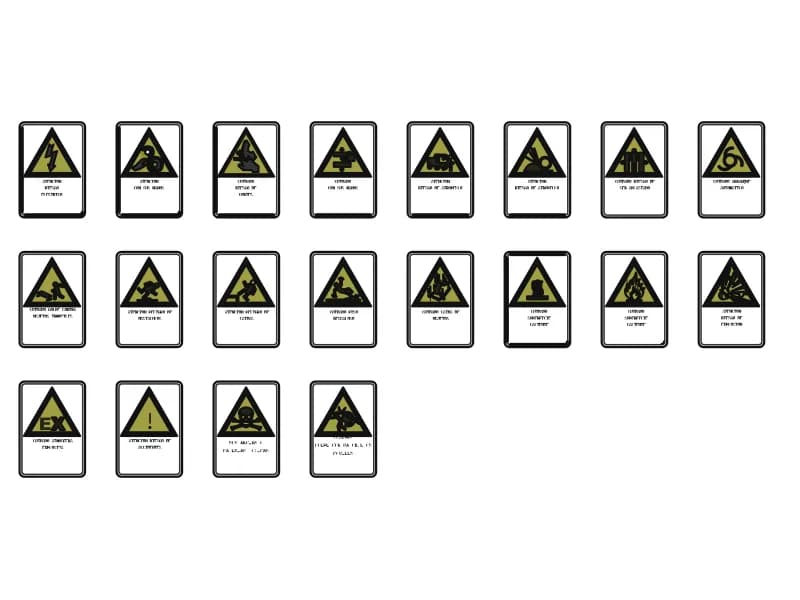
Signals Security Risks At Work
Twenty workplace hazard plates: yellow warning triangles with Spanish captions on white backing.
150 KB · 419 entities
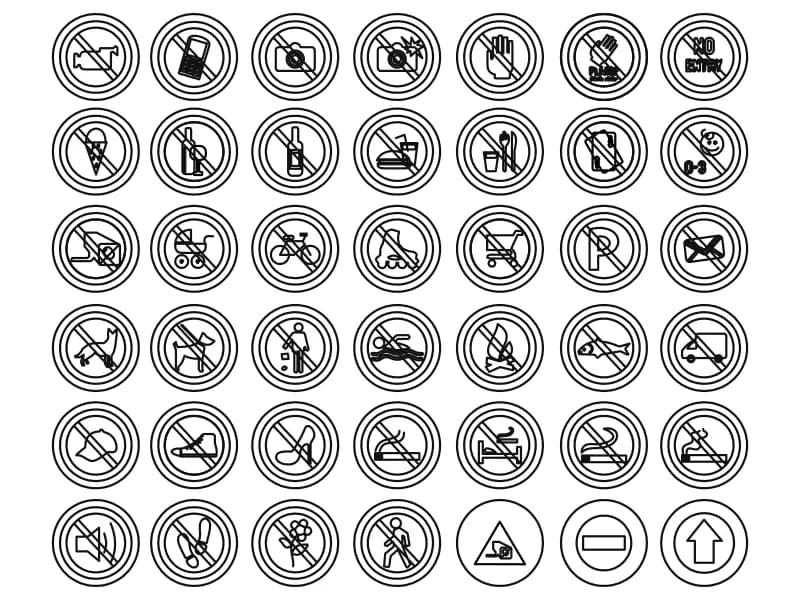
Forty-two round prohibition pictograms in a seven by six grid, from no smoking to no photography.
Up to 100 library downloads per day across all libraries. Resets at 00:00 UTC.
DWG is the original file. DXF is written from it on request. Open in CAD loads it into the free browser CAD — nothing to install, no account.
Forty-two circular prohibition signs sit in a seven-by-six grid, each a double ring with a diagonal bar across a line-drawn pictogram. Filming, mobile phones, photography and flash fill the first row; food, drink, ice cream, alcohol and under-threes the second; bags, prams, bicycles, roller skates, trolleys, parking and post the third; then animals, swimming, open fires, fishing and lorries; then footwear and smoking in its several forms; and finally noise, scissors, flowers, pedestrians and a plain arrow.
Signs like these belong on a signage schedule, a wayfinding drawing or a museum, pool, retail and transport interior where behaviour has to be posted at the door. They are outline drawings rather than filled discs, which suits line-only plotting; if you need the standard red ring and bar, put the outer circles and the diagonal on a red layer and let the pictogram stay black. Each sign occupies an identical square, so a row copies cleanly at fixed spacing.
Open the file and it looks empty of detail: model space holds two objects, one insert and one text. The entire sheet is nested inside a single block containing 26 further definitions, so explode that insert once before you try to select anything. After the first explode each sign is still a block of its own, which is what you want — copy it out, rename it something readable, and set the base point at the centre of the outer ring so it lands on a grid.
Twenty workplace hazard plates: yellow warning triangles with Spanish captions on white backing.
150 KB · 419 entities
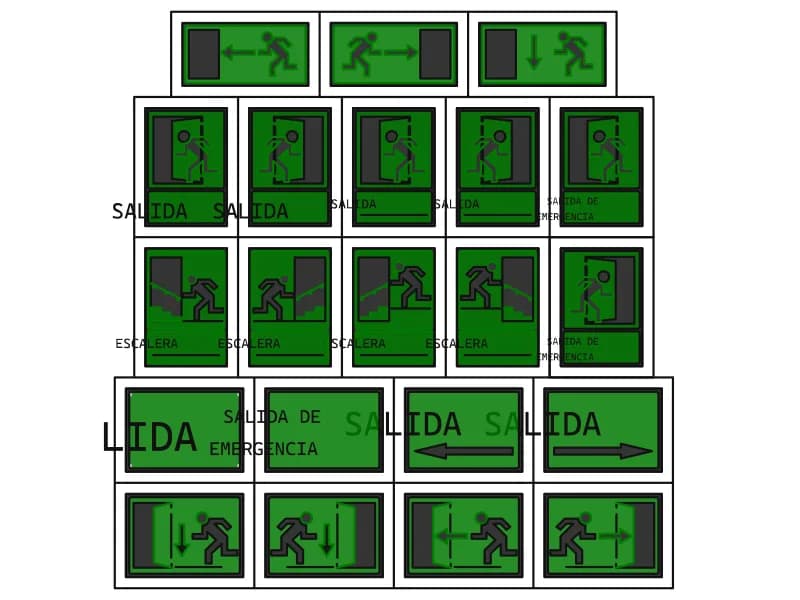
Twenty-one green exit signs with running man, door and stair pictograms and SALIDA lettering.
81 KB · 475 entities
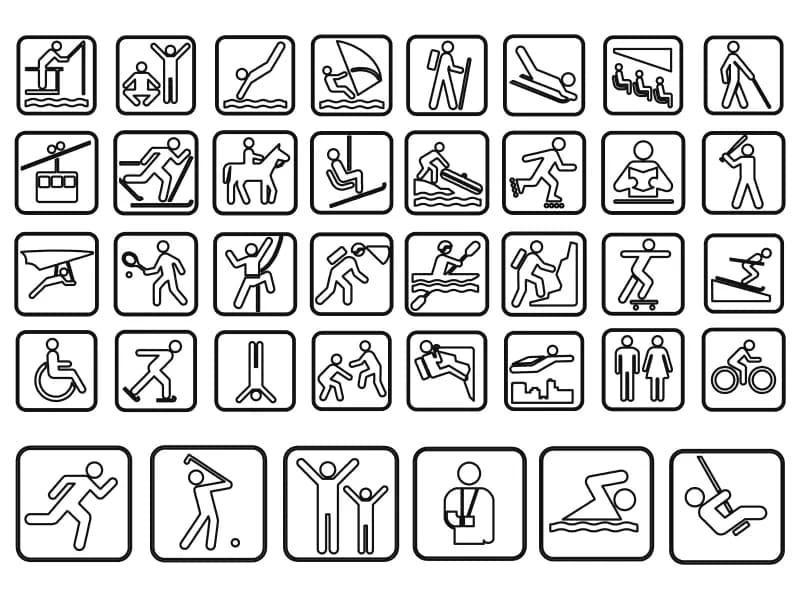
Thirty-eight sport and leisure pictograms in rounded plaques, each already a separate block.
191 KB · 42 entities
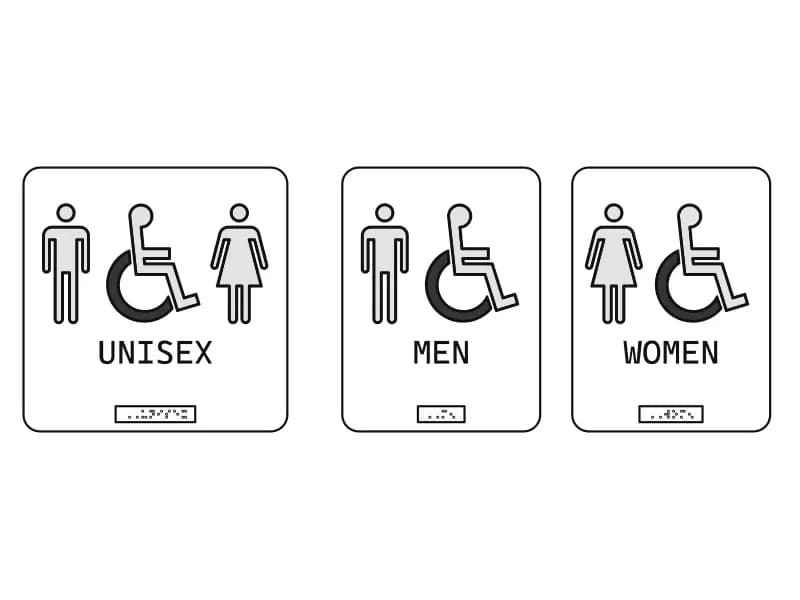
Three toilet door signs (unisex, men, women) with hatched pictograms and lettering.
Bathroom · 44 KB · 104 entities
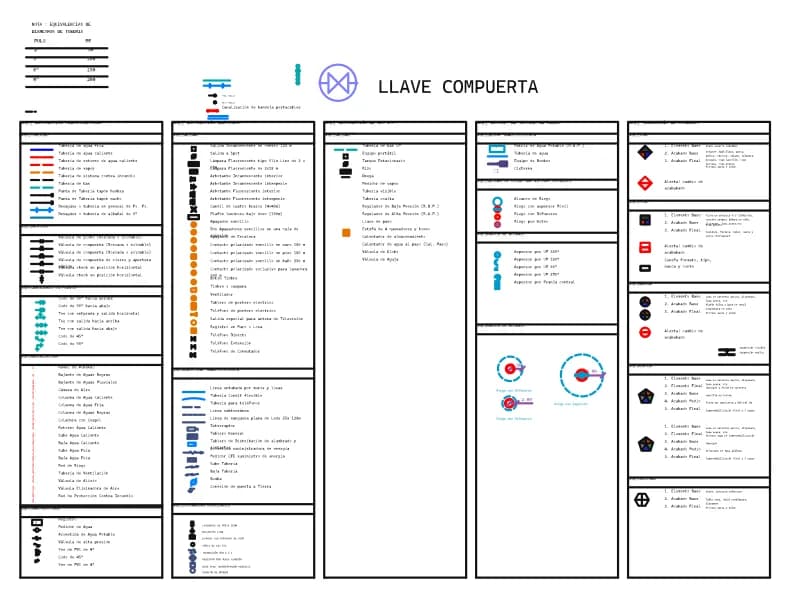
A five-part legend of plumbing, electrical, gas, irrigation and finishes symbols with Spanish captions.
100 KB · 972 entities