 NASJI
NASJI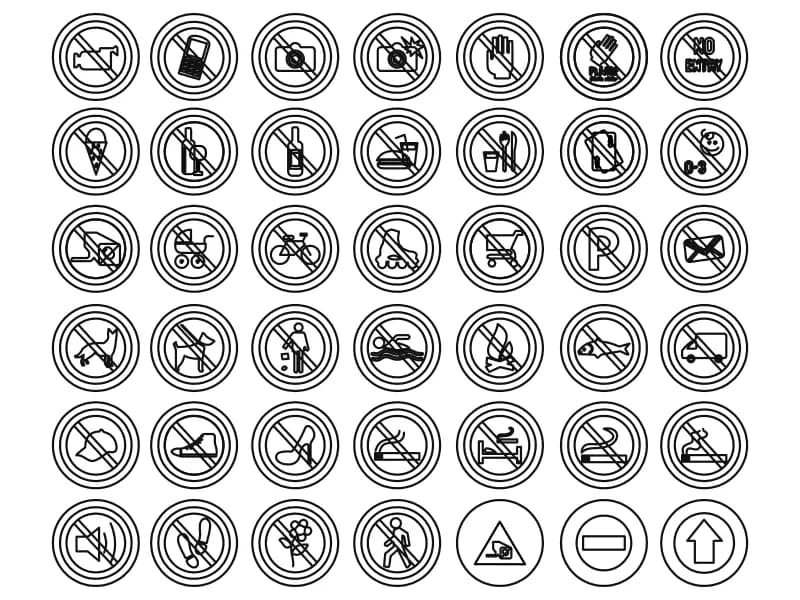
Prohibition Signs
Forty-two round prohibition pictograms in a seven by six grid, from no smoking to no photography.
235 KB · 2 entities
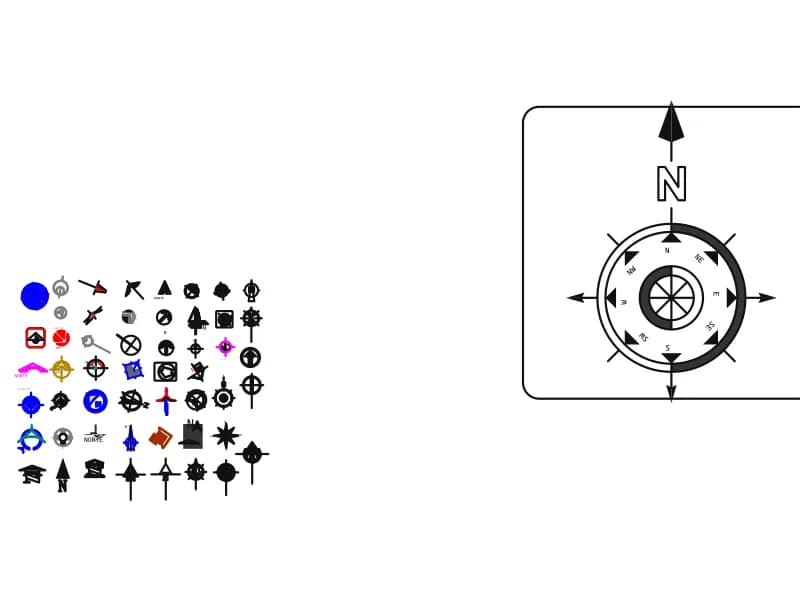
More than forty north arrows plus a large eight-point compass rose labelled from N round to NW.
Up to 100 library downloads per day across all libraries. Resets at 00:00 UTC.
DWG is the original file. DXF is written from it on request. Open in CAD loads it into the free browser CAD — nothing to install, no account.
Two things share this sheet. On the right, a rounded-square plaque holds an eight-point compass rose: a heavy filled arrow and a bold N above a double ring, with N, NE, E, SE, S, SW, W and NW set around solid triangular points. On the left, a grid of more than forty smaller north arrows in every style a drawing office collects — plain darts, half-filled diamonds, circled arrows, star roses, a wind rose, and several already captioned NORTE, NORTH or NORTE MAGNETICO. The file holds 1,630 entities.
Every site plan, floor plan and landscape layout needs one of these, usually near the title block or the top right corner of the sheet. Pick a weight that matches the drawing: a fine dart for a 1:100 floor plan, the heavy compass rose for a presentation site plan or a survey. The V.D. captions on two of them stand for declinación, magnetic declination, so keep those for surveys where true and magnetic north differ, and use the plain N arrows elsewhere.
Thirty-nine layers came in with the arrows — NORTE, EJES, MUROS, COLUMNAS, COTAS, TITULOS, ESCUDO and FORMATO among them — because each symbol was lifted from a different project drawing. Purge the file first, or copy the one arrow you want into your own template and put it on a single annotation layer. Place the arrow in paper space at plotted size rather than in model space: a north arrow that scales with the view has to be resized every time the drawing scale changes.
Forty-two round prohibition pictograms in a seven by six grid, from no smoking to no photography.
235 KB · 2 entities
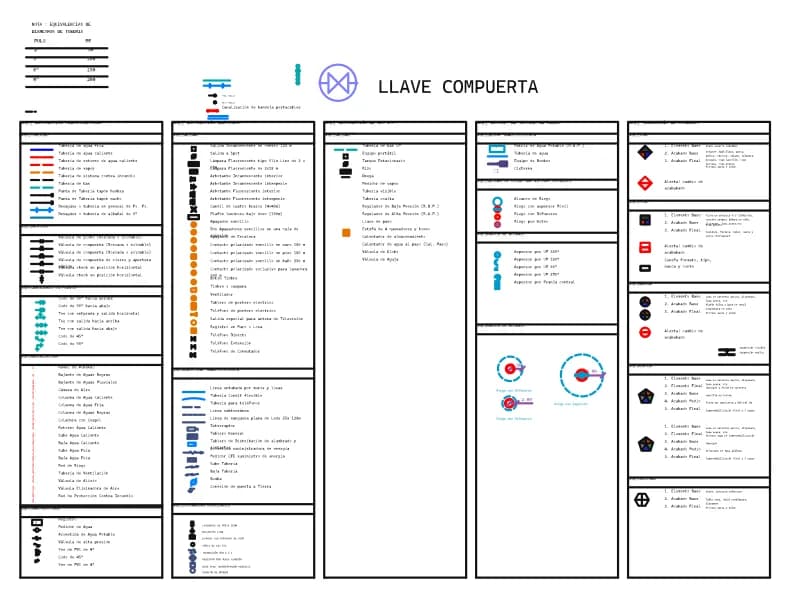
A five-part legend of plumbing, electrical, gas, irrigation and finishes symbols with Spanish captions.
100 KB · 972 entities
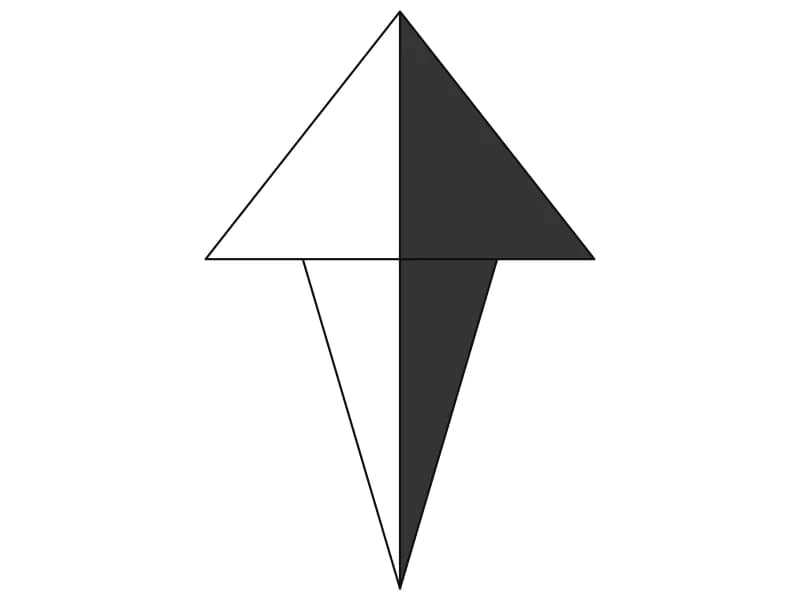
A dart-shaped north point with one half solid filled, built from seven lines and two hatches.
Other · 34 KB · 2 entities
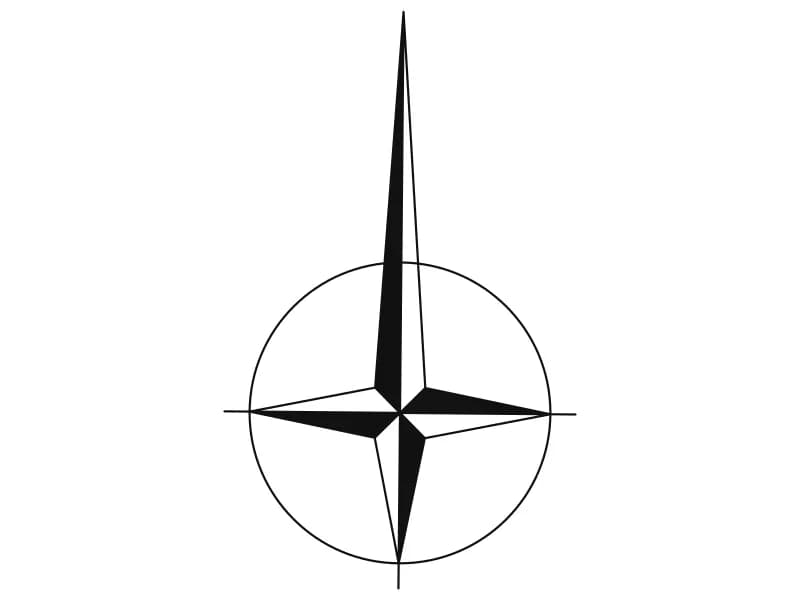
A four-point compass rose in a circle, with the north arm drawn long past the ring.
Other · 34 KB · 2 entities
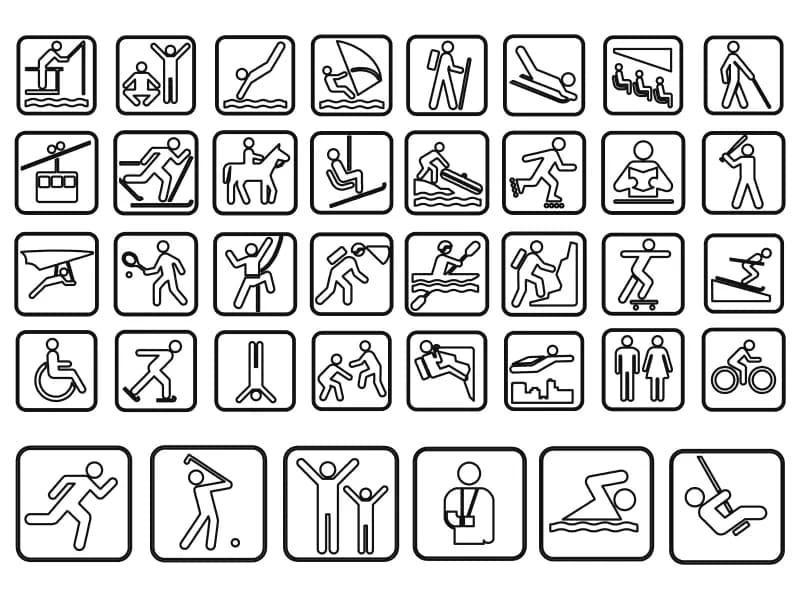
Thirty-eight sport and leisure pictograms in rounded plaques, each already a separate block.
191 KB · 42 entities
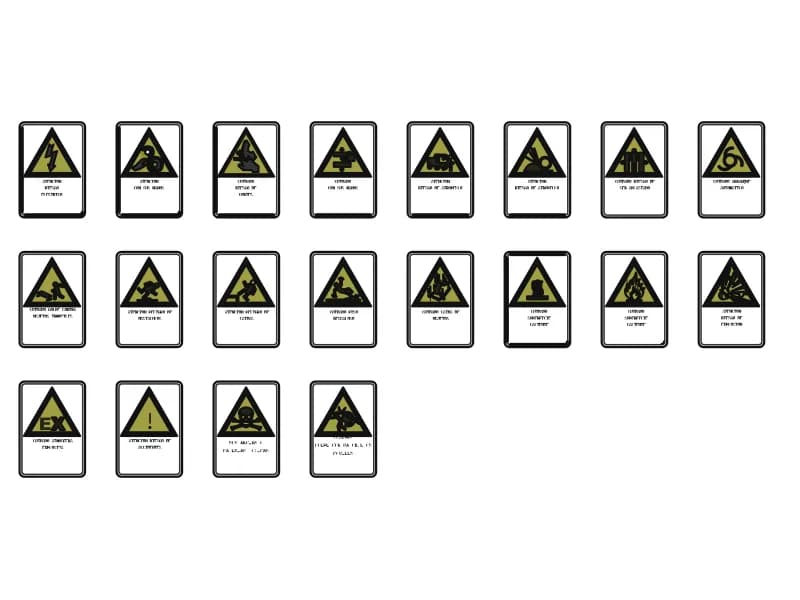
Twenty workplace hazard plates: yellow warning triangles with Spanish captions on white backing.
150 KB · 419 entities
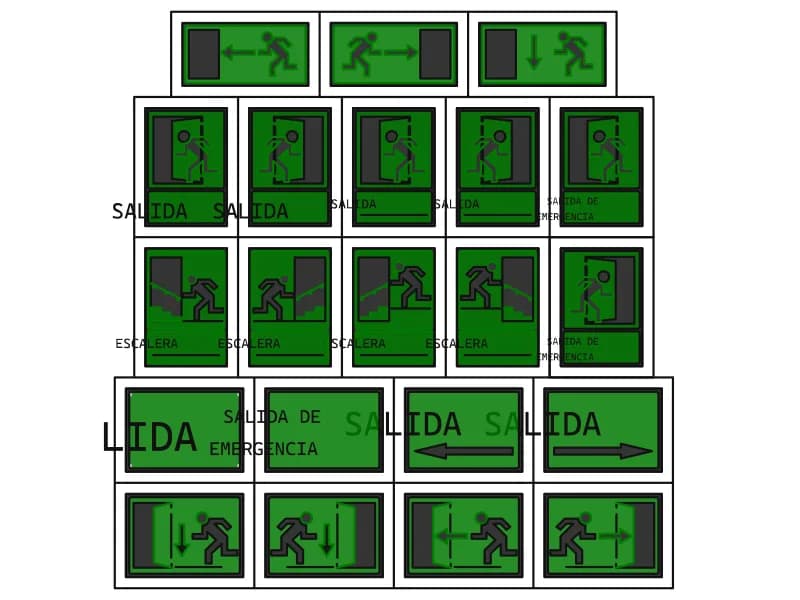
Twenty-one green exit signs with running man, door and stair pictograms and SALIDA lettering.
81 KB · 475 entities