NASJI

Truck CAD Blocks

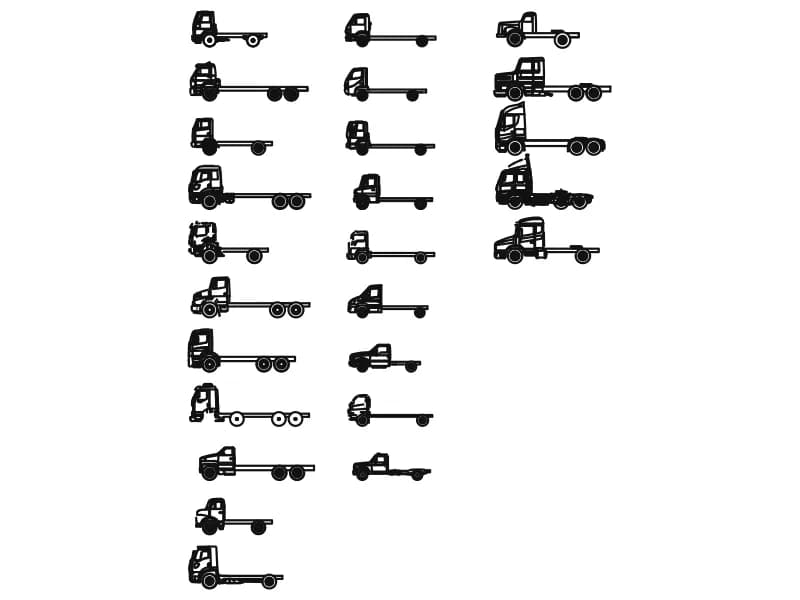
Four drawings for loading bays, service yards and turning checks. Three are single vehicles of different lengths seen from above; the fourth is a manufacturer-style sheet of 25 inserts whose layer names read like a chassis order — 02_FRAME, 06_FRONT_WHEELS, 07_REAR_WHEELS and 09_DIMENSIONS. That sheet is drawn in millimetres and is worth keeping open beside your drawing rather than inserting whole. For a swept-path check, trace the wheelbase onto its own layer first, then swing the vehicle about the inner rear wheel.

4 blocks · every one as DWG and DXF · free, no sign-up

Blocks
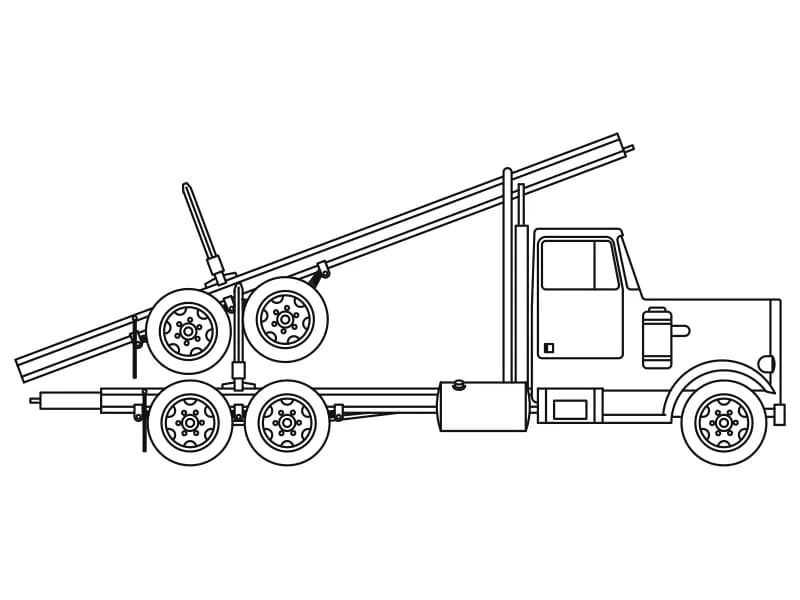
Side elevation CAD block of a heavy boom truck with the boom laid back over the cab

Truck

Heavy rig truck in profile with a boom over the cab and twin rear axles, 370 entities.

Vehicles · 47 KB · 2 entities

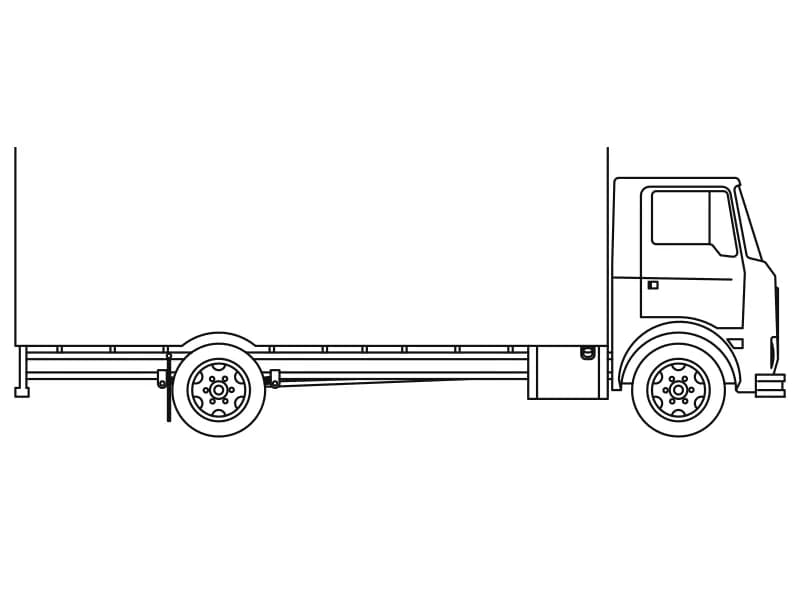
Side elevation CAD block of a cab-over box truck with a long box body and one rear axle

Truck1

Cab-over rigid box truck in profile, 194 entities in one block placed at full scale.

Vehicles · 54 KB · 2 entities

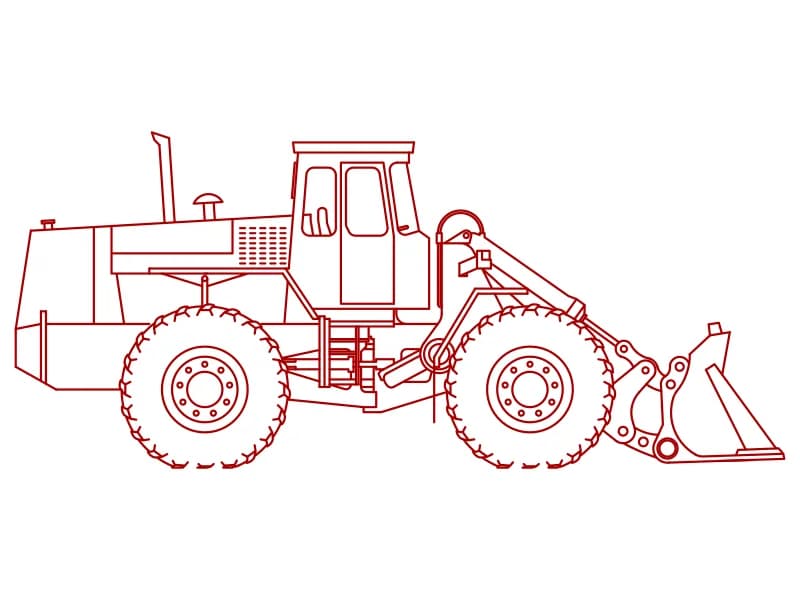
Side elevation CAD block of an articulated wheel loader with lift arms, tilt ram and bucket

Truck3

Articulated wheel loader in profile with the bucket down, 650 entities drawn in red.

Vehicles · 58 KB · 2 entities

Questions

Are these truck CAD blocks free?

Yes — free to download and use in personal and commercial projects, with no account and no attribution.

DWG or DXF — which should I download?

DWG if your CAD opens it natively; DXF for everything else — cutters, CAM and open-source CAD. Both carry the same geometry and layers.