NASJI
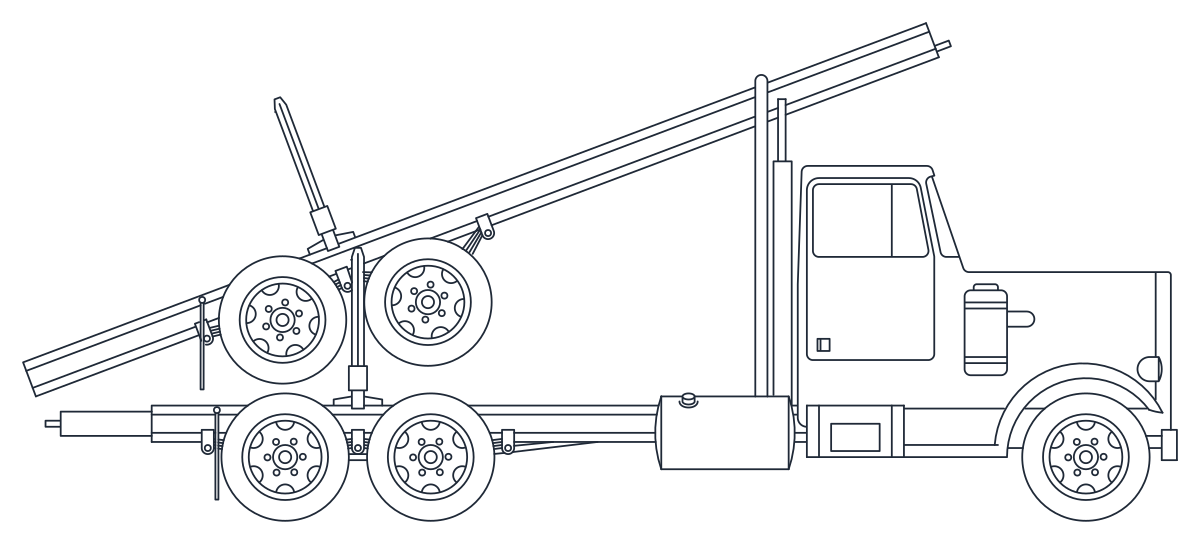
Side elevation CAD block of a heavy boom truck with the boom laid back over the cab
nasji.com · Drawing preview · 2 entities · 2 layers View full size

Vehicles CAD blocks

Boom Truck Side Elevation

Heavy rig truck in profile with a boom over the cab and twin rear axles, 370 entities.

Up to 100 library downloads per day across all libraries. Resets at 00:00 UTC.

DWG is the original file. DXF is written from it on request. Open in CAD loads it into the free browser CAD — nothing to install, no account.

Specifications

Format
DWG R2018 · DXF R2000 on request
Units
metresread from the geometry — the file's unit flag says inches, but it is metre-sized
Size
10.9 × 5.5 m (width × height)
Entities
21 paragraph text and 1 block reference
Layers
DIEN HOA
Block definitions
none — plain geometry
File size
47 KB
Updated

About this block

A heavy chassis truck seen from the side, carrying a long straight boom that lies back over the cab with a hydraulic ram propping it and stays tying it down to the frame. A cylindrical tank sits behind the cab, the frame runs on twin rear axles, and a second pair of wheels is stacked above the chassis rail. The definition, named Archi.Space.Cars65423, is 237 lines, 67 arcs, 63 circles and 3 polylines, the circles being the rims, hubs and bolt holes, and it is placed at one-and-a-half scale on layer 0.

Site logistics drawings need machines like this one: contractor compound layouts, rig and crane positions, access route sections at 1:100. Because the definition lives on layer 0 you can insert it on your own plant layer and it will take that colour and lineweight with no editing at all. Scale it until the chassis reads about 9 m long, which puts the boom tip a little beyond the front bumper, and give it a negative X scale when the rig has to work from the other side of the plot.

Ratings and reviews

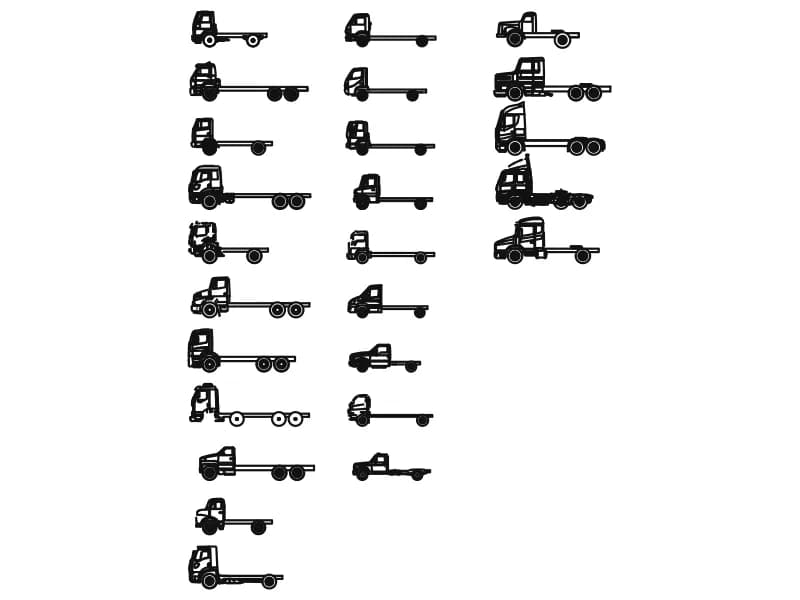
Sheet of 25 truck CAD blocks in side elevation, from two-axle rigids to tractor units

Truck Collection

Twenty-five chassis-cab trucks in profile, 6 to 8.7 m long, drawn full size in millimetres.

5.9 MB · 26 entities
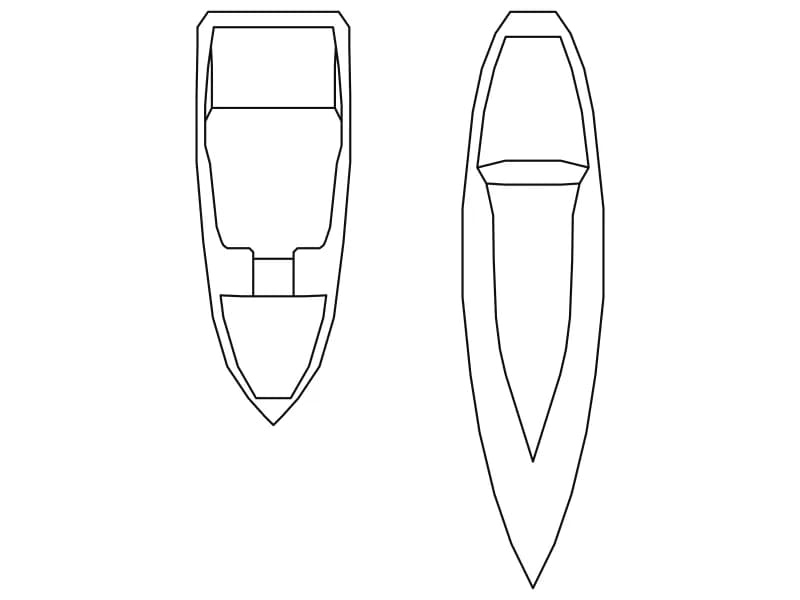
Two small boat CAD blocks in plan: a cabin motor launch and a slender double-ended hull

Ship5

Two small boats in plan, a cabin launch and a slim double-ended hull, 33 entities in all.

35 KB · 34 entities

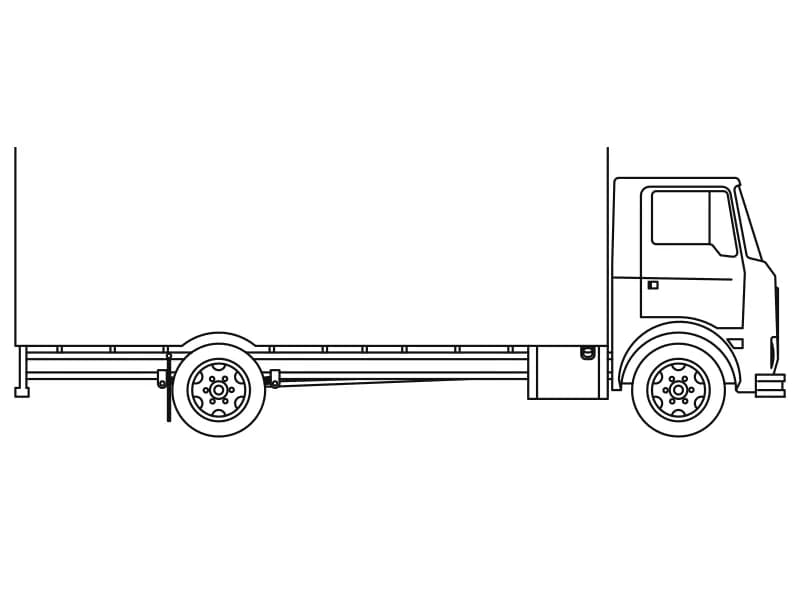
Side elevation CAD block of a cab-over box truck with a long box body and one rear axle

Truck1

Cab-over rigid box truck in profile, 194 entities in one block placed at full scale.

54 KB · 2 entities

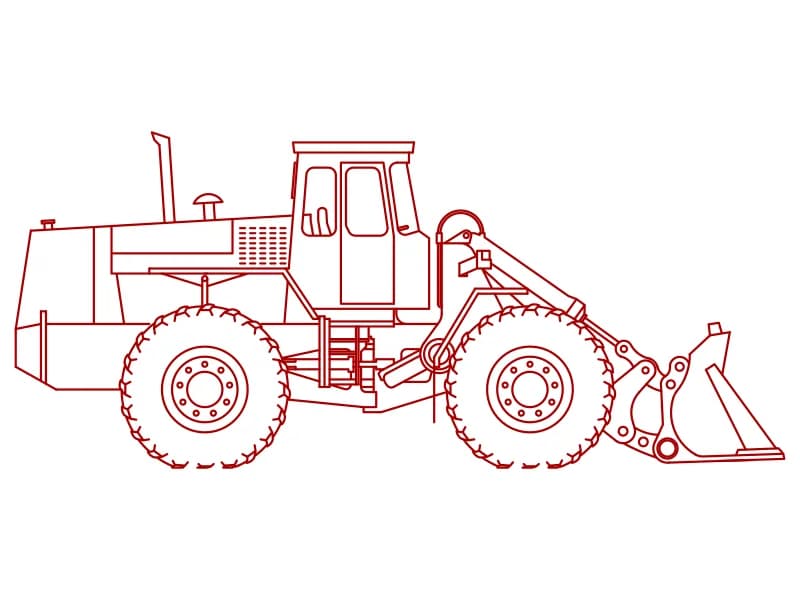
Side elevation CAD block of an articulated wheel loader with lift arms, tilt ram and bucket

Truck3

Articulated wheel loader in profile with the bucket down, 650 entities drawn in red.

58 KB · 2 entities

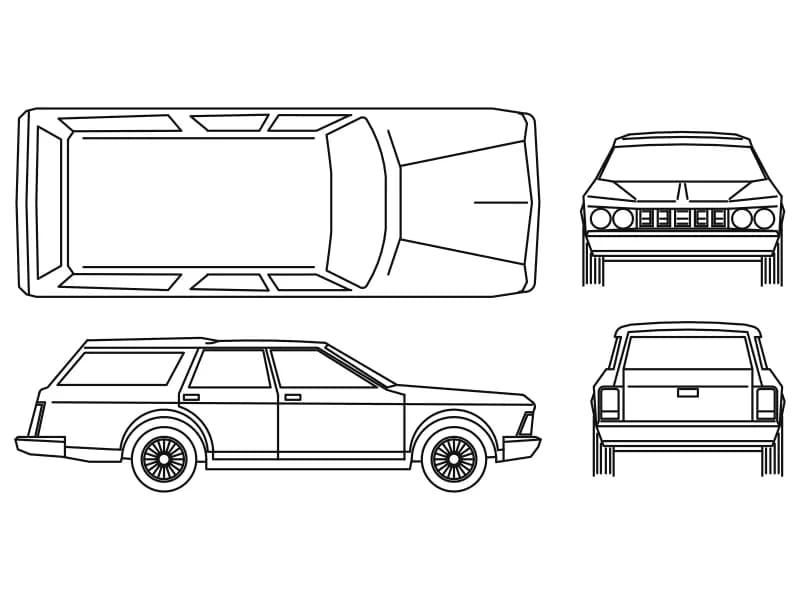
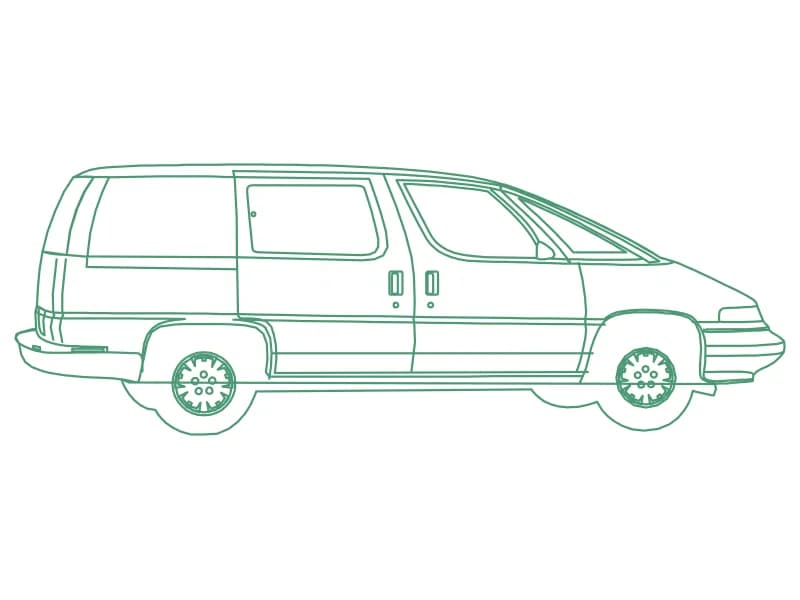
Estate car CAD block in four views: roof plan, side elevation, front elevation and rear elevation

Cars

One estate car drawn four ways: roof plan, side elevation, front elevation and rear.

48 KB · 2 entities

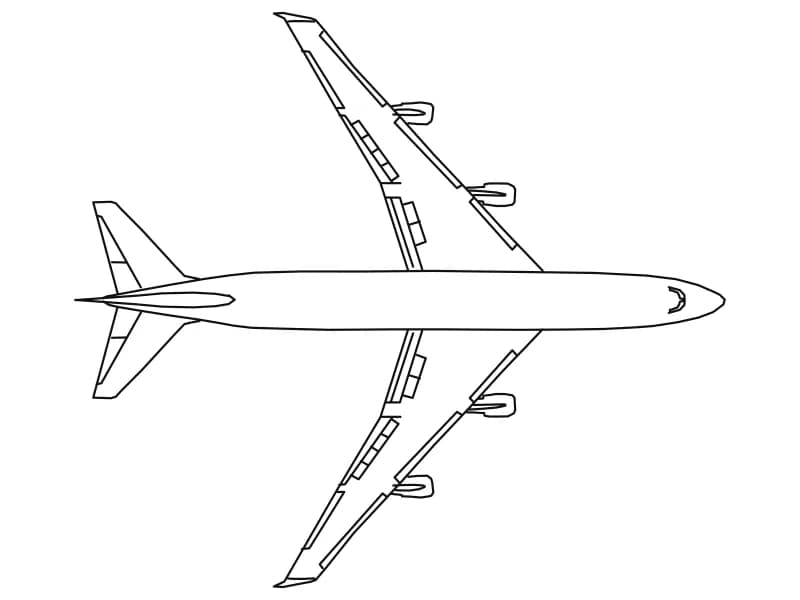
Plan view CAD block of a four-engine wide-body airliner with swept wings and four underwing engines

Airplane

Top view of a 70 m four-engine wide-body jet, one 283-line block scaled down onto a small sheet.

52 KB · 2 entities

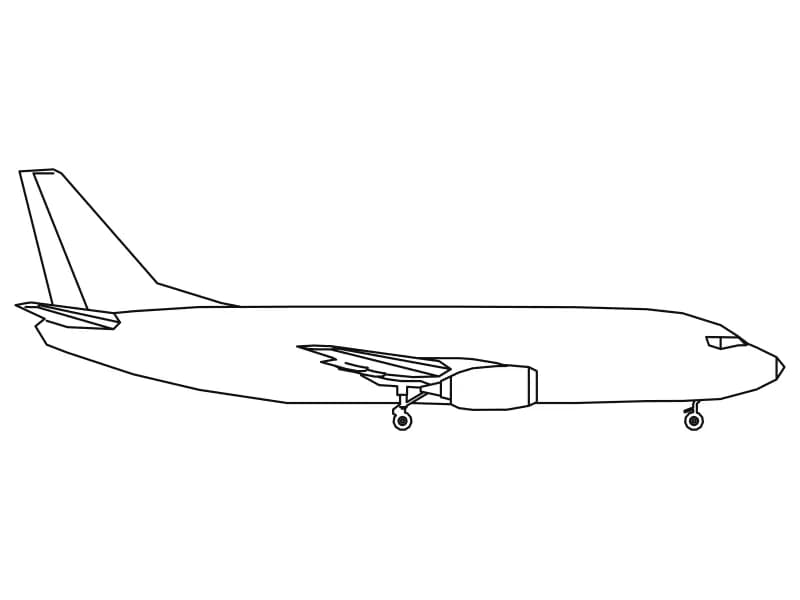
Side elevation CAD block of a narrow-body twin-jet airliner with the landing gear down

Airplane 5

Profile of a 33.5 m twin-jet airliner with the gear down, drawn at full size in inches.

44 KB · 2 entities

Questions

What is the truck carrying?

A long boom laid back over the cab with a hydraulic ram under it, a tank behind the cab and a spare pair of wheels on the frame.

Which layer does it come in on?

Layer 0, so the block adopts the colour and lineweight of whatever layer you insert it on.