NASJI
NASJI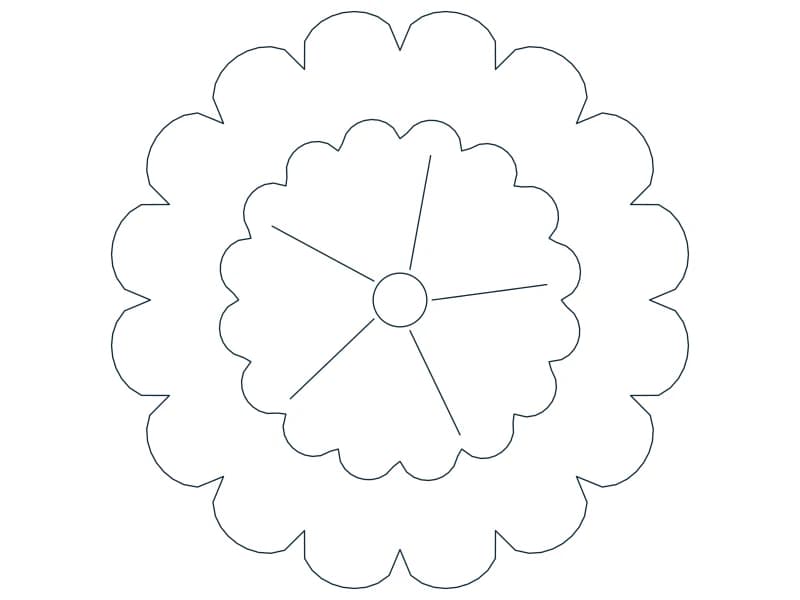

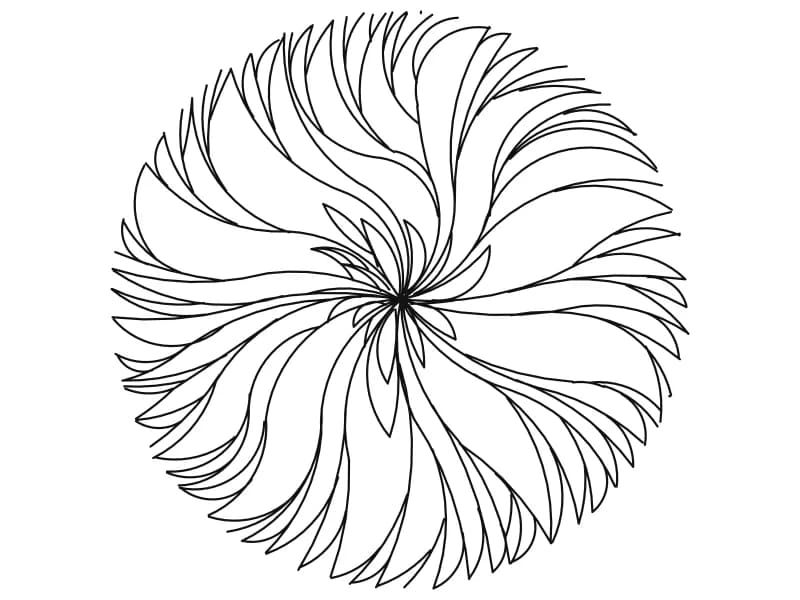
Tree Plan CAD Block — Layered Petal Canopy
A single dense round canopy in plan, drawn as rings of pointed leaf shapes.
Up to 100 library downloads per day across all libraries. Resets at 00:00 UTC.
DWG is the original file. DXF is written from it on request. Open in CAD loads it into the free browser CAD — nothing to install, no account.
Specifications
- Format
- DWG R2018 · DXF R2000 on request
- Units
- inches
- Size
- 39.5 × 24.1 in (width × height)
- Entities
- 2 — 1 block reference and 1 paragraph text
- Layers
- PY3
- Block definitions
- none — plain geometry
- File size
- 67 KB
- Updated
About this block
A single canopy seen from above, drawn as pointed leaf shapes stacked in concentric rings that shorten towards the centre, so the crown reads as dense and evergreen with no branch structure showing through. The whole drawing is one block reference on a layer named PY3, which keeps the file to two objects and makes it quick to place. The canopy itself is about 24 units across; the header extents stretch to 39.5 wide because a text object sits off to one side of the geometry.
This is the tree CAD block for plans that need a quiet, solid crown — car-park landscaping, courtyard layouts, boundary planting — at 1:200 to 1:500, where individual branches would only clutter the sheet. Since it is a single insert, scale it uniformly to the crown spread on your planting schedule rather than editing the linework, and give copies odd rotation angles so an avenue does not read as one stamp repeated. Keep it on a planting layer of its own, so the whole vegetation set can be frozen for the construction issue.
Ratings and reviews
Related blocks
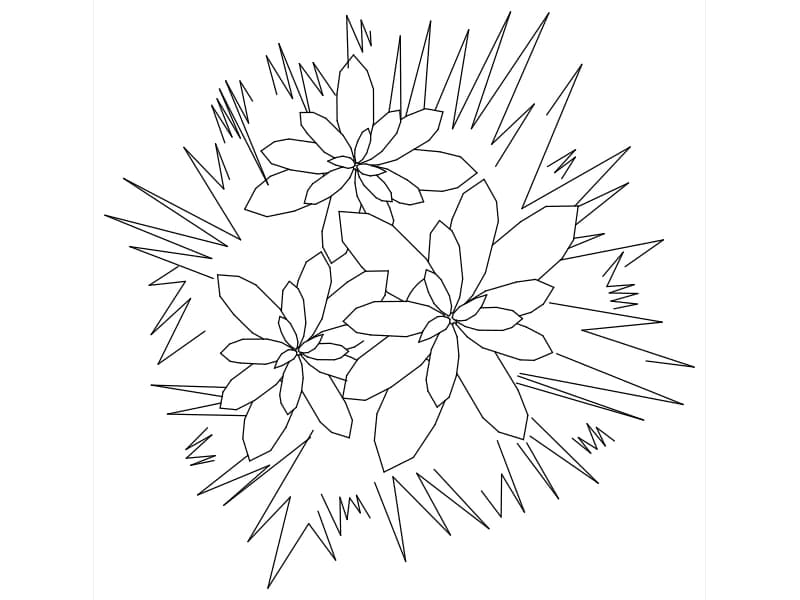
Three flowering plants in plan
Three flowering plants in plan. Download the editable DWG or DXF, or open the drawing directly in NASJI to inspect and adapt it.
26 KB · 517 entities