NASJI
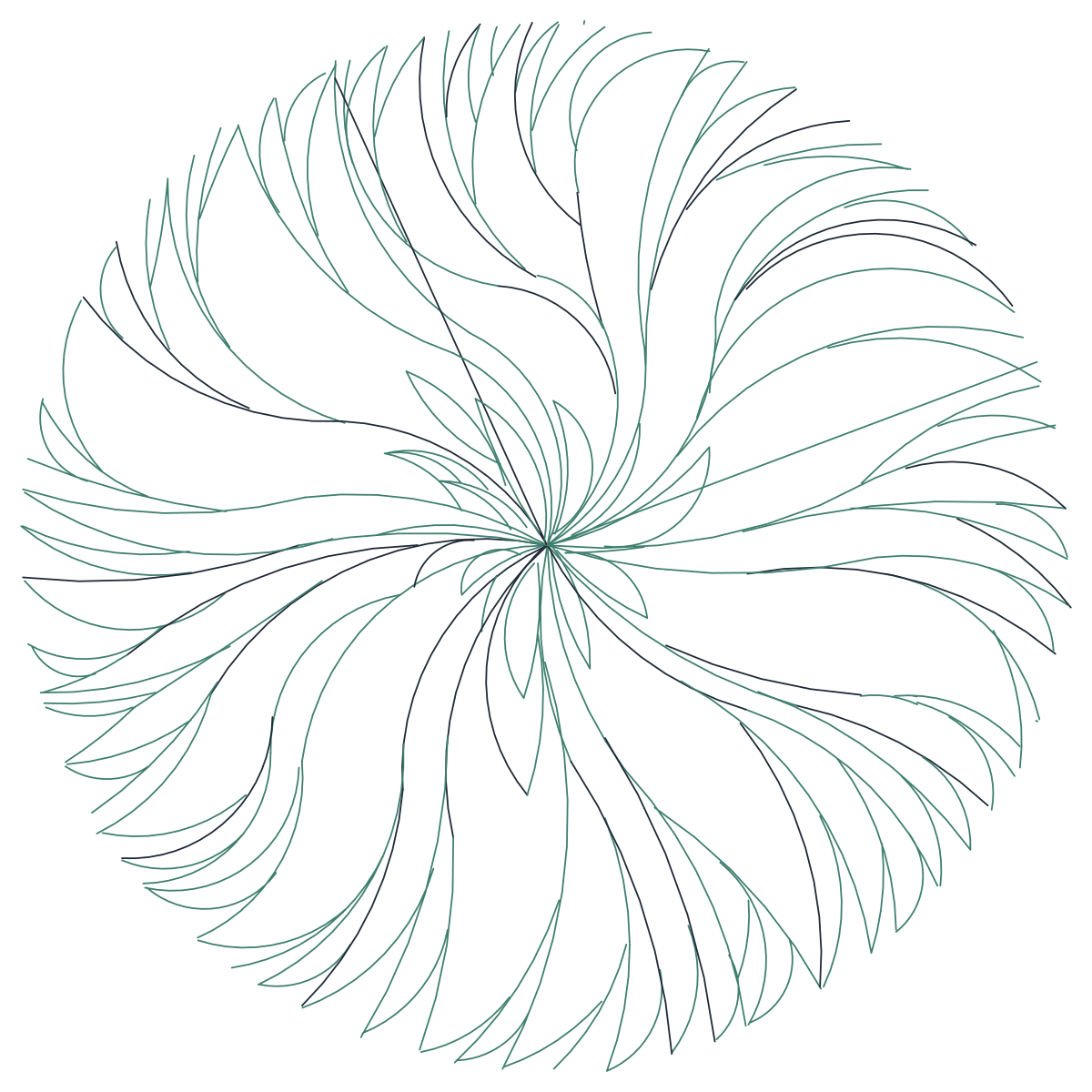
Dense round tree canopy CAD block in plan with feathered leaves swirling to a circle
nasji.com · Drawing preview · 2 entities · 3 layers View full size

Trees CAD blocks

Tree Plan Symbol 05 — Dense Swirled Foliage

A dense circular plan canopy of long feathered leaves swirling out to a clean edge.

Up to 100 library downloads per day across all libraries. Resets at 00:00 UTC.

DWG is the original file. DXF is written from it on request. Open in CAD loads it into the free browser CAD — nothing to install, no account.

Specifications

Format
DWG R2018 · DXF R2000 on request
Units
metresread from the geometry — the file's unit flag says inches, but it is metre-sized
Size
3.6 × 4.4 m (width × height)
Entities
21 block reference and 1 paragraph text
Layers
BINAPY
Block definitions
none — plain geometry
File size
43 KB
Updated

About this block

Long feathered leaves spiral out from a knot at the centre and pack tightly together, layer over layer, until they close on a clean circular edge. It is the fuller cousin of the open swirl symbol: same idea, roughly twice the leaf count, drawn in a dark green that goes almost teal on screen. The insert sits on the layers BINA and PY, both Turkish office names, and covers 3.6 by 4.4 units, a crown of about three and a half metres.

Density is the point here. On a landscape plan the symbol reads as a mature evergreen with full cover, which is what you want when a drawing has to show shade over a terrace or a car park bay at 1:100 to 1:200. BINA means building in Turkish, so move the insert off that layer before it gets caught in a building-layer freeze. Scale rather than explode, and use the lighter swirl symbol for younger planting on the same sheet.

Ratings and reviews

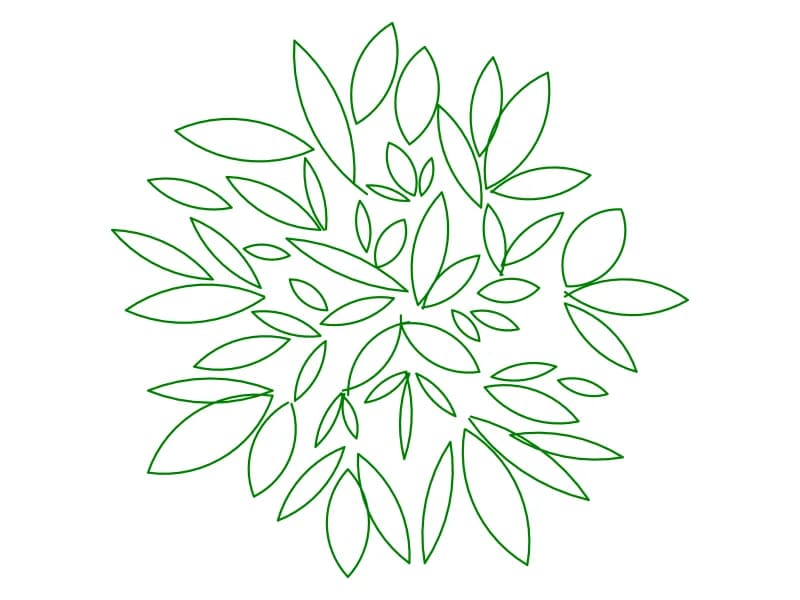
Compact tree canopy CAD block in plan with overlapping pointed leaves and a PLANT label

Tree6

A compact plan canopy of overlapping pointed leaves, delivered with a large PLANT label.

41 KB · 2 entities

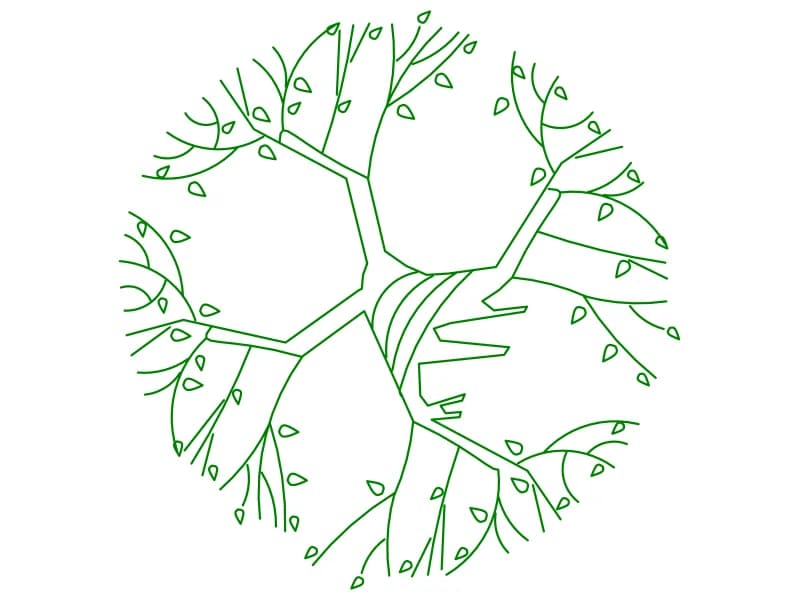
Open tree canopy CAD block in plan with heavy limbs, fine twigs and scattered leaves

Tree4

An open plan canopy with thick limbs, fine twigs and single leaves at the branch ends.

136 KB · 2 entities

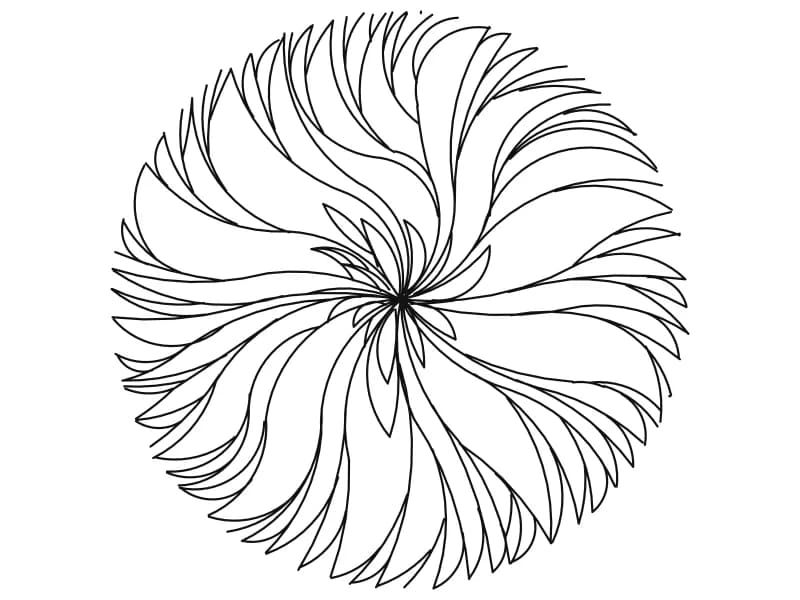
Round tree canopy CAD block in plan drawn as long curved leaves swirling from centre

Tree2

A circular plan canopy of long curved leaves that swirl outward from a single centre.

44 KB · 2 entities

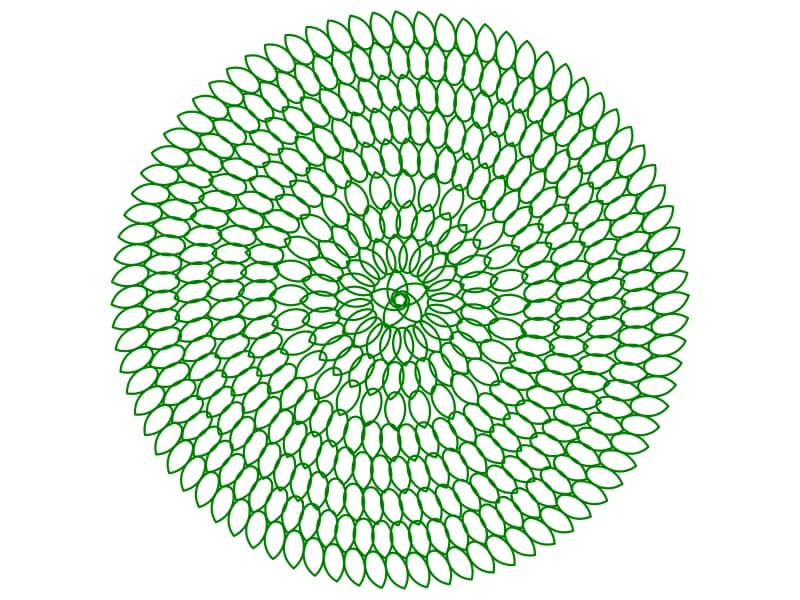
Dense round tree canopy CAD block in plan built from rings of small ellipse leaves

Tree22

A dense circular plan canopy built from hundreds of small ellipse leaves set in rings.

99 KB · 2 entities

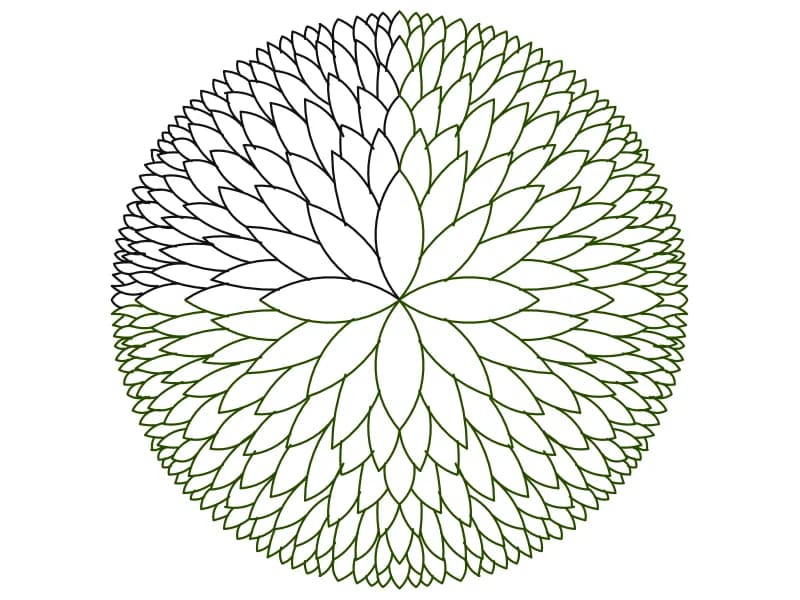
Round tree CAD block in plan view drawn as rings of pointed leaf shapes

Tree

A single dense round canopy in plan, drawn as rings of pointed leaf shapes.

67 KB · 2 entities

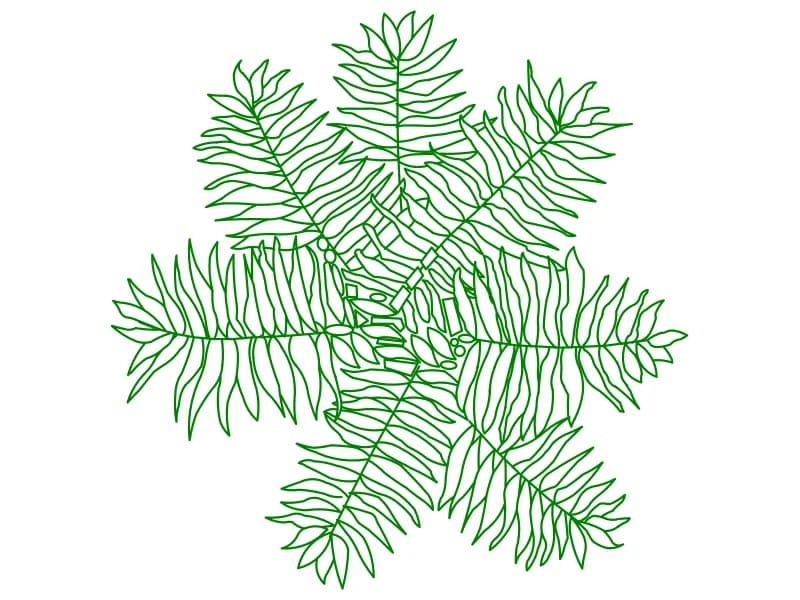
Fern-leaved tree CAD block in plan with seven compound fronds of outlined leaflets

Tree16

A plan symbol with seven compound fronds, every leaflet drawn as its own outline.

115 KB · 2 entities

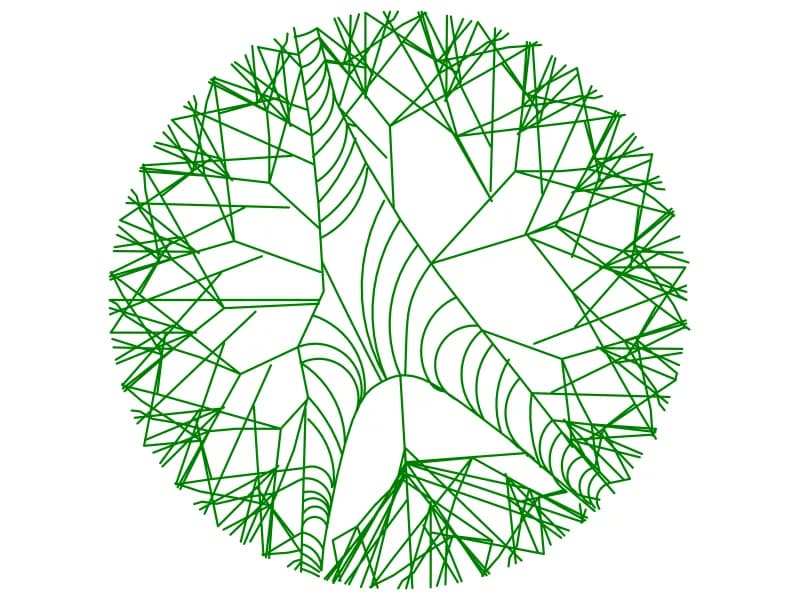
Round tree canopy CAD block in plan with angular branch facets and fanned arc shading

Tree3

A circular plan canopy of angular branch facets with fans of arcs shading the limbs.

51 KB · 2 entities

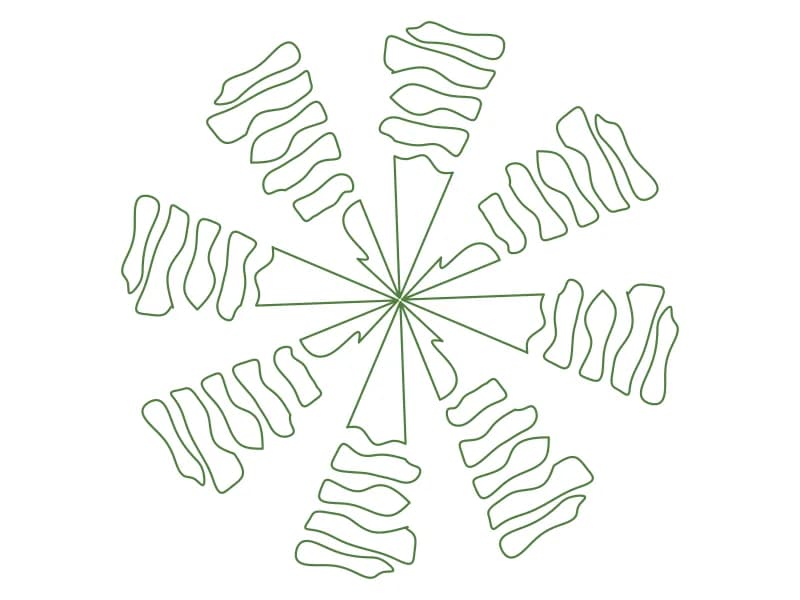
Palm tree CAD block in plan with eight outlined leaf clusters radiating from the crown

Tree19

A plan palm symbol with eight outlined leaf clusters spinning out from a small crown.

47 KB · 2 entities

Questions

How does it differ from the lighter swirl canopy?

Same swirled leaf idea, far more leaves and a closed circular edge, so it reads as a mature tree with full shade cover.

Which layer should it end up on?

Your own planting layer. It arrives on layers named BINA and PY, and BINA is a building layer that will be frozen sooner or later.