NASJI
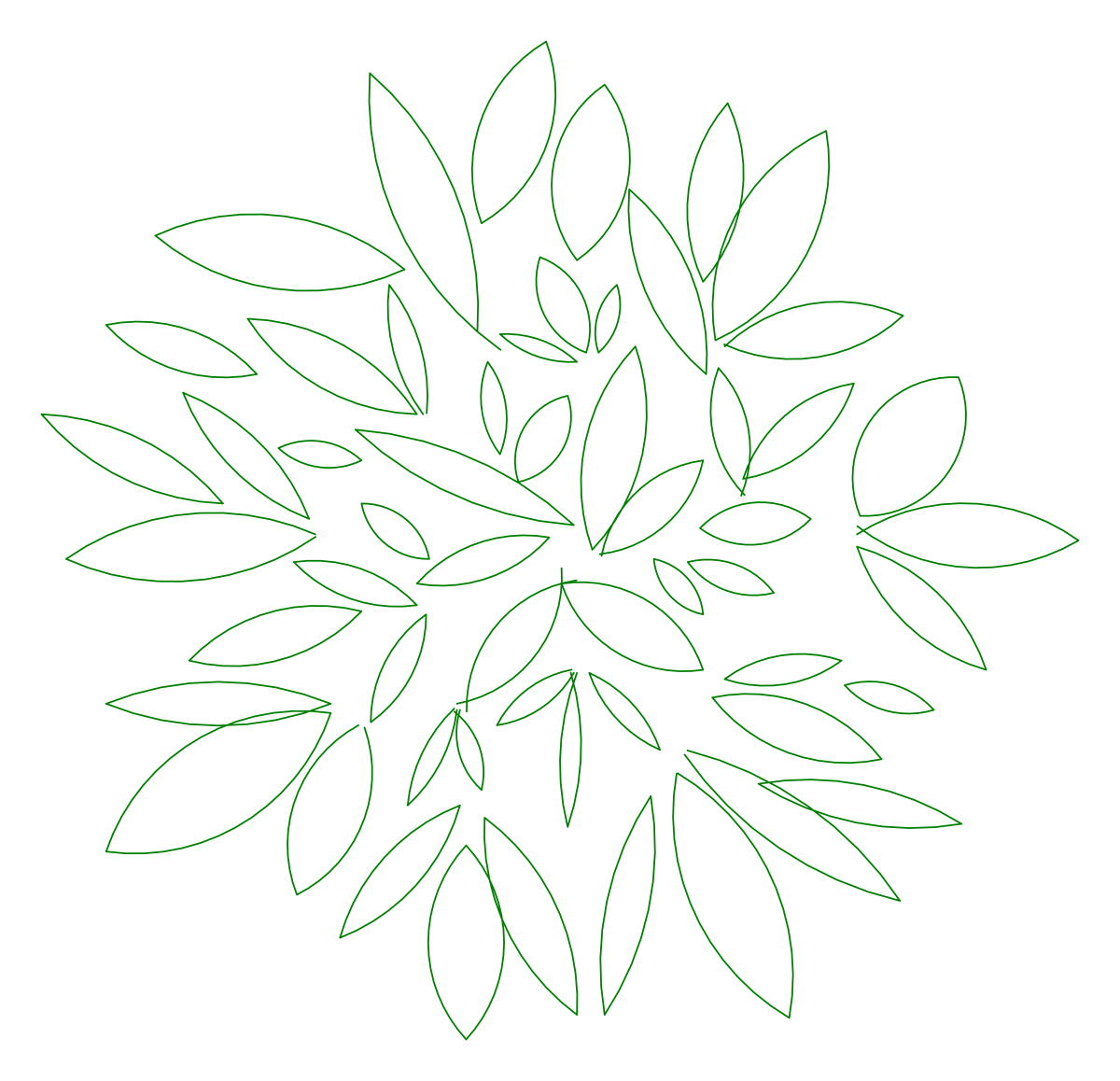
Compact tree canopy CAD block in plan with overlapping pointed leaves and a PLANT label
nasji.com · Drawing preview · 2 entities · 2 layers View full size

Trees CAD blocks

Tree Plan Symbol 06 — Small Leaf Canopy

A compact plan canopy of overlapping pointed leaves, delivered with a large PLANT label.

Up to 100 library downloads per day across all libraries. Resets at 00:00 UTC.

DWG is the original file. DXF is written from it on request. Open in CAD loads it into the free browser CAD — nothing to install, no account.

Specifications

Format
DWG R2018 · DXF R2000 on request
Units
metresread from the geometry — the file's unit flag says inches, but it is metre-sized
Size
5.1 × 5.4 m (width × height)
Entities
21 block reference and 1 paragraph text
Layers
CAY
Block definitions
none — plain geometry
File size
41 KB
Updated

About this block

A small, tightly drawn crown seen from above: pointed leaves overlapping in every direction around a dark centre, with the outline left ragged so no two edges match. Beside it, on the same drawing, sits a green text object reading PLANT, set at a text height several times the size of the symbol itself. That label is why the file measures 5.1 by 5.4 units while the canopy takes up only about a third of that width, on a layer named CAY.

Delete or freeze the label first — it is a shelf tag from the original library, not part of the symbol, and it will print across your plan if you leave it. What remains is a compact canopy that works as a small ornamental tree or a large shrub on garden and courtyard plans at 1:50 to 1:100. Scale it up and the leaf pattern still holds together, which makes it a useful filler between the larger specimen symbols on a planting layout.

Ratings and reviews

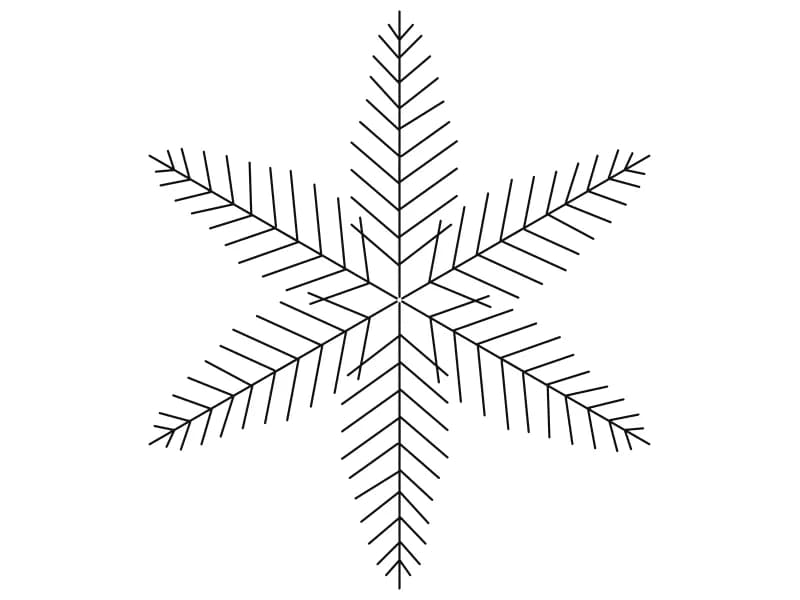
Large conifer CAD block in plan with six needled arms radiating in a symmetrical star

Tree7

A large six-armed conifer plan symbol with fine needles along every radiating branch.

40 KB · 2 entities

Dense round tree canopy CAD block in plan with feathered leaves swirling to a circle

Tree5

A dense circular plan canopy of long feathered leaves swirling out to a clean edge.

43 KB · 2 entities

Open tree canopy CAD block in plan with heavy limbs, fine twigs and scattered leaves

Tree4

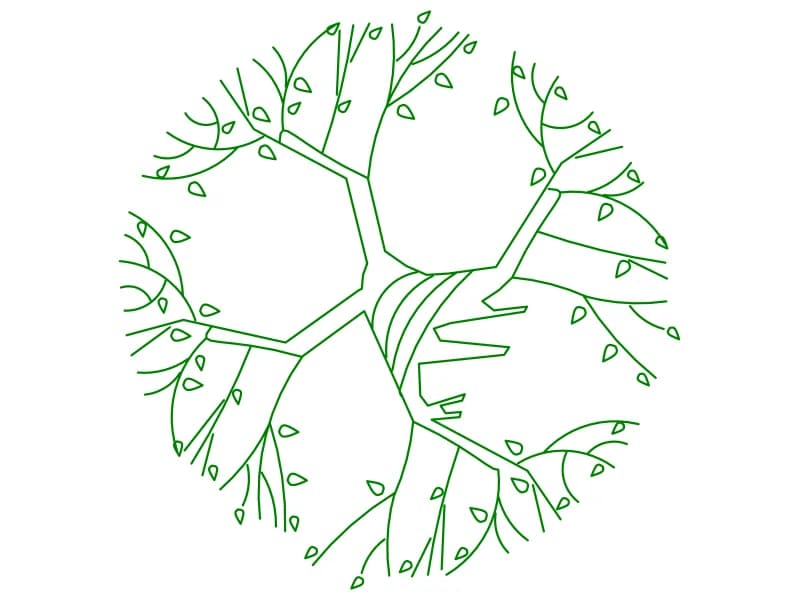
An open plan canopy with thick limbs, fine twigs and single leaves at the branch ends.

136 KB · 2 entities

Tree canopy CAD block in plan drawn as a ring of small scattered leaf flecks

Tree 15

A plan canopy drawn as scattered leaf flecks forming a broken ring with an open middle.

46 KB · 2 entities

Dense round tree canopy CAD block in plan built from rings of small ellipse leaves

Tree22

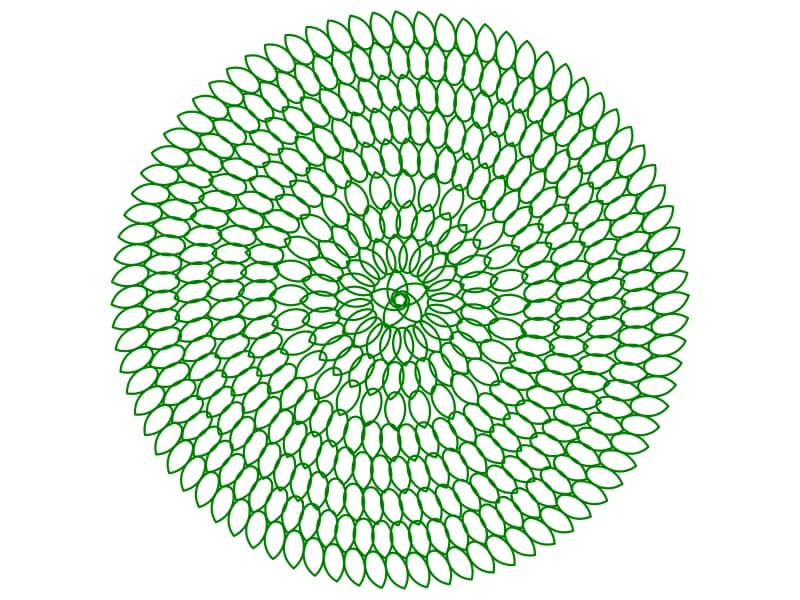
A dense circular plan canopy built from hundreds of small ellipse leaves set in rings.

99 KB · 2 entities

Fern-leaved tree CAD block in plan with seven compound fronds of outlined leaflets

Tree16

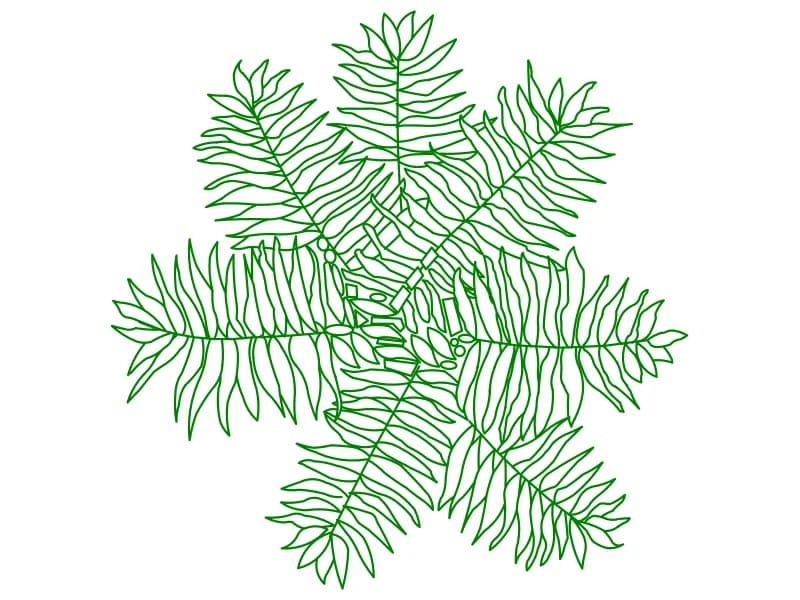
A plan symbol with seven compound fronds, every leaflet drawn as its own outline.

115 KB · 2 entities

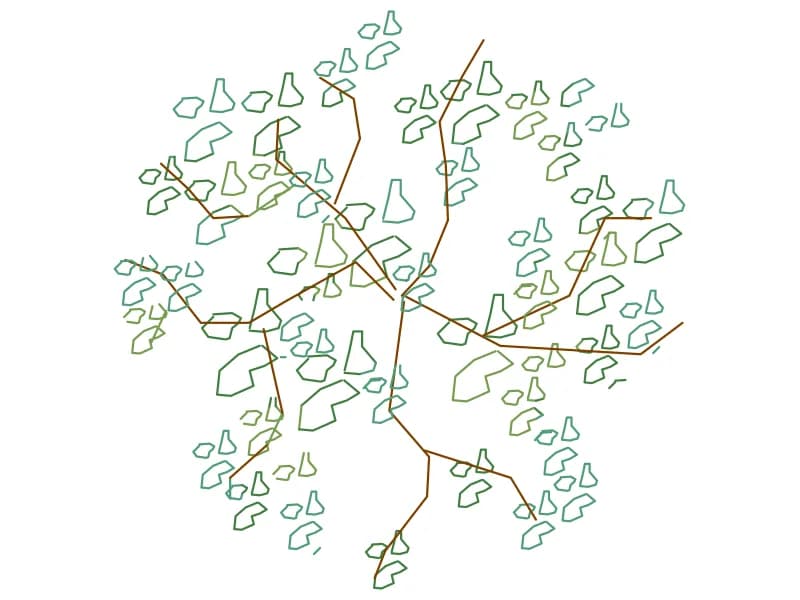
Light tree canopy CAD block in plan with brown branches and blue and olive leaf clumps

Tree9

A light plan canopy with brown branches and leaf clumps drawn in blue and olive.

85 KB · 2 entities

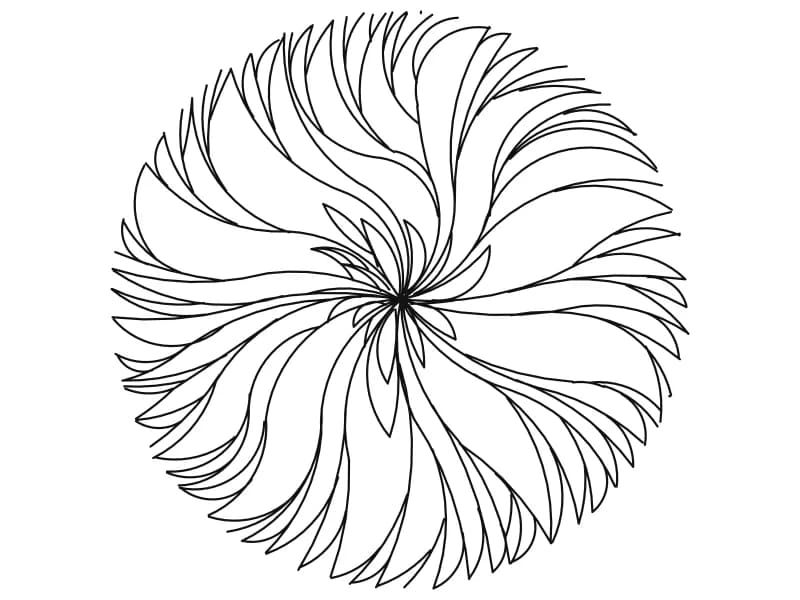
Round tree canopy CAD block in plan drawn as long curved leaves swirling from centre

Tree2

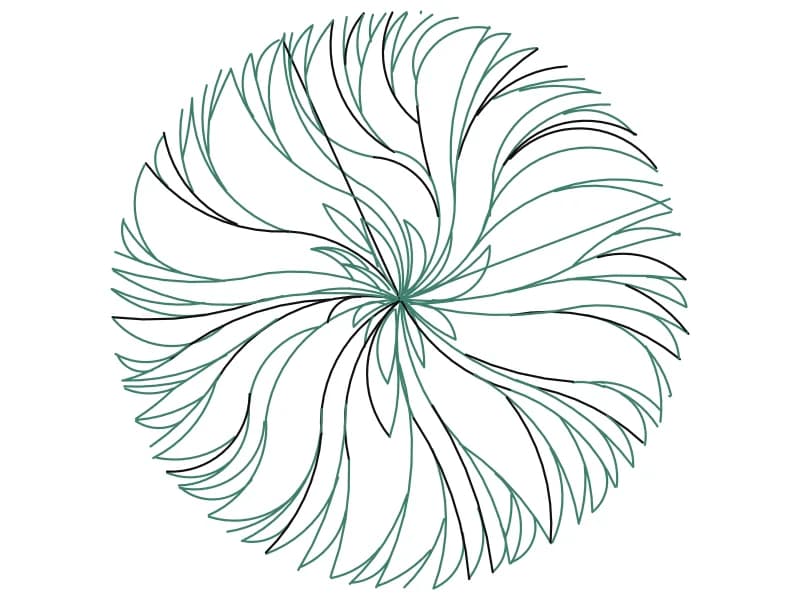
A circular plan canopy of long curved leaves that swirl outward from a single centre.

44 KB · 2 entities

Questions

What is the large PLANT text in the file?

A leftover label from the source library. Erase it or freeze its layer before you plot, since it is drawn far larger than the symbol.

How big is the canopy on its own?

Around a third of the 5.1-unit file width. Measure the crown after inserting and scale it to the spread your species needs.