 NASJI
Is Nasji Cube free?
Yes. Modeling, file import/export, extensions and the Gallery are free. Only the optional AI agent uses paid Nasjicad AI credits or an AI plan.
NASJI / NASJI CUBE
Push and pull faces into buildings, sweep profiles along paths, stand a DWG plan up in 3D, or describe a house and let the agent build it. Nasji Cube runs in the browser and inside the Nasjicad desktop app — the same program on both.
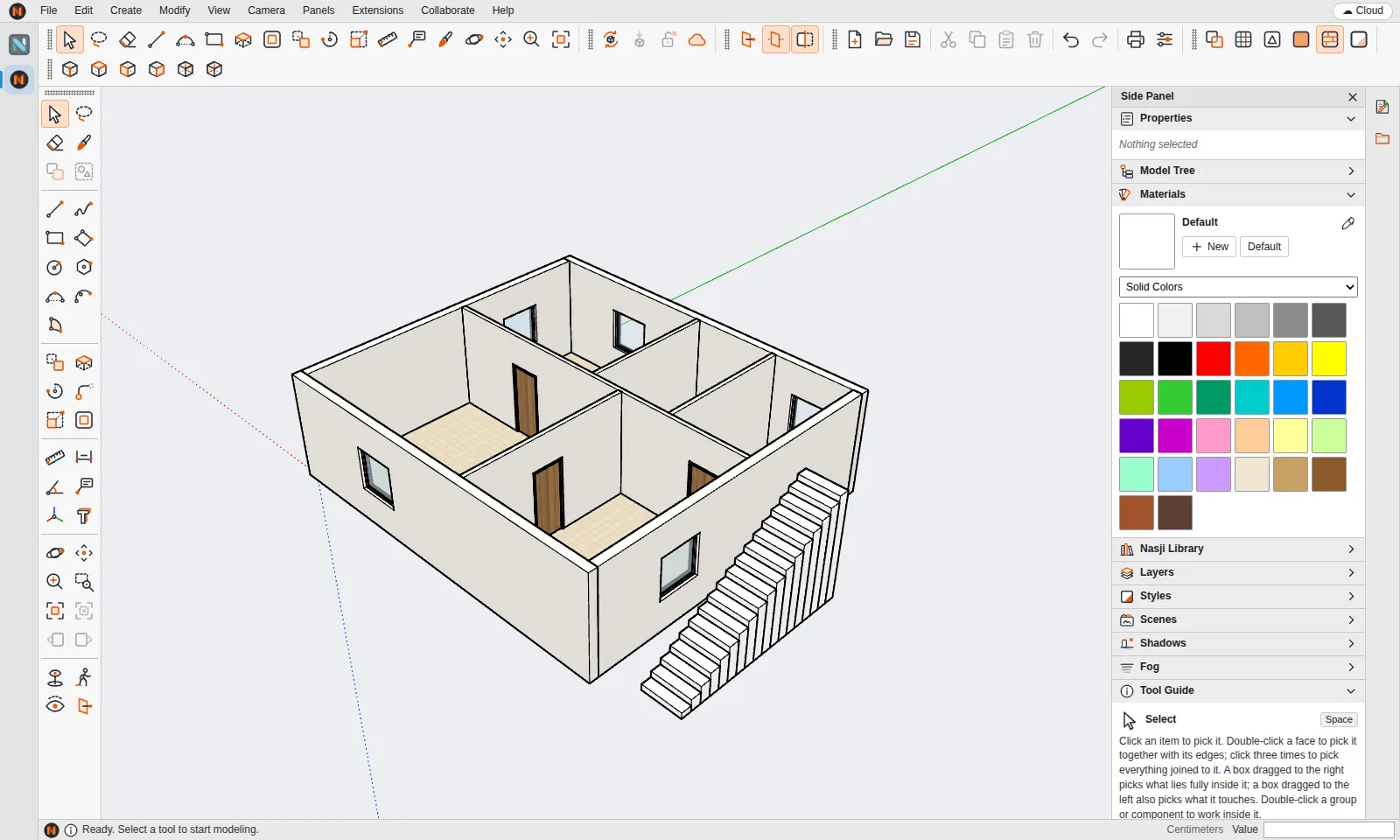
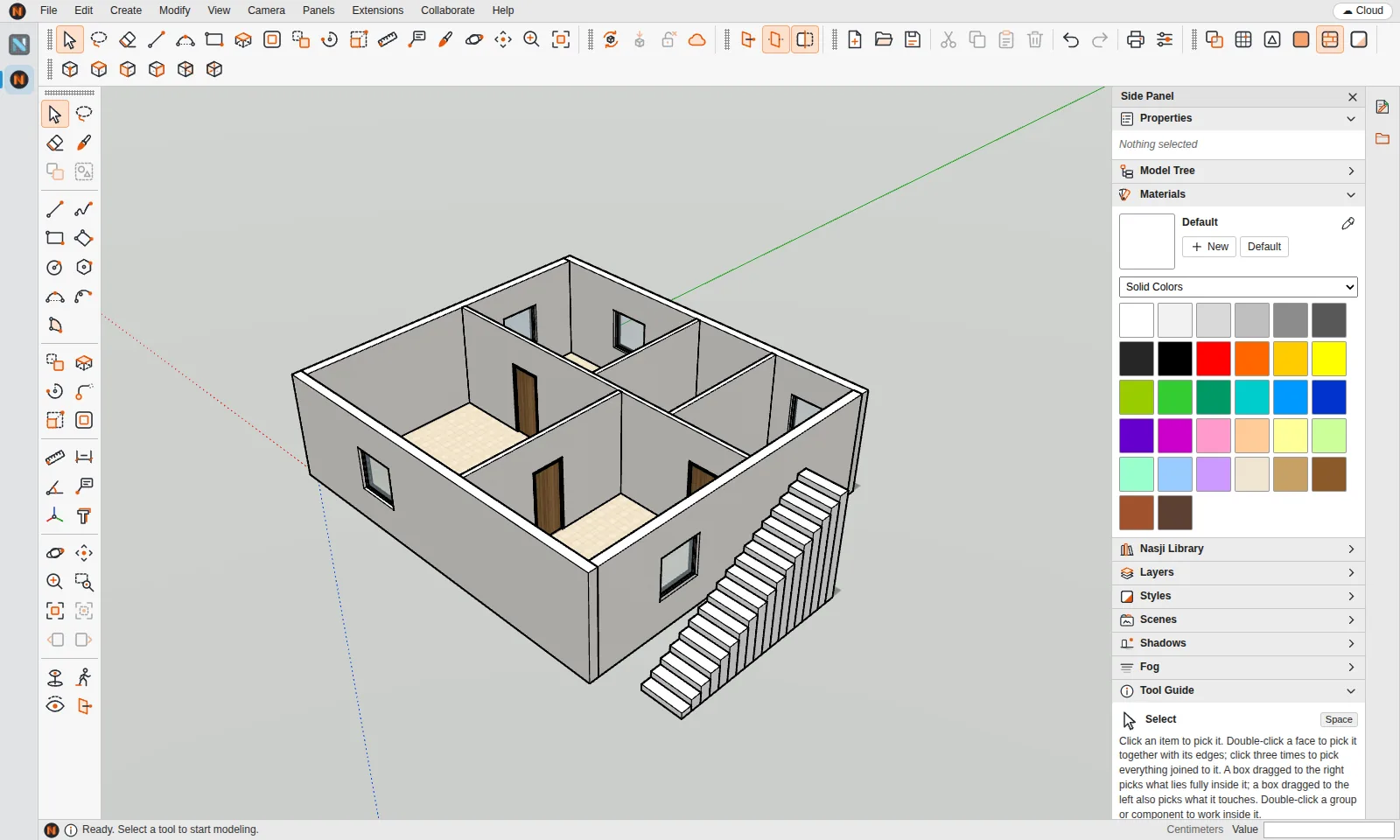
Faces close by themselves, extrude merges coplanar faces, groups, components, layers, scenes, styles and section planes.
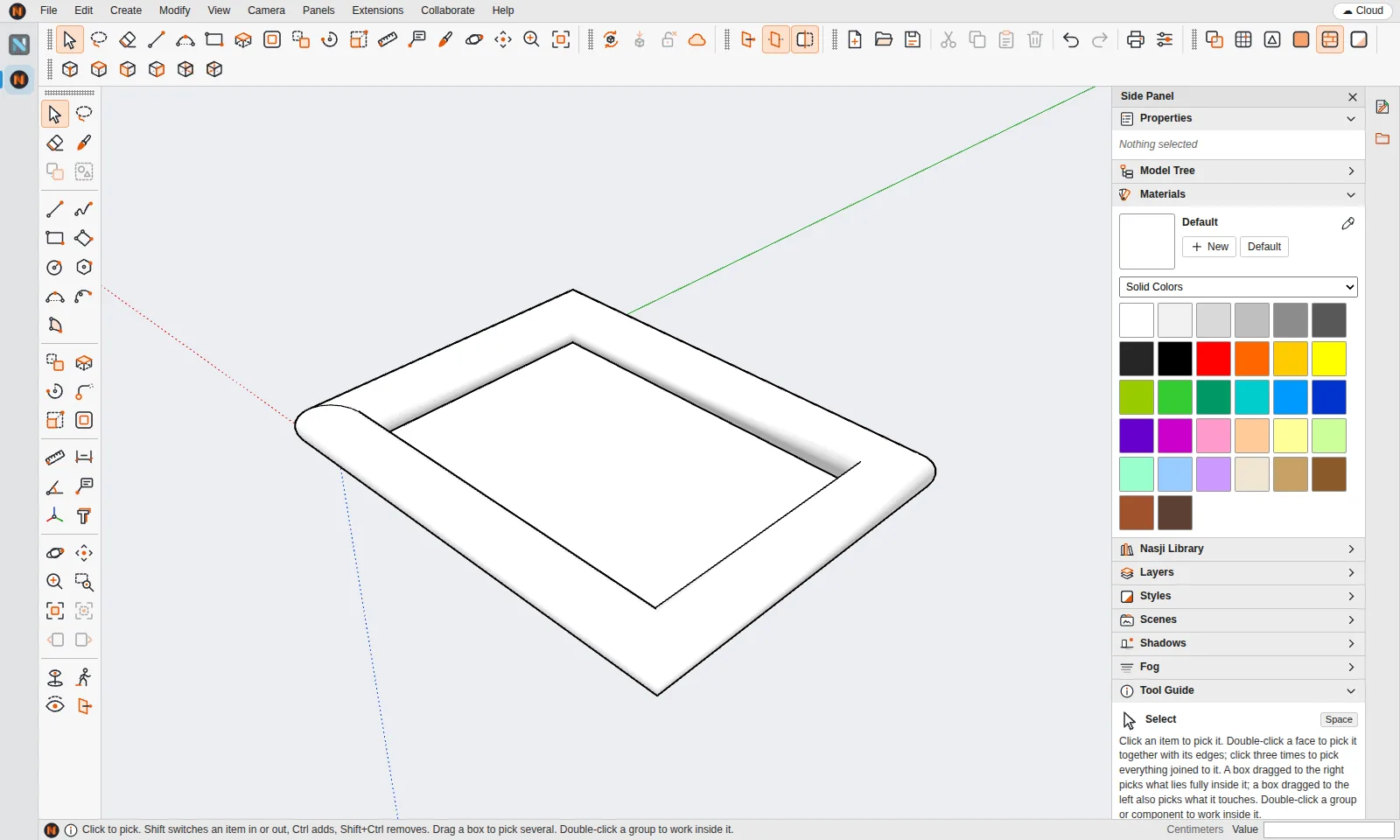
Pull a face into a volume or sweep a profile along any path to make frames, mouldings and pipes.
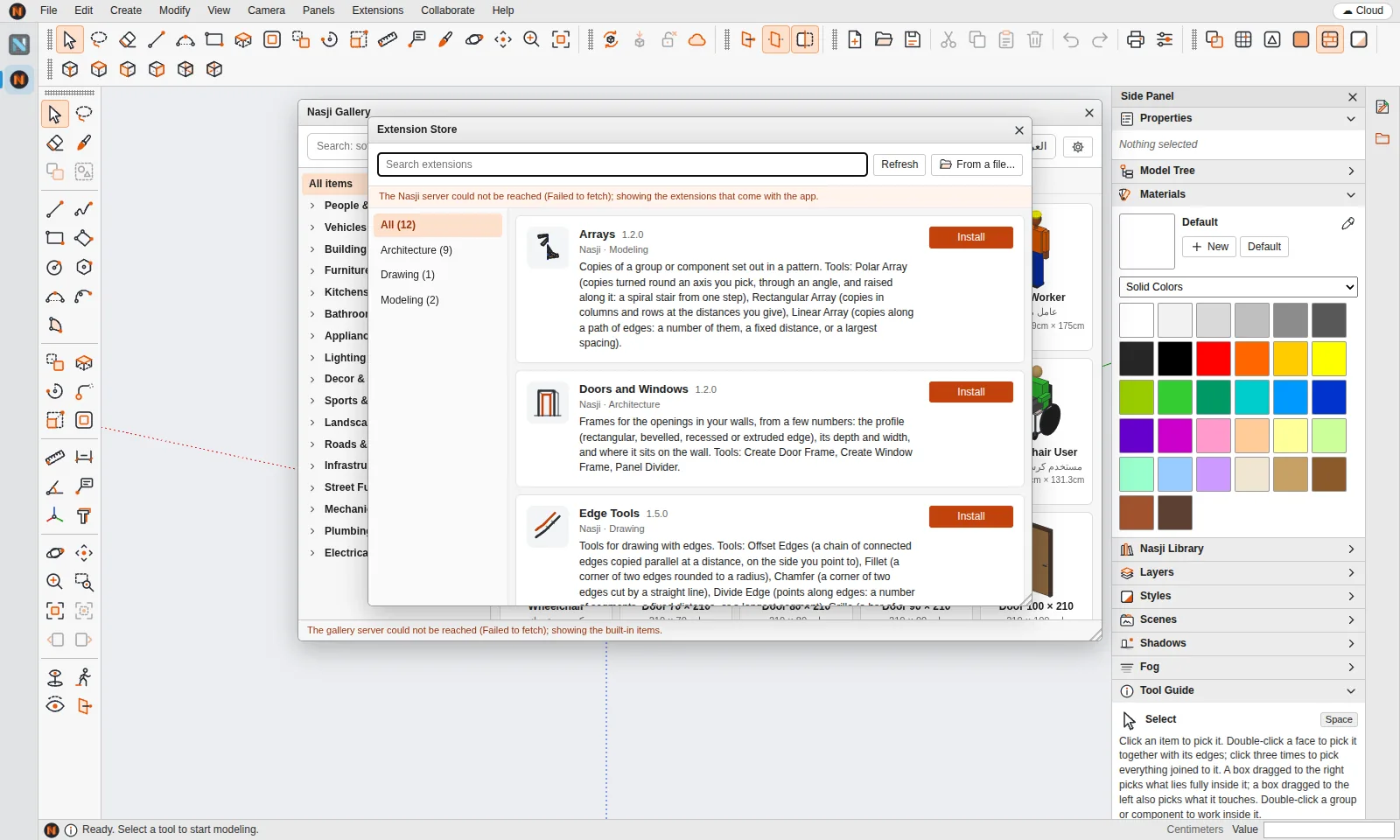
Sandboxed .nasx extensions with their own tools and panels. Twelve come built in: stairs, roofs, walls, doors and more.
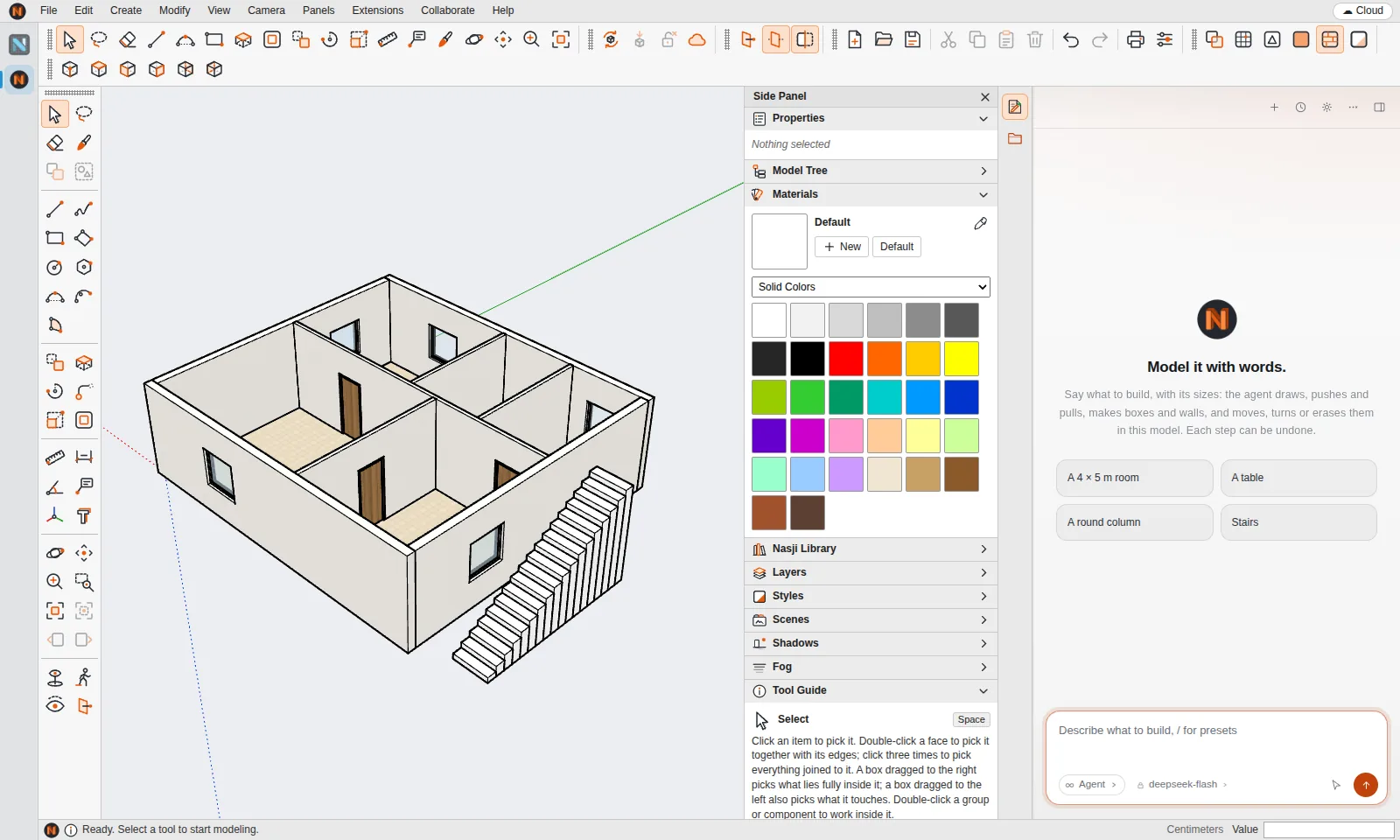
Describe a room, a table or a five-room house with its sizes; the agent models it as editable geometry.
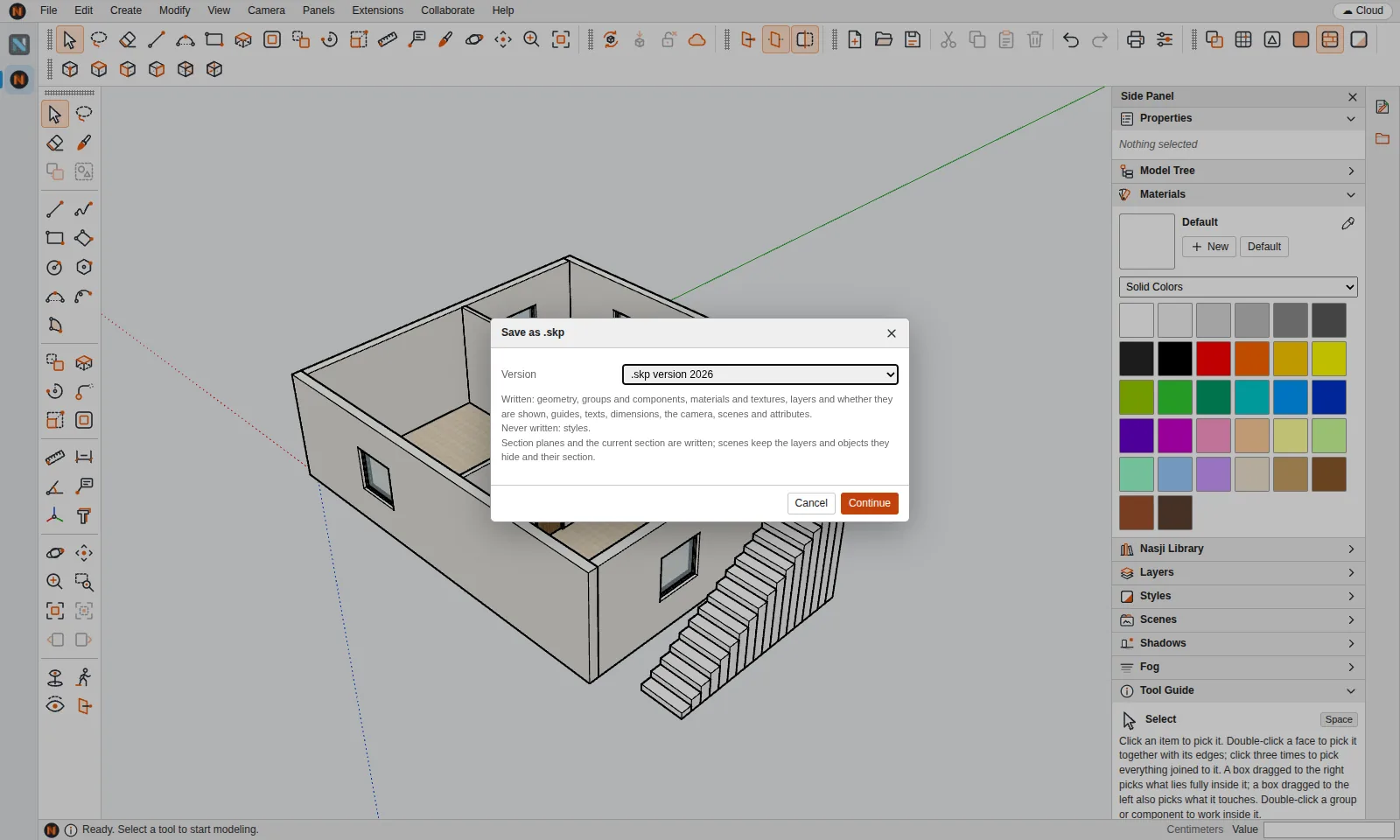
Open and save .skp versions 3 to 2026, import DWG, OBJ, glTF, STL, 3DS, DAE, KMZ and more.
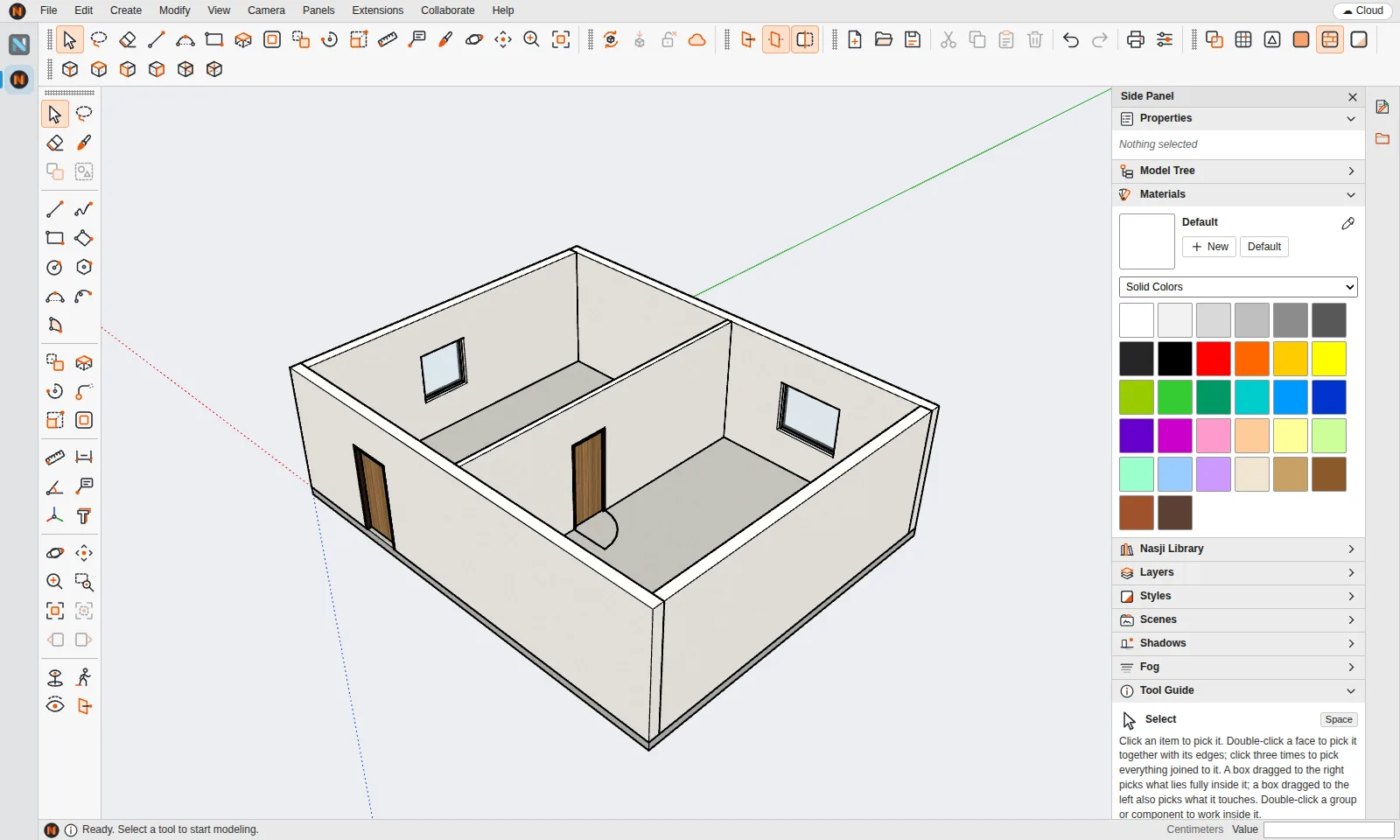
Import a 2D DWG/DXF floor plan; Nasji Cube reads walls, doors, windows and rooms and builds the 3D model.
An honest comparison for people who work with .skp files — what is the same, what is different.
Nasji Cube is a direct modeler: you draw edges, faces close when a loop is complete, and you pull faces into volumes. Every operation is one undo step and every value can be typed — 3m, 250cm, 1'6", rows of copies with 3x.
Nasjicad is the 2D CAD for DWG; Nasji Cube is its 3D side. Import the plan you drew, let Drawing to 3D find the walls, doors and windows, and continue in 3D. Switch between the two from the app strip on the left.
| Product | Nasji Cube — a 3D modeler by NASJI, the makers of Nasjicad |
|---|---|
| Runs on | Web browser (nasji.com/cad/cube) and the Nasjicad desktop app for Windows, macOS and Linux — one codebase |
| Price | 3D modeling is free; the optional AI agent uses Nasjicad AI credits or an AI plan |
| Native file | .ncube (keeps everything) |
| .skp files | Opens, imports and saves .skp files of versions 3 to 2026 through nskp, NASJI's own clean-room .skp library |
| Import | 3DS, COLLADA (.dae), KMZ, glTF/GLB, PLY, USDZ, OBJ, STL, DWG/DXF, USGS DEM terrain, images, .skm materials |
| Export | OBJ, STL, glTF, PNG image |
| Extensions | .nasx packages in TypeScript/JavaScript, each sandboxed in its own Web Worker; 12 built-in extensions |
| Library | Nasji Gallery: 372 ready-made items in 17 categories, named in English and Arabic |
| Team work | Nasji Connect: several engineers on one project, element by element, with version history |
| Languages | Interface in English; Gallery and agent understand Arabic too |
Last checked: November 2026
Yes. Modeling, file import/export, extensions and the Gallery are free. Only the optional AI agent uses paid Nasjicad AI credits or an AI plan.
Yes. It opens and saves .skp files from version 3 to 2026 using nskp, NASJI's own clean-room library. When saving it asks which .skp version to write and lists anything that version cannot hold.
Yes. The web version at nasji.com/cad/cube is the same build as the desktop app. Files are read in your browser.
Nasji Cube ships inside the Nasjicad desktop app for Windows, macOS and Linux.
Yes. File › Drawing to 3D reads the walls, doors, windows, rooms and units of an imported DWG/DXF, shows what it found so you can correct it, and builds the 3D model.
No. Nasji Cube is an independent program by NASJI (UPREPS LTD). It reads and writes the .skp file format for compatibility only.
SketchUp is a registered trademark of Trimble Inc. Nasji is not affiliated with, sponsored by or endorsed by Trimble. The name is used only to describe file compatibility.