 NASJI
Are extensions safe?
Each extension runs in a sandboxed Web Worker without DOM or app access and without network access unless permitted. Model changes are validated before they are applied.
NASJI CUBE / EXTENSIONS
Nasji Cube has its own extension system. Each extension runs in its own sandboxed Web Worker, with no access to your files or the network unless you allow it, and its model changes are one undo step.
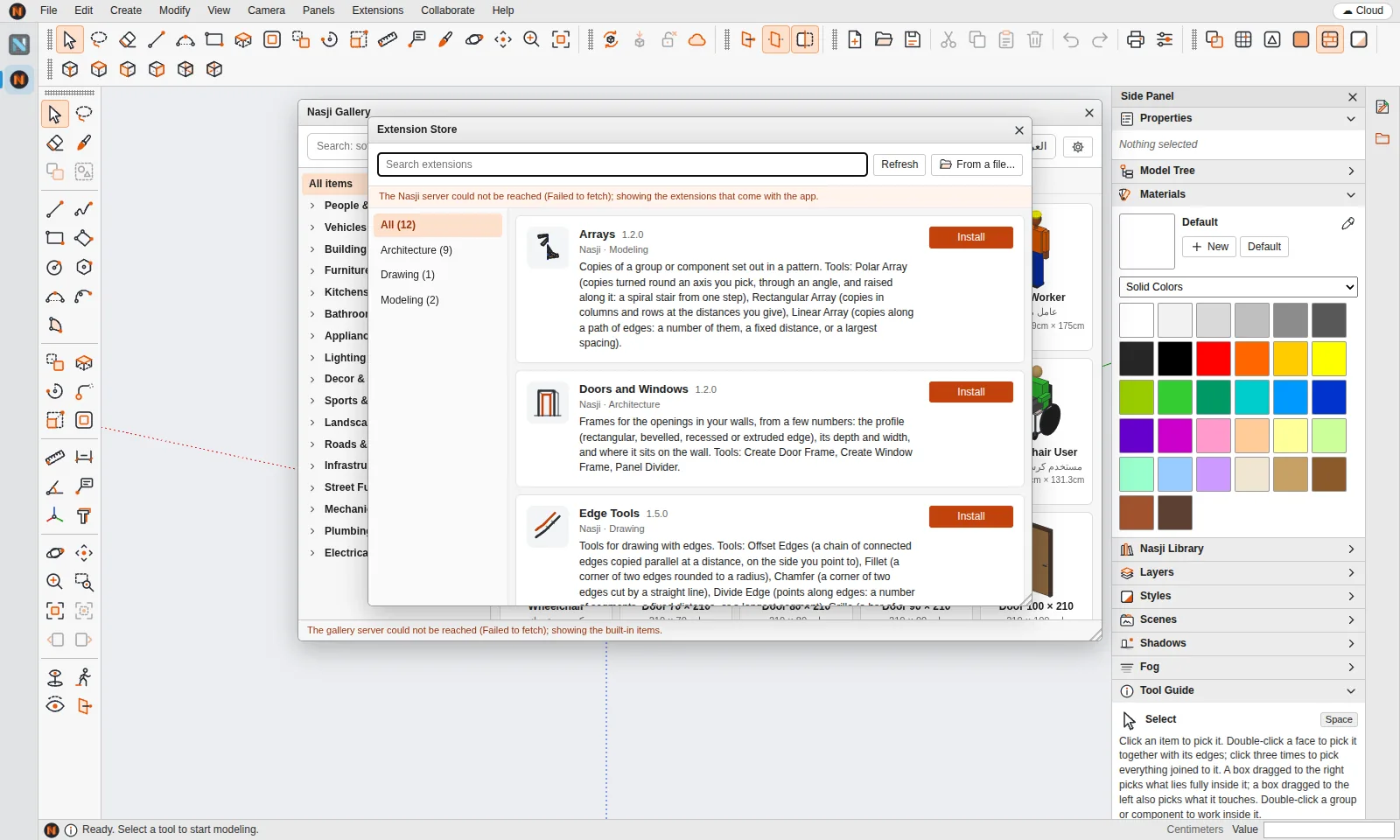
Open Extensions › Extension Store to install the built-in set:
An extension can add commands, menus, toolbars, interactive tools that use the app's snapping, importers, isolated HTML panels and its own storage.
Extensions are .nasx packages (or a single .js file) written in TypeScript or JavaScript against the nasji API, with an SDK and a packer that turns a folder into a .nasx.
Choose Extensions › Extension Store.
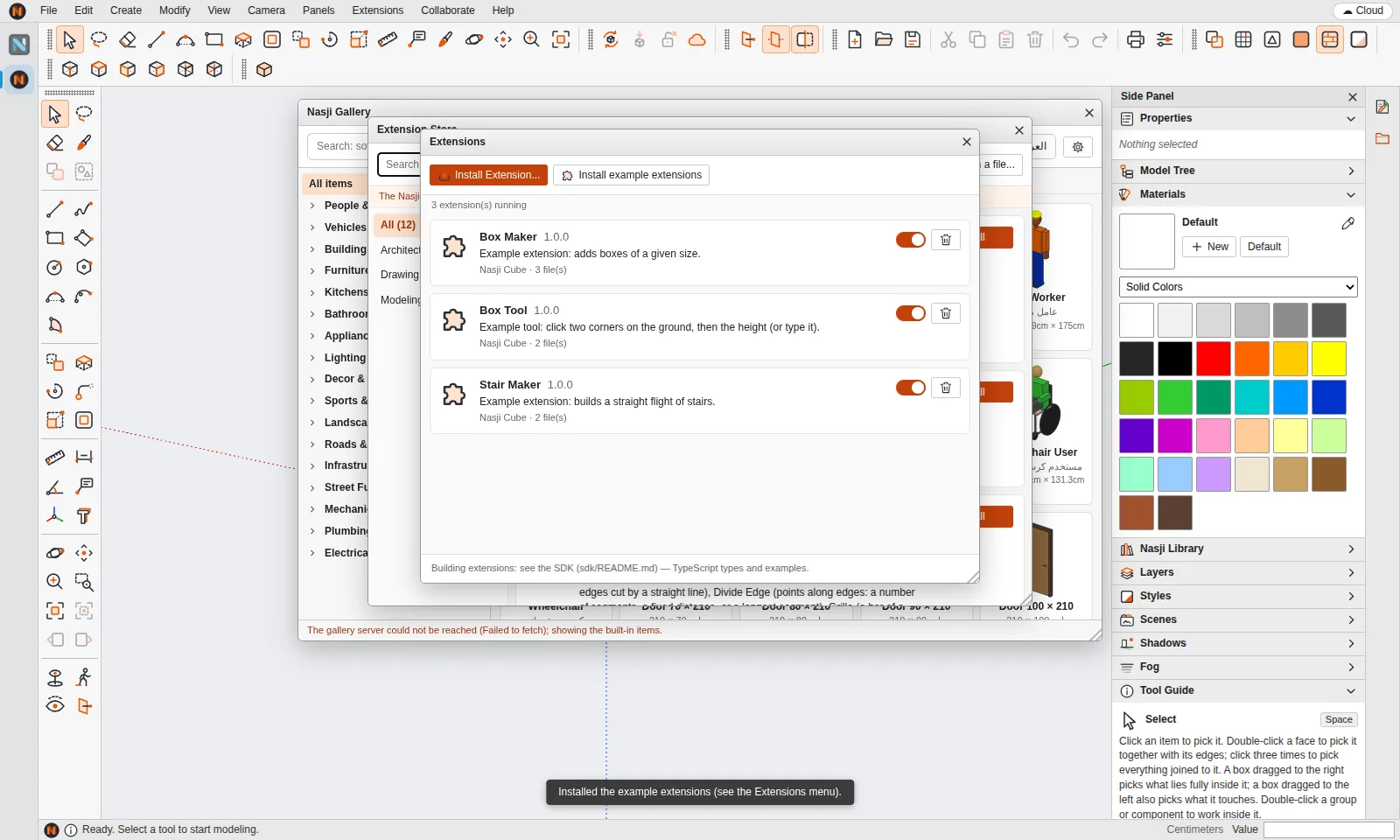
Browse the built-in extensions and click Install.
Its commands and tools appear in the Extensions menu and toolbar.
Extensions › Manage Extensions turns any extension off or removes it.
Each extension runs in a sandboxed Web Worker without DOM or app access and without network access unless permitted. Model changes are validated before they are applied.
No. Nasji Cube extensions are written in TypeScript or JavaScript against the nasji API; Ruby plugins from other programs do not run in it.
SketchUp is a registered trademark of Trimble Inc. Nasji is not affiliated with, sponsored by or endorsed by Trimble. The name is used only to describe file compatibility.