 NASJI
Which .skp versions can Nasji Cube open?
Every version from 3 to 2026: 3–8, 2013–2020 and 2021–2026.
NASJI CUBE / FILE FORMATS
Nasji Cube reads and writes .skp files of every version from 3 to 2026 (3–8, 2013–2020 and 2021–2026) through nskp, NASJI's own clean-room .skp library. You choose the version when you save, so colleagues on older software can open your file.
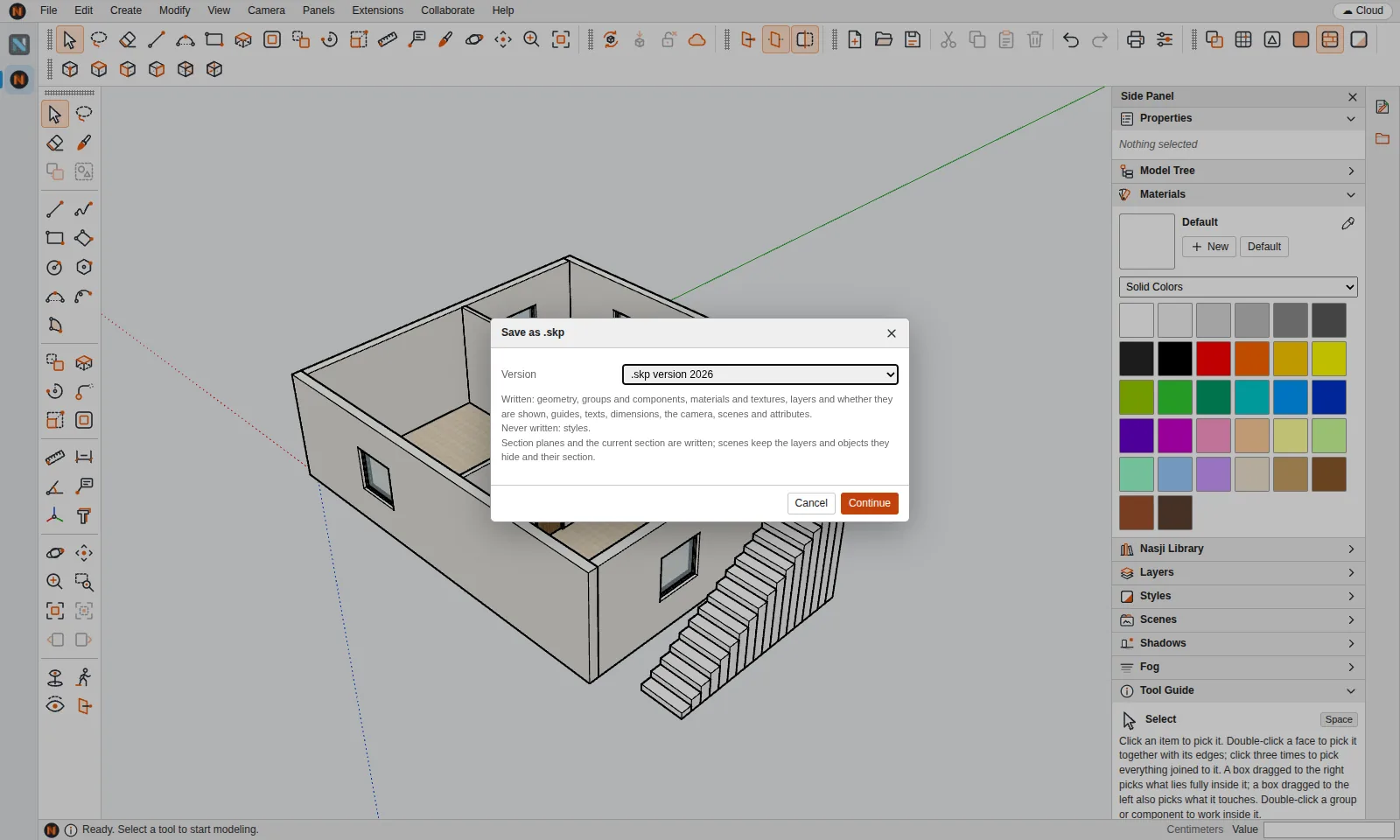
File › Save As .skp lists the versions newest first and tells you exactly what the chosen version can hold — geometry, groups and components, materials and textures, layers, guides, texts, dimensions, the camera, scenes and attributes — and what it cannot.
A .skp opens as a stream: the model shows from the file's preview and you can work within about a second, while groups are built in the background. The desktop app keeps a cache of recent files so they open again without importing.
Imports come in as a component to place.
Open a .ncube or .skp file, or import another format.
Choose File › Save As .skp.
Choose the .skp version your colleague uses and read what that version cannot hold.
Click Continue and choose where to save the file.
Every version from 3 to 2026: 3–8, 2013–2020 and 2021–2026.
No. It uses nskp, NASJI's own clean-room .skp library, with no other .skp reader.
Yes. Export STL for 3D printing and OBJ or glTF for rendering and game engines.
SketchUp is a registered trademark of Trimble Inc. Nasji is not affiliated with, sponsored by or endorsed by Trimble. The name is used only to describe file compatibility.