 NASJI
Do I need to install anything?
No. Nasji Cube runs in a modern browser at nasji.com/cad/cube. A desktop version ships inside the Nasjicad app for Windows, macOS and Linux.
NASJI CUBE / 3D MODELING
Nasji Cube is a direct 3D modeler. Draw a loop of edges and it becomes a face; pull the face and it becomes a volume. Everything you make stays editable geometry you can measure, paint, group and save.
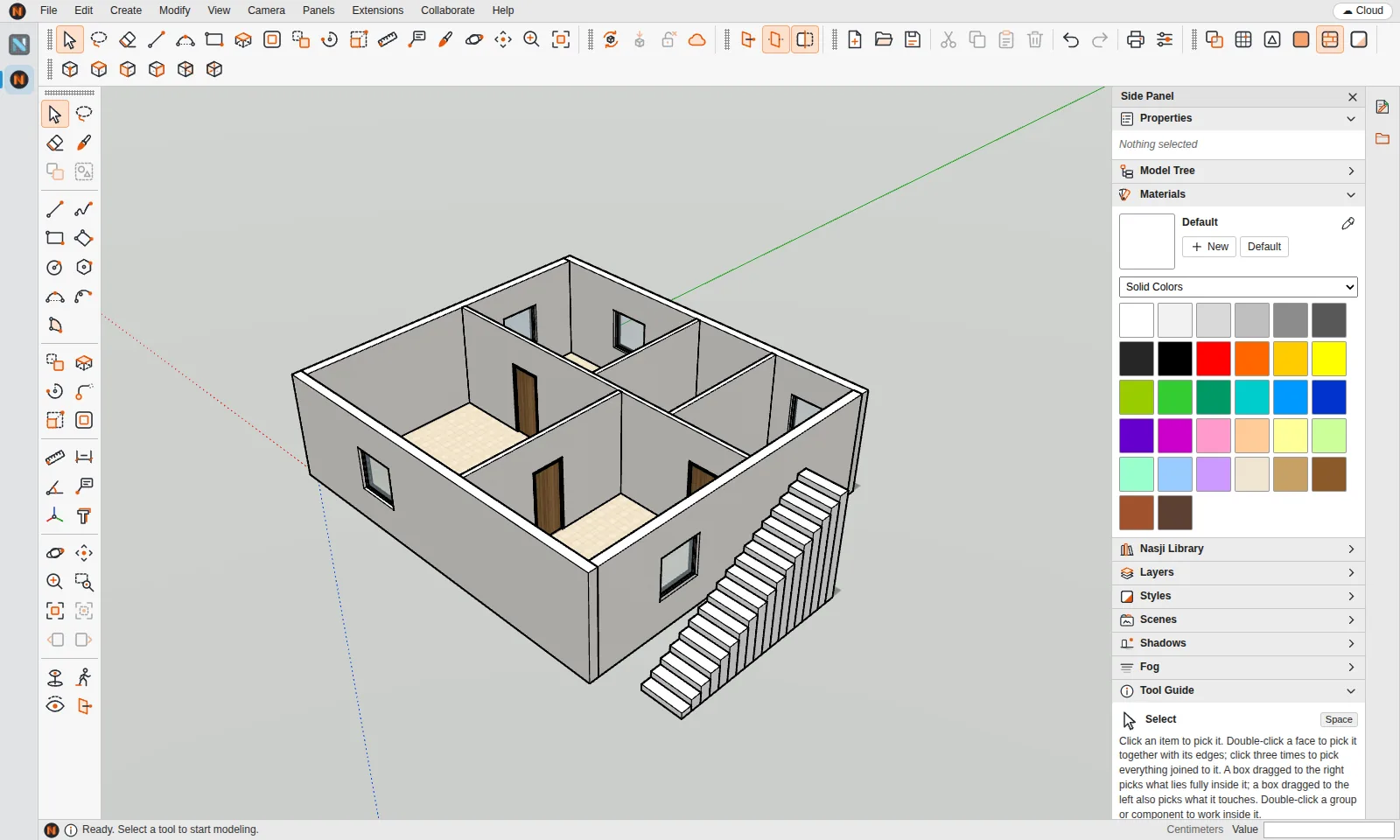
Edges split where they cross, a face appears when a coplanar loop closes, holes stay holes, and pulling a face merges it with coplanar neighbours. Groups and components are isolated contexts, so walls do not stick to furniture.
Switch between X-ray, Wireframe, Hidden Line, Shaded, Shaded With Textures and Monochrome. Drop a section plane to cut the building open, and save views as scenes with animated transitions.
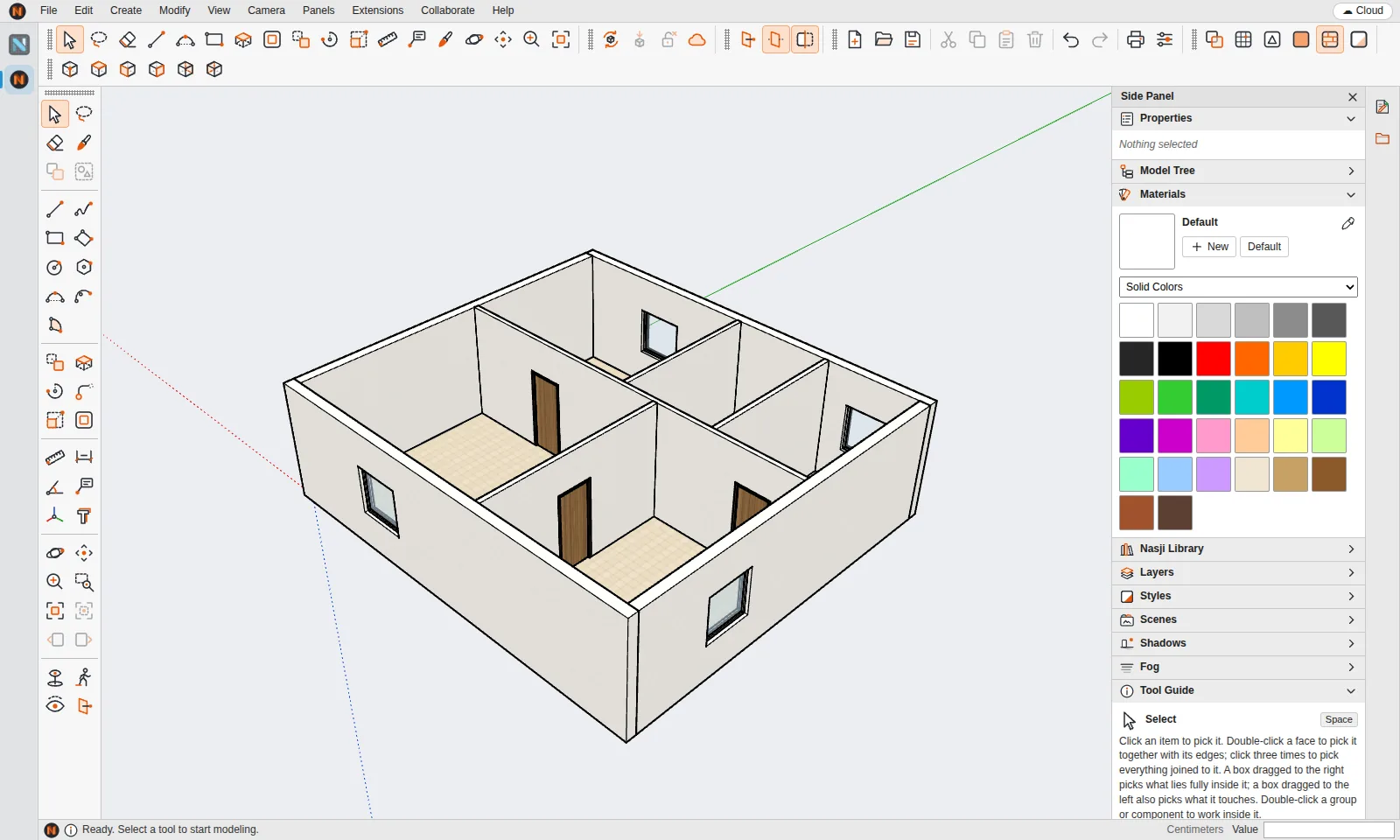
A section plane shows the rooms of a house the way a plan or a section drawing does — live, while you keep modeling.
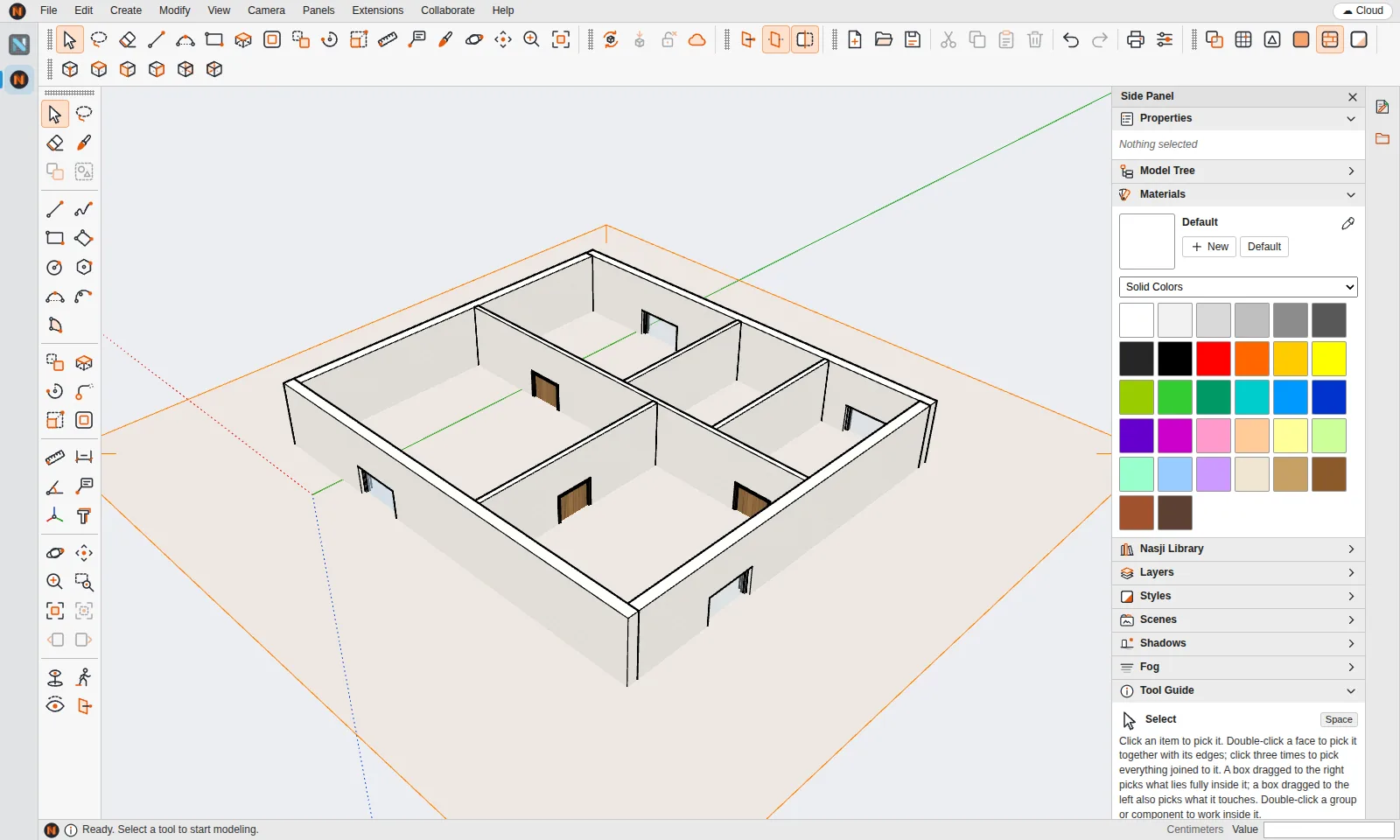
People, furniture, kitchens, bathrooms, lighting, landscape, vehicles, HVAC, plumbing and electrical — 372 items in 17 categories, searchable in English and Arabic. One click places an item as a component.
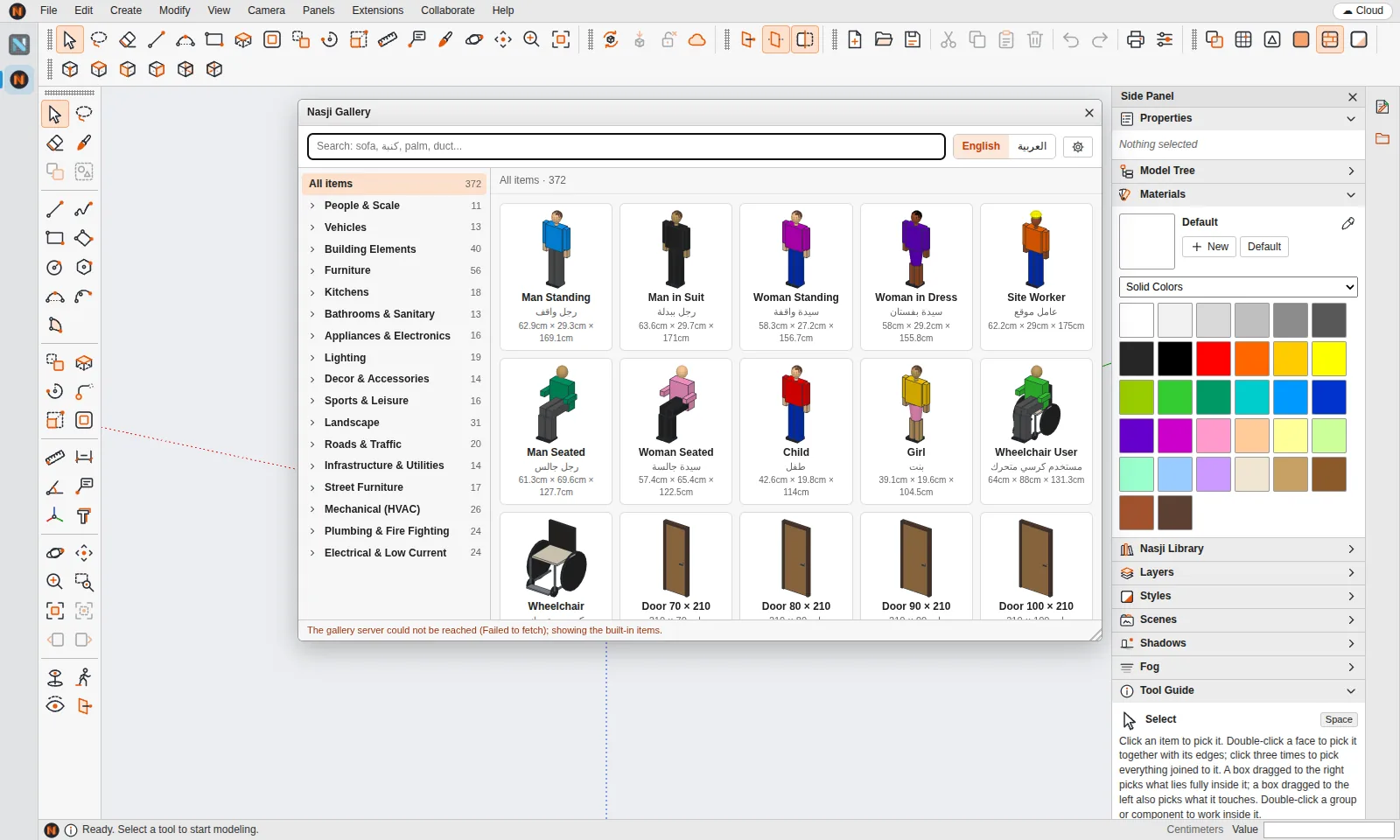
Choose Rectangle, click a corner, then type the size, for example 10m,8m, and press Enter.
Choose Extrude, click the face and type the height, for example 3m.
Draw rectangles on a wall for doors and windows and push them through the wall.
Turn on shadows, add a section plane, then save as .ncube or .skp.
No. Nasji Cube runs in a modern browser at nasji.com/cad/cube. A desktop version ships inside the Nasjicad app for Windows, macOS and Linux.
Yes. While drawing, type lengths like 3m, 250cm or 12", sizes like 4,5, angles, sides like 24s, or coordinates like [x,y,z].
Geometry is drawn in spatial chunks rebuilt only when they change and picked through a BVH, so big models stay responsive.
SketchUp is a registered trademark of Trimble Inc. Nasji is not affiliated with, sponsored by or endorsed by Trimble. The name is used only to describe file compatibility.