NASJI
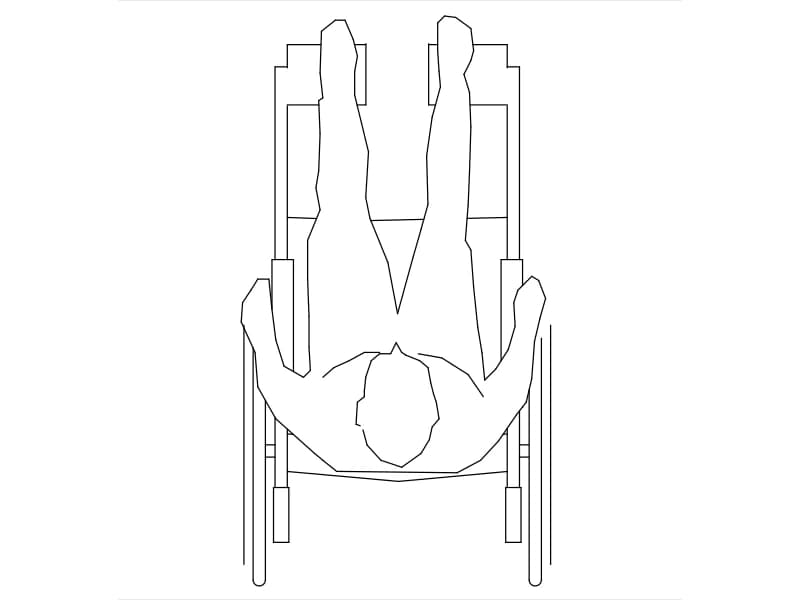
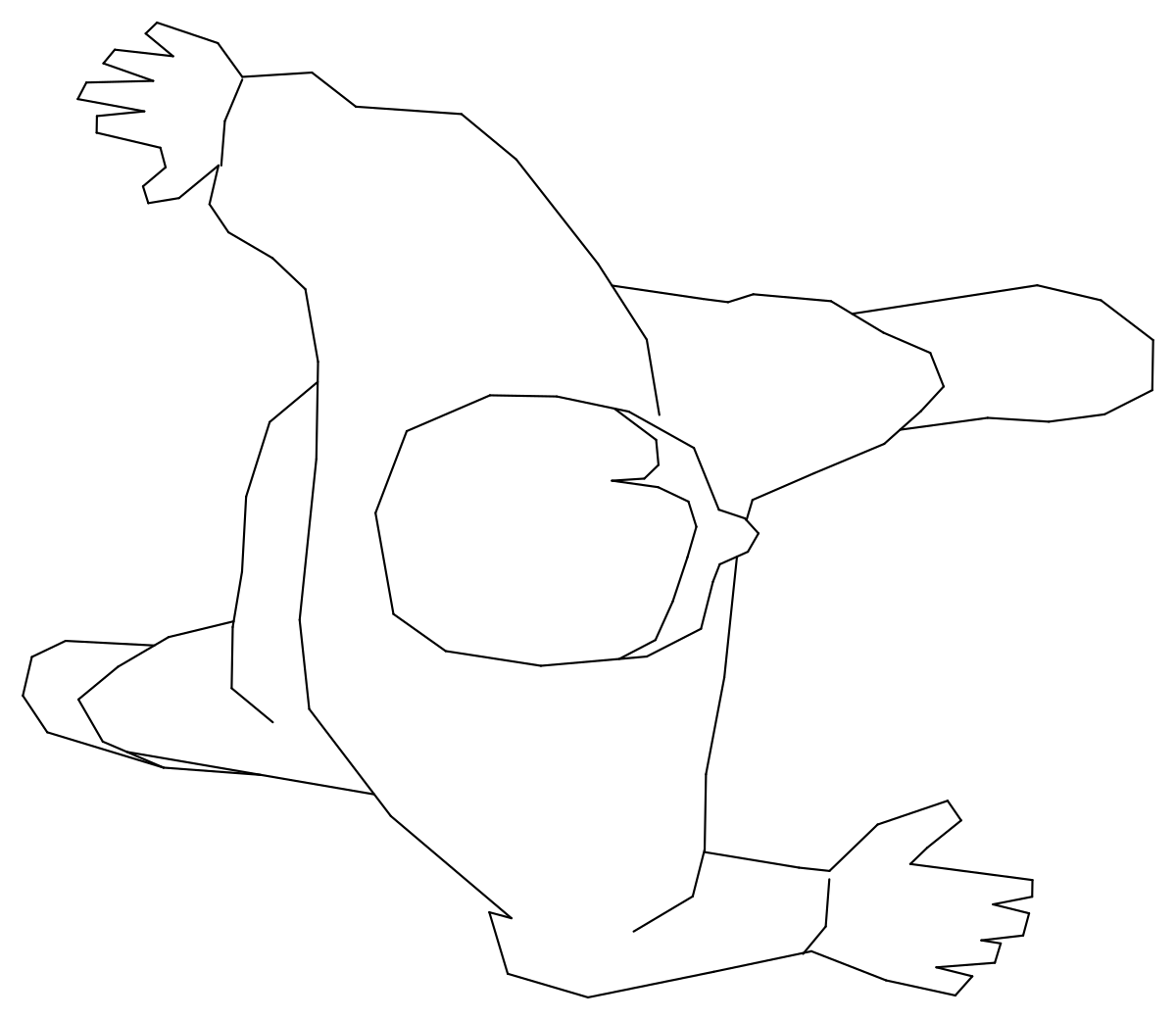
Wheelchair with seated person in plan
Wheelchair with seated person in plan. Download the editable DWG or DXF, or open the drawing directly in NASJI to inspect and adapt it.
14 KB · 170 entities
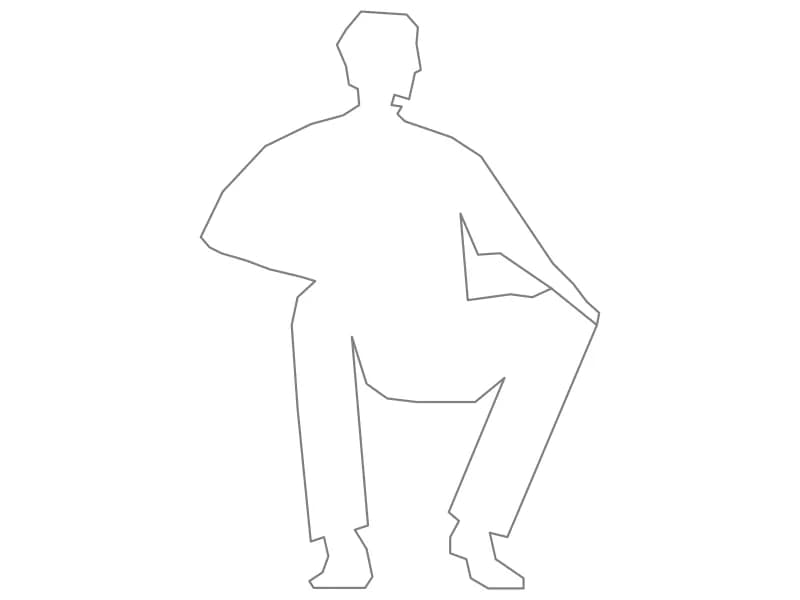
Standing person in top view. Download the editable DWG or DXF, or open the drawing directly in NASJI to inspect and adapt it.
Up to 100 library downloads per day across all libraries. Resets at 00:00 UTC.
Both DWG and DXF files are ready to download. Open in CAD loads it into the free browser CAD — nothing to install, no account.
Standing person in top view. Download the editable DWG or DXF, or open the drawing directly in NASJI to inspect and adapt it.
Use the preview to choose the correct drawing view, then copy the grouped geometry into your project. Place the item on a suitable discipline layer and check its intended size and relationship to surrounding elements. This is editable CAD geometry, not a certified product or engineering specification.
The extracted drawing contains 136 entities across its model and nested block definitions, using 1 layers. It is supplied as DWG 2018 and DXF. The block hierarchy is retained, and both formats were reopened to check entity counts and geometry bounds.
The file declares mm units. Physical dimensions have not been independently verified. Check a known dimension and insertion scale before using it in a measured project.
The black-on-white preview was rendered from the exported DWG using the NASJI CAD engine. Preview colors are chosen for readability; the download retains the drawing layers and original entity colors. Use Open in CAD to inspect the block before copying it into your drawing.
Wheelchair with seated person in plan. Download the editable DWG or DXF, or open the drawing directly in NASJI to inspect and adapt it.
14 KB · 170 entities
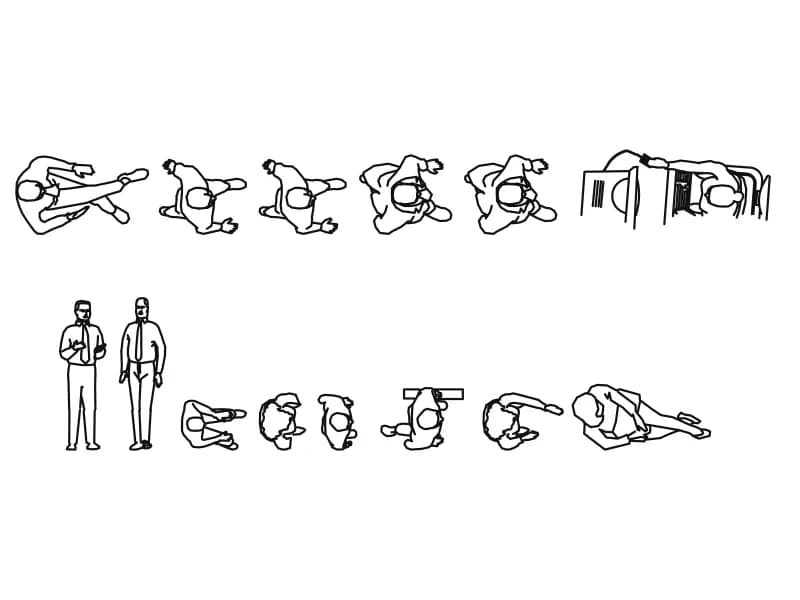
Thirteen top-view people blocks with two standing men and two desk scenes on one entourage sheet.
146 KB · 270 entities
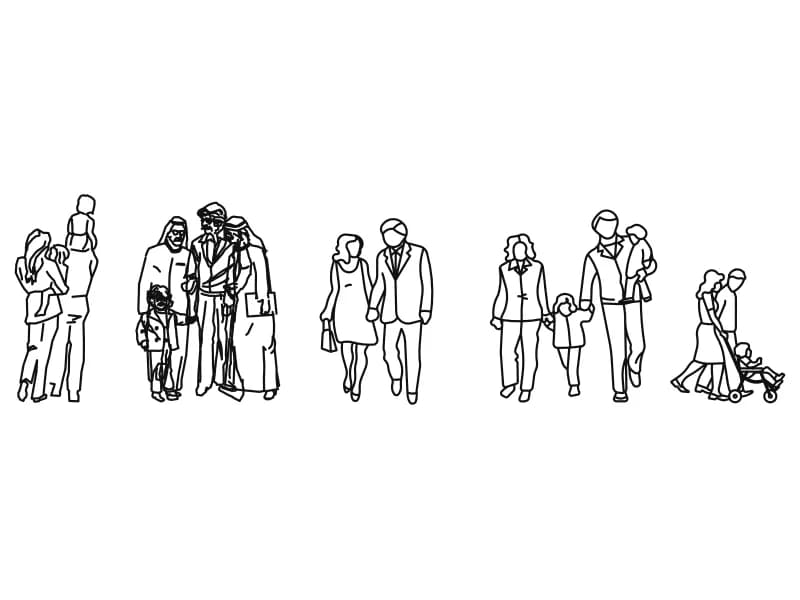
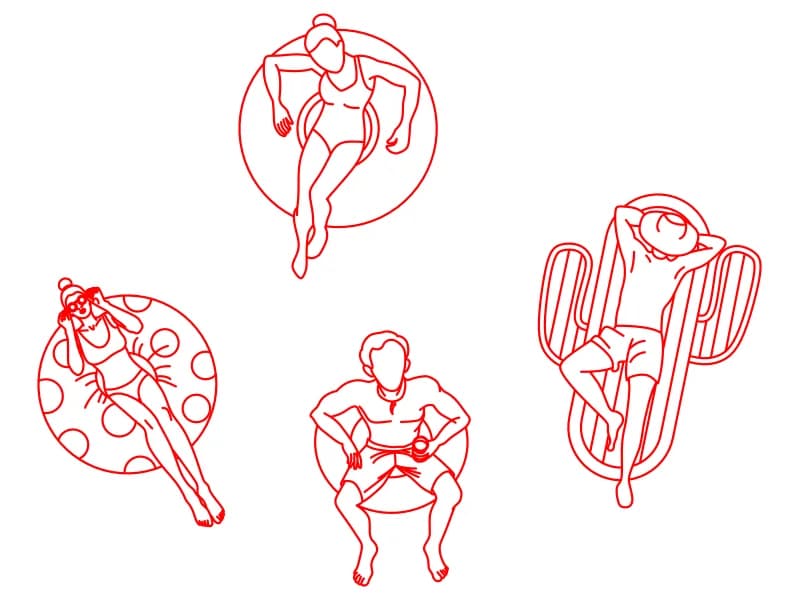
Four top-view bathers on rings, a round float and an air lounger, drawn in red on layer 0.
122 KB · 5 entities