NASJI
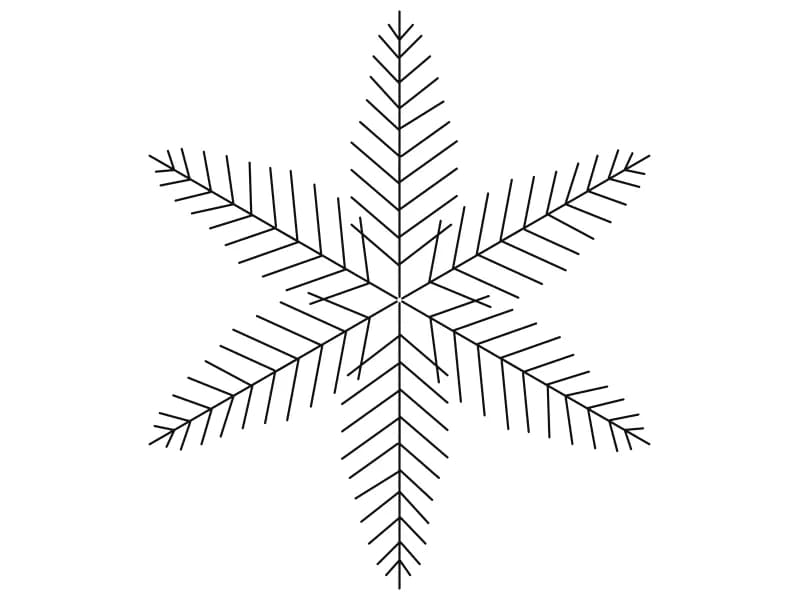
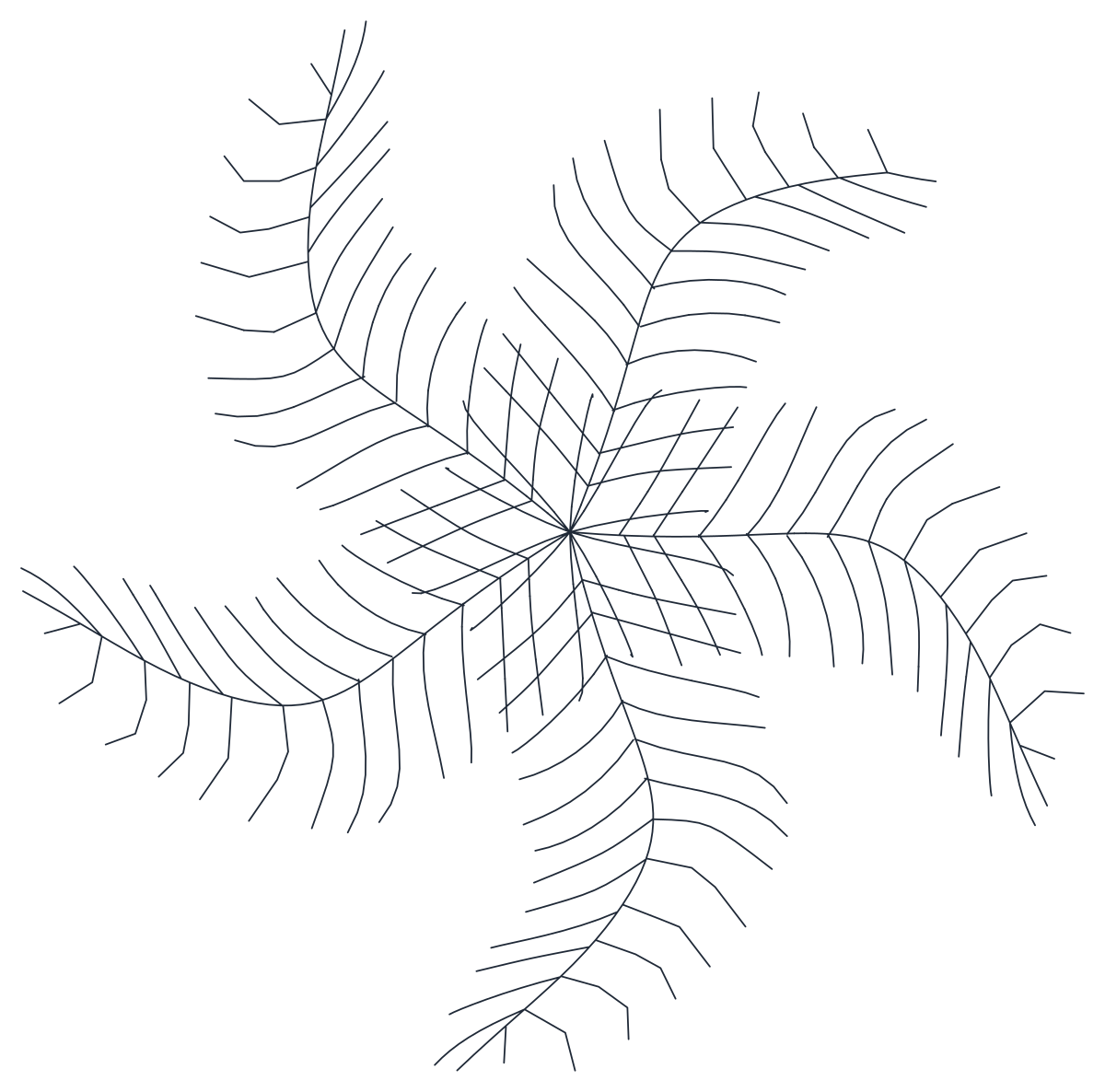
Palm tree CAD block in plan view with six feathered fronds radiating from a centre
nasji.com · Drawing preview · 2 entities · 2 layers View full size

Trees CAD blocks

Tree Plan Symbol 10 — Pinnate Frond

A plan-view palm symbol with six single-line feathered fronds curving from one centre.

Up to 100 library downloads per day across all libraries. Resets at 00:00 UTC.

DWG is the original file. DXF is written from it on request. Open in CAD loads it into the free browser CAD — nothing to install, no account.

Specifications

Format
DWG R2018 · DXF R2000 on request
Units
metresread from the geometry — the file's unit flag says inches, but it is metre-sized
Size
5.1 × 5.9 m (width × height)
Entities
21 block reference and 1 paragraph text
Layers
Cayxanh1
Block definitions
none — plain geometry
File size
87 KB
Updated

About this block

Six long fronds sweep out from a single point, each drawn as a spine with fine barbs running down both sides, and all six curve the same way so the symbol turns like a pinwheel. There is no canopy outline and no fill, which keeps it to bare lines seen from above. The insert sits on a layer named Cayxanh1 and covers 5.1 by 5.9 units, a five-metre spread if you read the drawing in metres rather than trusting the inch flag.

This is the plan symbol for palms, tree ferns and anything with a feathered leaf, and it is at its best on resort, poolside and courtyard plans at 1:100 to 1:200 where the species has to be recognisable from the shape alone. Rotate each copy by a different angle, since the fronds make repeats obvious, and vary the scale between specimens. Keep the linework thin so the fronds do not fill in when the plan is plotted at A3.

Ratings and reviews

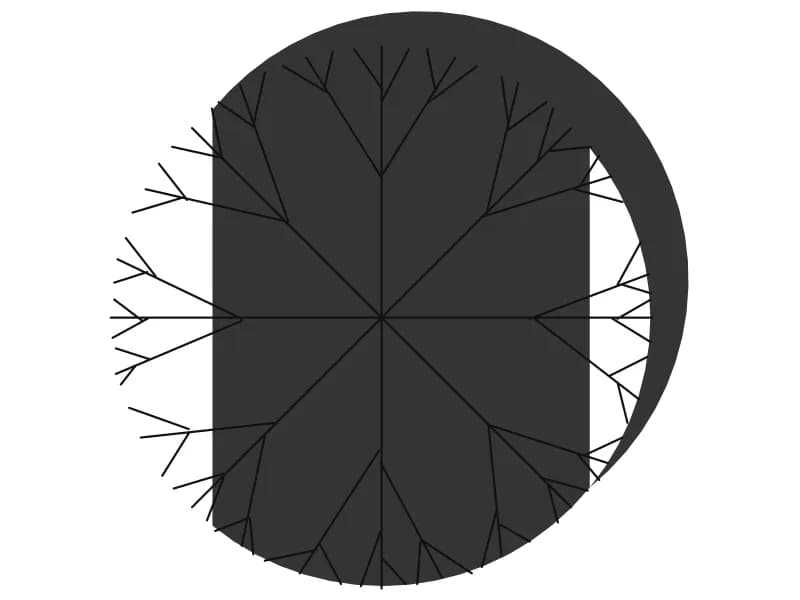
Tree plan CAD block with branch lines over a solid offset drop shadow disc

Tree12

A plan canopy of fine branch lines sitting over a solid drop shadow on a separate layer.

38 KB · 2 entities

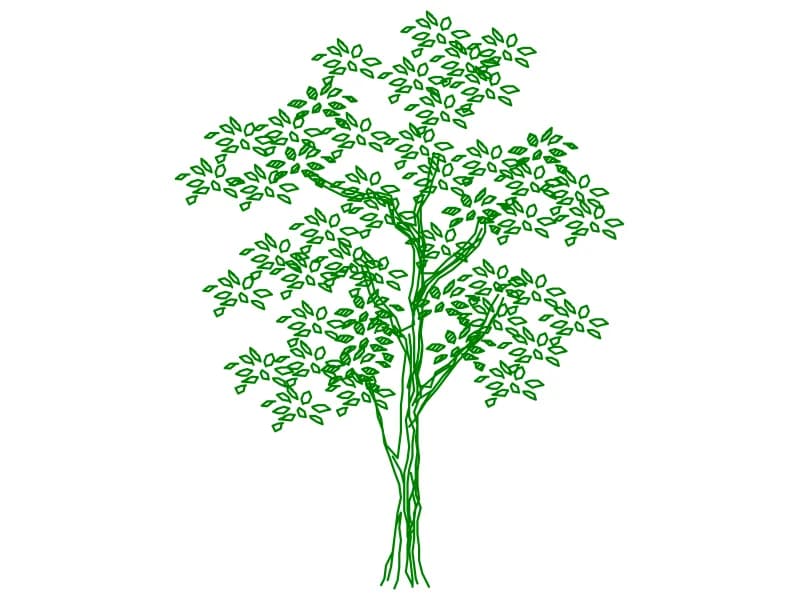
Tree CAD block in elevation with individually outlined leaves and multiple slender stems

Tree Elev5

A multi-stemmed tree in elevation with individually outlined leaves on a slender frame.

96 KB · 2 entities
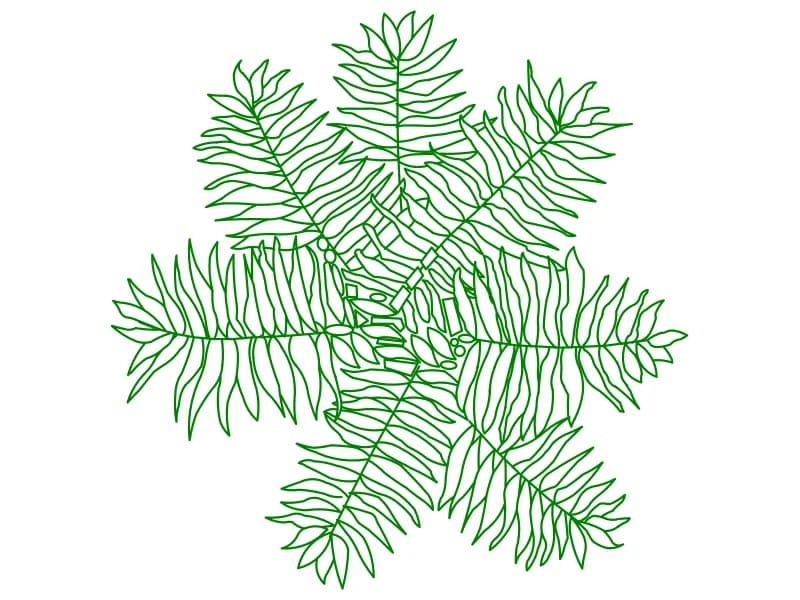
Fern-leaved tree CAD block in plan with seven compound fronds of outlined leaflets

Tree16

A plan symbol with seven compound fronds, every leaflet drawn as its own outline.

115 KB · 2 entities

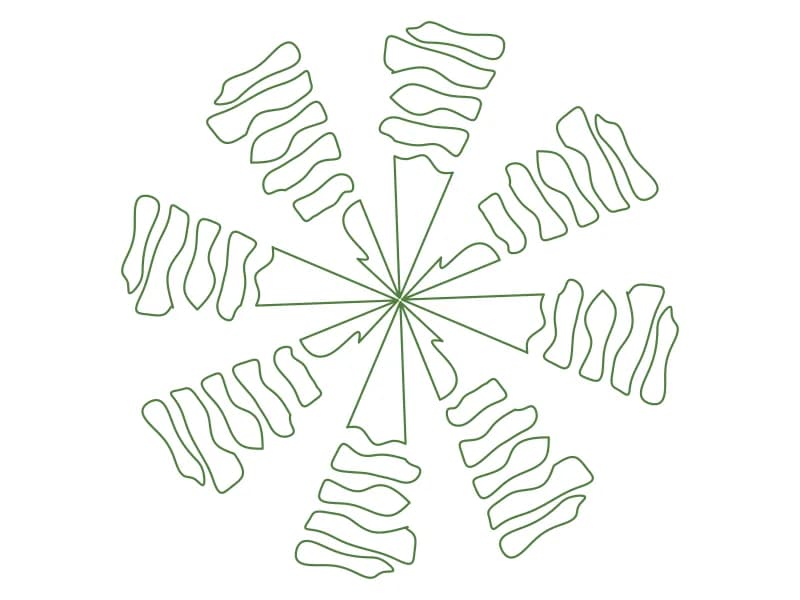
Palm tree CAD block in plan with eight outlined leaf clusters radiating from the crown

Tree19

A plan palm symbol with eight outlined leaf clusters spinning out from a small crown.

47 KB · 2 entities

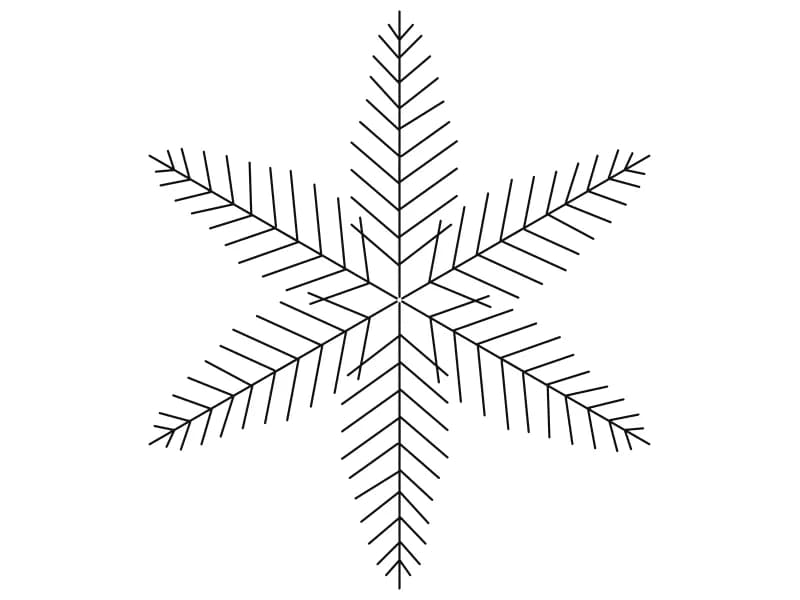
Conifer CAD block in plan view with six needled branches radiating from the centre

Tree15

A conifer in plan view, six needled branches radiating symmetrically from the leader.

41 KB · 2 entities

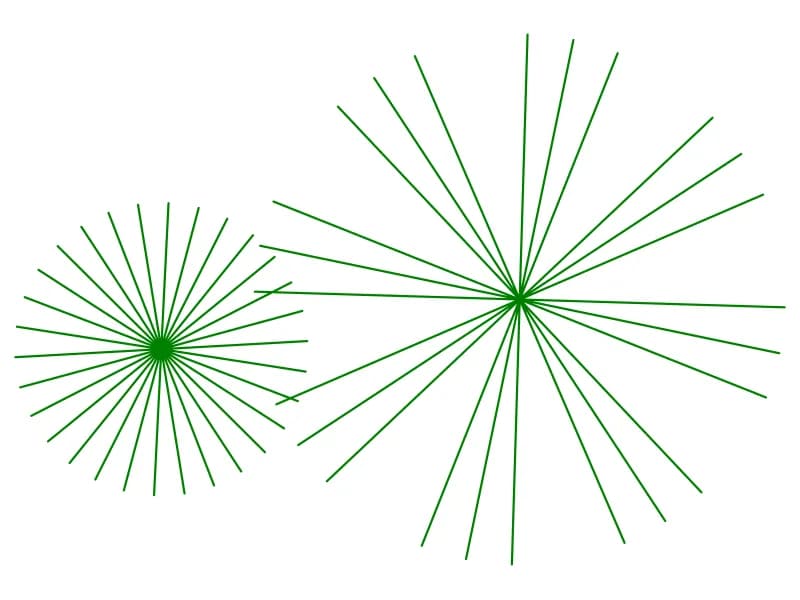
Two starburst tree CAD symbols in plan drawn as straight rays from a central point

Tree17

Two plan starburst tree symbols at two crown sizes, drawn as straight rays from a point.

35 KB · 1 entities

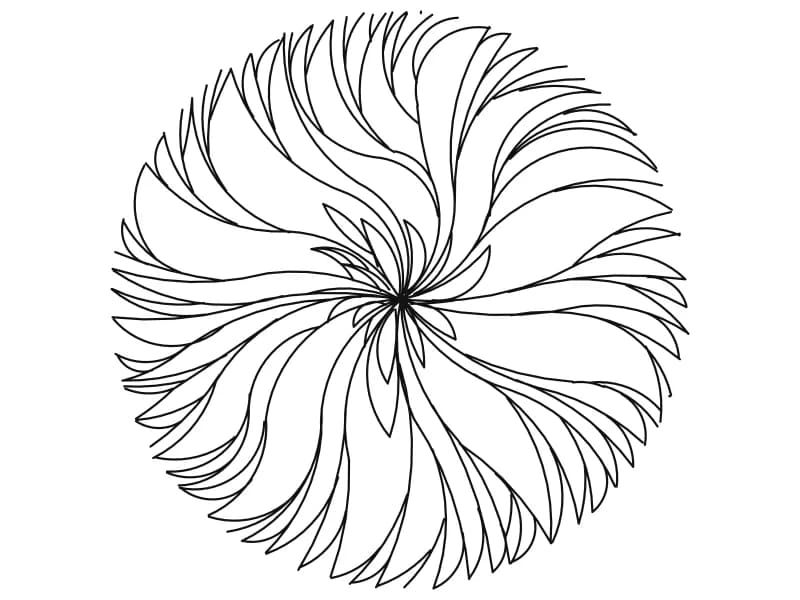
Round tree canopy CAD block in plan drawn as long curved leaves swirling from centre

Tree2

A circular plan canopy of long curved leaves that swirl outward from a single centre.

44 KB · 2 entities

Large conifer CAD block in plan with six needled arms radiating in a symmetrical star

Tree7

A large six-armed conifer plan symbol with fine needles along every radiating branch.

40 KB · 2 entities

Questions

Is this meant to be a palm?

The feathered fronds read as a palm or tree fern in plan. Nothing in the file names a species, so use it for any pinnate-leaved tree.

How do I stop copies looking identical?

Rotate each insert by an arbitrary angle and change the scale by five or ten per cent. The pinwheel shape makes exact repeats obvious.