 NASJI
NASJI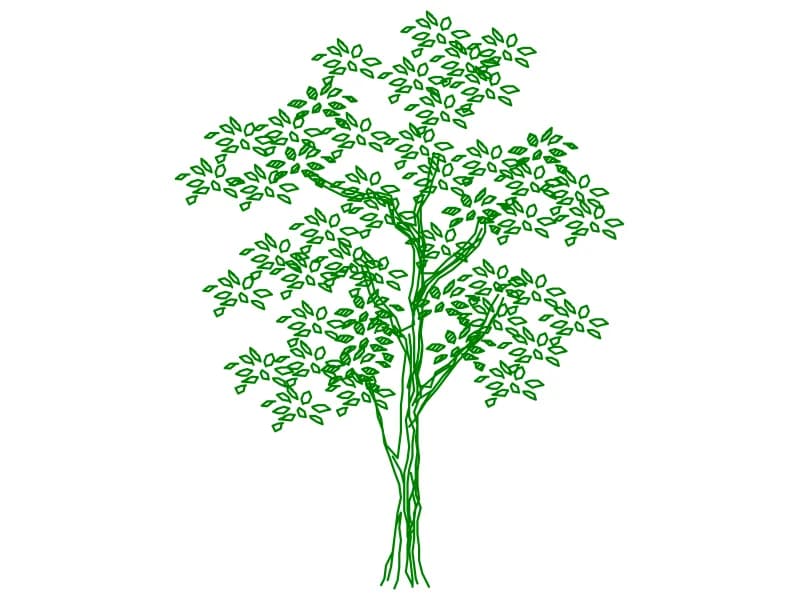
Tree Elev5
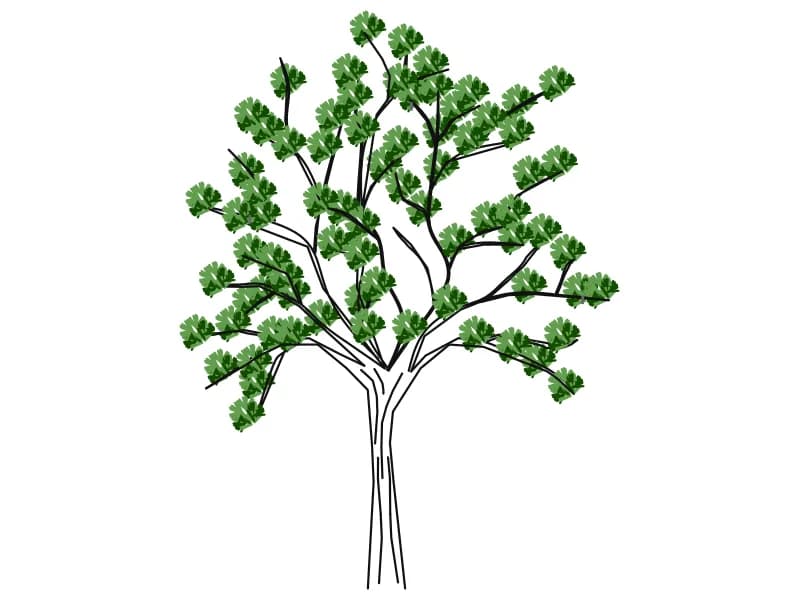
A multi-stemmed tree in elevation with individually outlined leaves on a slender frame.
96 KB · 2 entities
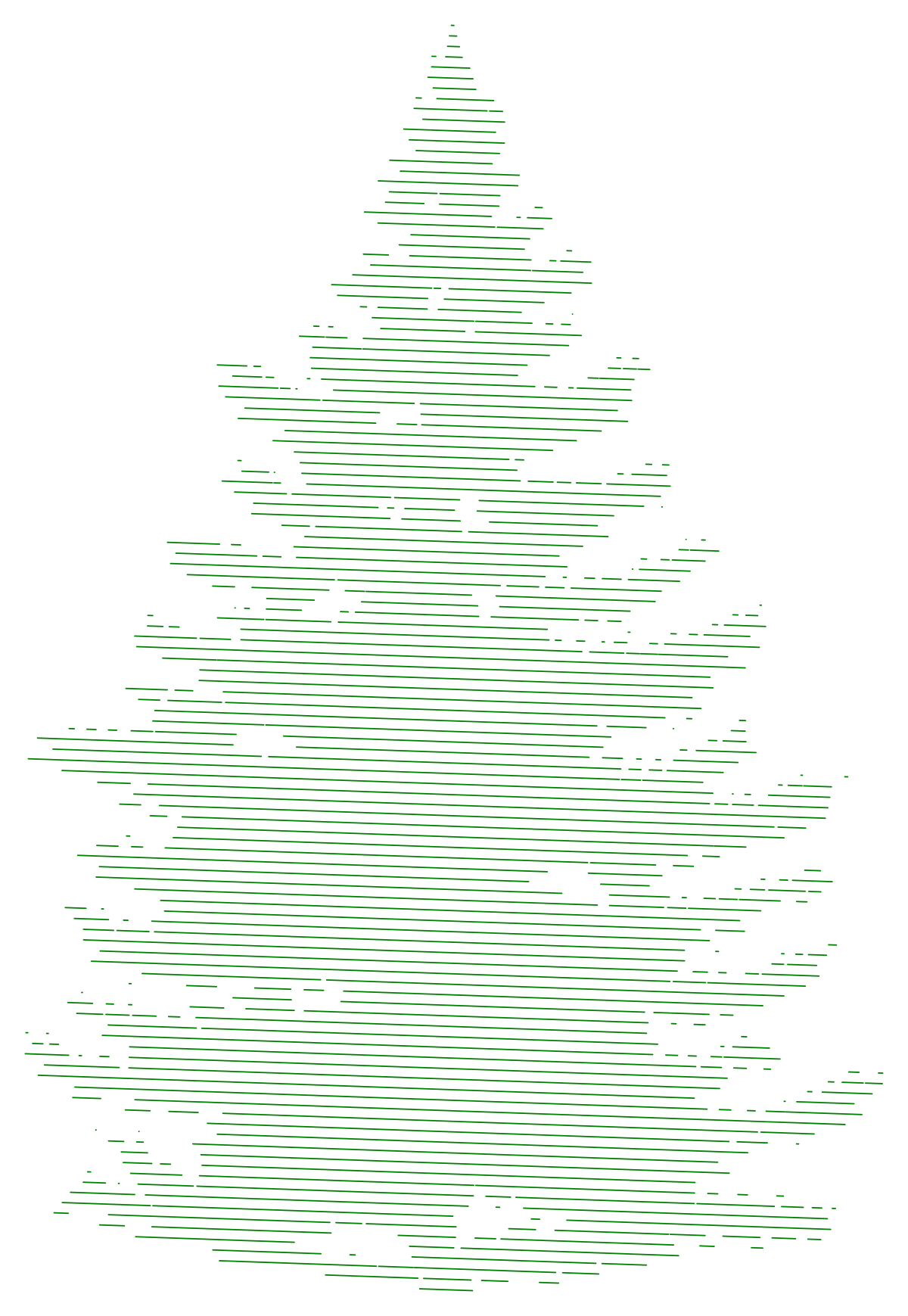
A fir in elevation, its tiered branches built from fine horizontal hatch lines.
Up to 100 library downloads per day across all libraries. Resets at 00:00 UTC.
DWG is the original file. DXF is written from it on request. Open in CAD loads it into the free browser CAD — nothing to install, no account.
A fir seen from the side, tapering from a wide skirt at ground level to a single leader at the top. The branches are not outlined at all: each tier is filled with short horizontal lines that thin out at the tips, so the tree reads as soft green texture rather than a hard silhouette. It is one insert on the layers CAY and DIENHOA, four units wide and seven tall, proportions that read as a seven-metre conifer with a four-metre skirt.
Evergreens carry winter elevations and mountain or northern site sections, where a bare deciduous outline would look wrong, and this one holds together from 1:50 down to 1:200. The line texture does mean a lot of short segments, so keep the block unexploded and let your CAD program handle it as one object. If the tree plots too heavy, move it to a layer with a 0.13 mm pen; if it plots too light, thicken that layer rather than editing the hatch lines inside.
A multi-stemmed tree in elevation with individually outlined leaves on a slender frame.
96 KB · 2 entities
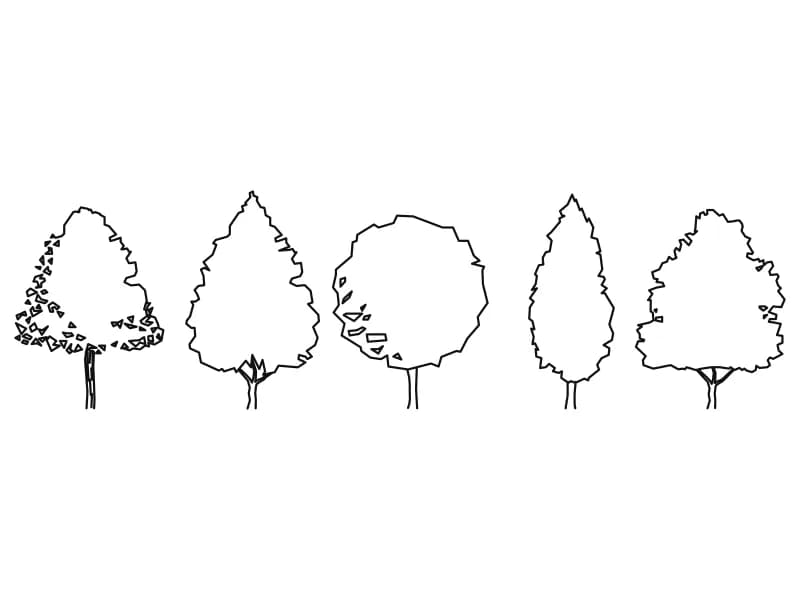
Five outline trees in elevation covering broad, conical, round, columnar and spreading crowns.
48 KB · 6 entities
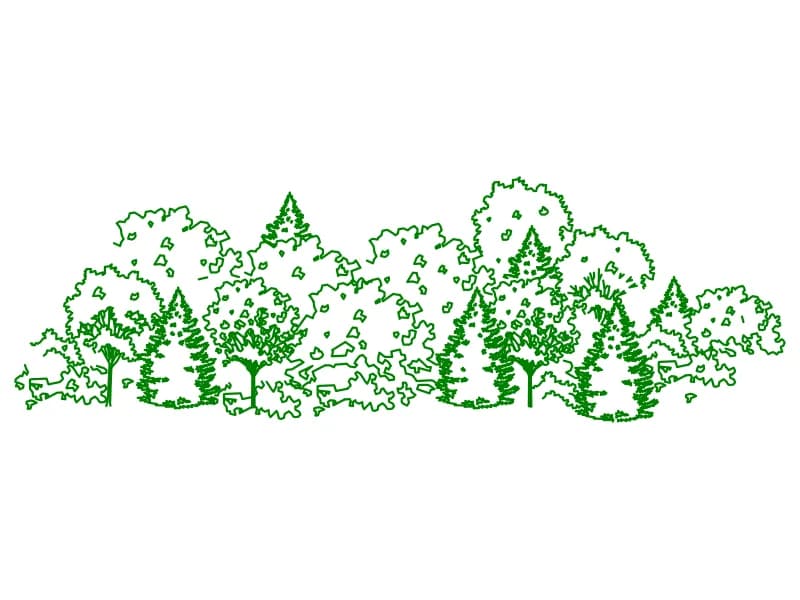
A wide mixed planting belt in elevation, conifers and broadleaf masses drawn as one block.
201 KB · 2 entities

Forty-five coloured plan-view tree and shrub symbols laid out as a planting palette.
1.6 MB · 46 entities
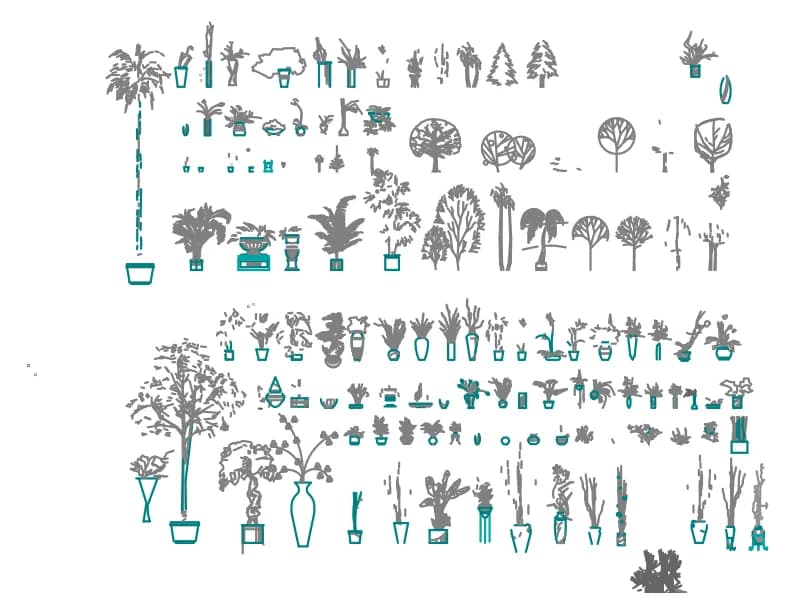
A sheet of well over a hundred indoor potted plants and small trees drawn in elevation.
2.8 MB · 59,468 entities