 NASJI
NASJI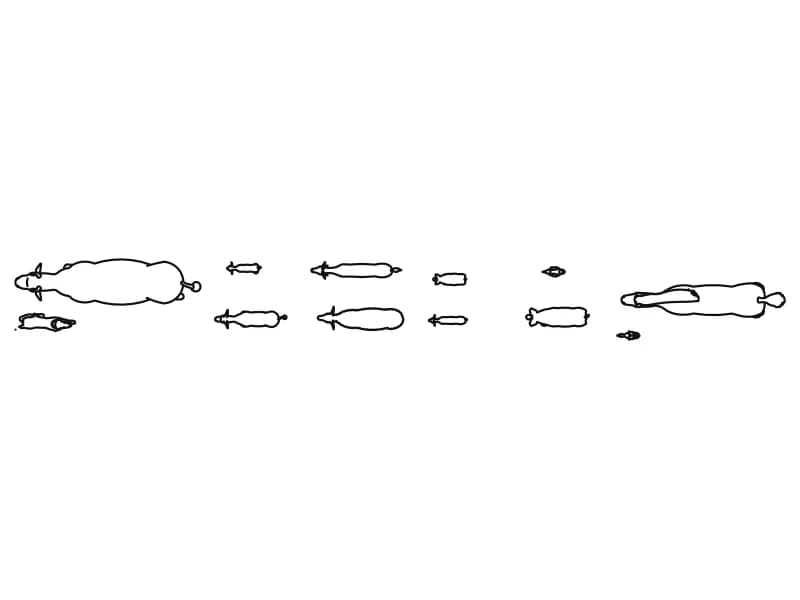
Animal CAD Blocks — Plan and Elevation Silhouettes
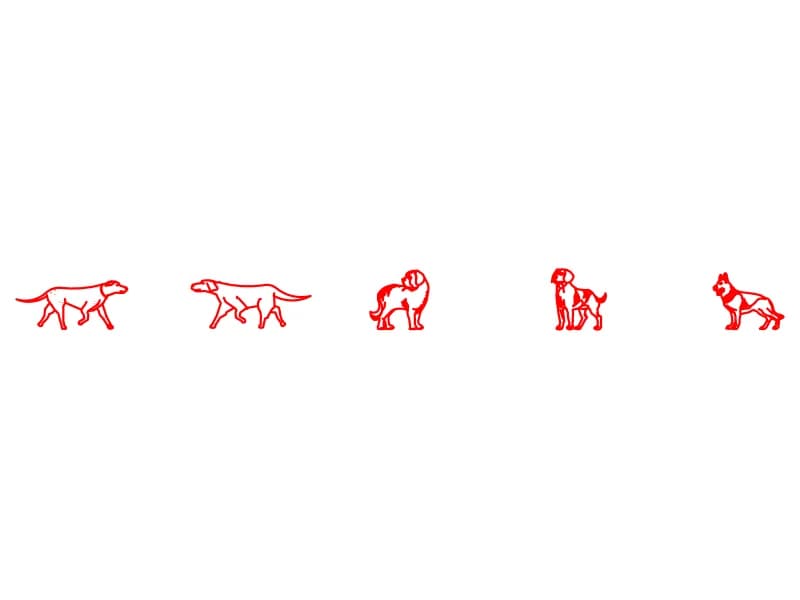
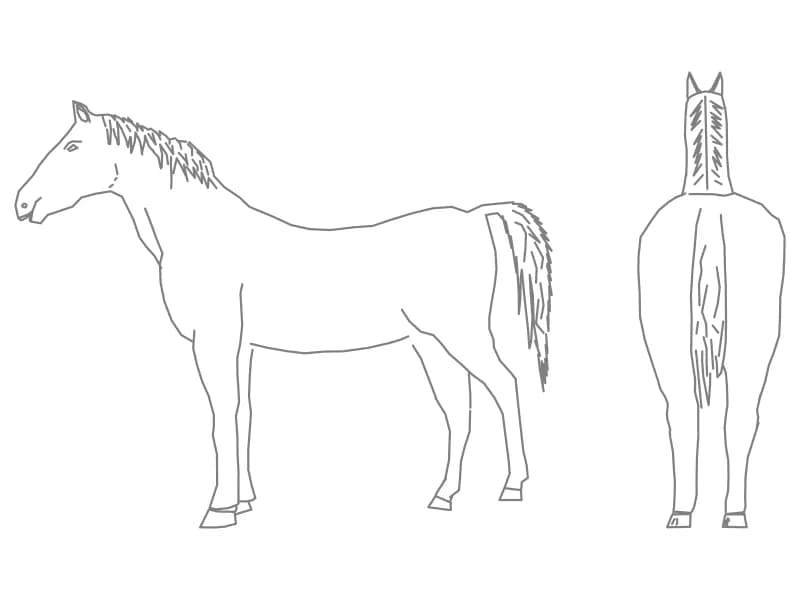
Four files, each a small set rather than one animal. Twelve fish and sea creatures are laid out in a row in plan view, every one its own block definition, for ponds, tanks and water features. A dog sheet holds 615 entities — 306 lines, 182 arcs and 21 filled areas — drawn as side silhouettes across 18.5 units. A horse arrives as two inserts. A cow is given twice, once in side elevation and once from above, on a layer it shares with the human figures from the same source drawing.
Animals are entourage: they tell a reader what a space is for. Dogs and horses suit landscape plans, paddocks, stables and veterinary layouts at 1:50 to 1:200, the cow suits an agricultural building where stall width is being tested, and the fish belong in a pond plan or an aquarium detail. Set the length against a known dimension in your own drawing rather than trusting the unit flag, since these were exported as symbols. One or two to a view is enough, placed away from the centre of interest.
5 blocks · every one as DWG and DXF · free, no sign-up
Blocks
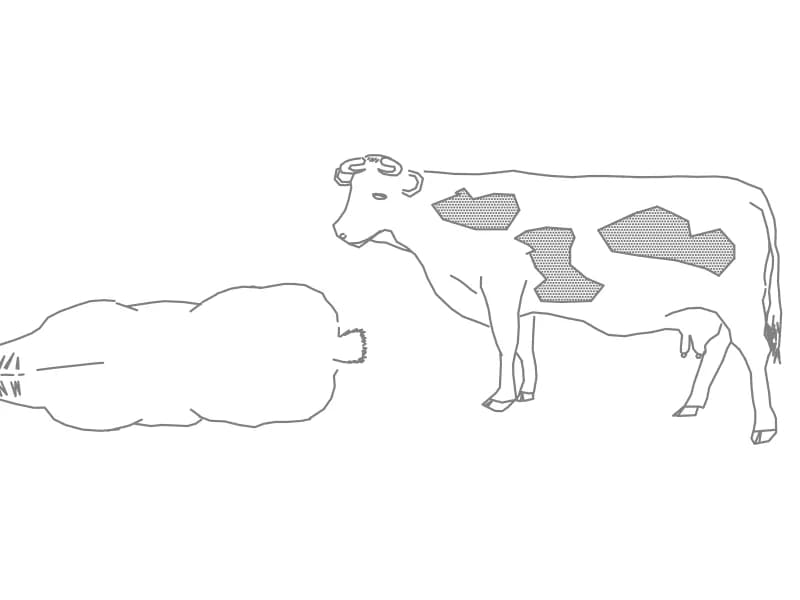
Cow Side Elevation And Top Plan
A cow in side elevation and top plan, two separate blocks with hatched hide markings.
83 KB · 3 entities
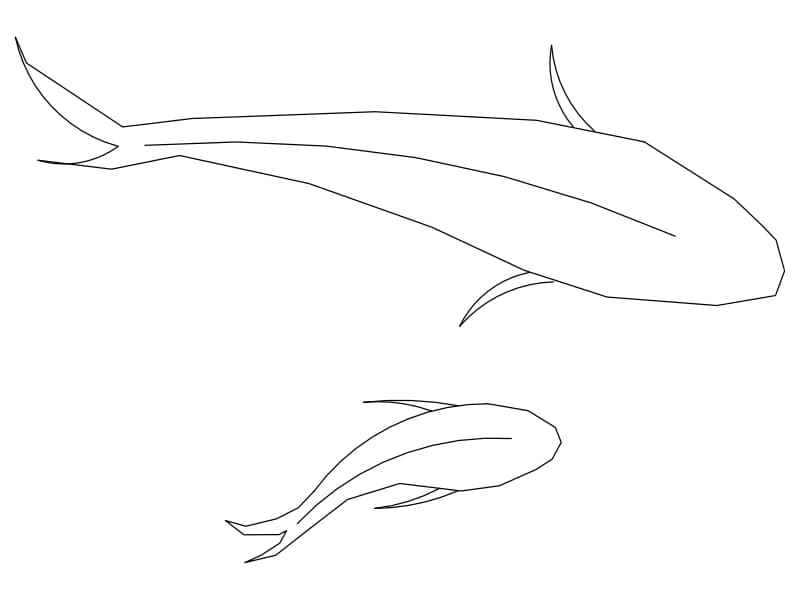
Two fish silhouettes for pond plans
Two fish silhouettes for pond plans. Download the editable DWG or DXF, or open the drawing directly in NASJI to inspect and adapt it.
9 KB · 18 entities